
A blue X-Class 900mm, turquoise water and a forested coastline: the three gallery screenshots below show the Azores island scene from FPVSIM's LOS camera. They were captured in the live browser simulator, with the aircraft visible from outside. Browse the gallery, then follow the setup steps to select LOS and understand the separate LEVEL and ACRO controls.
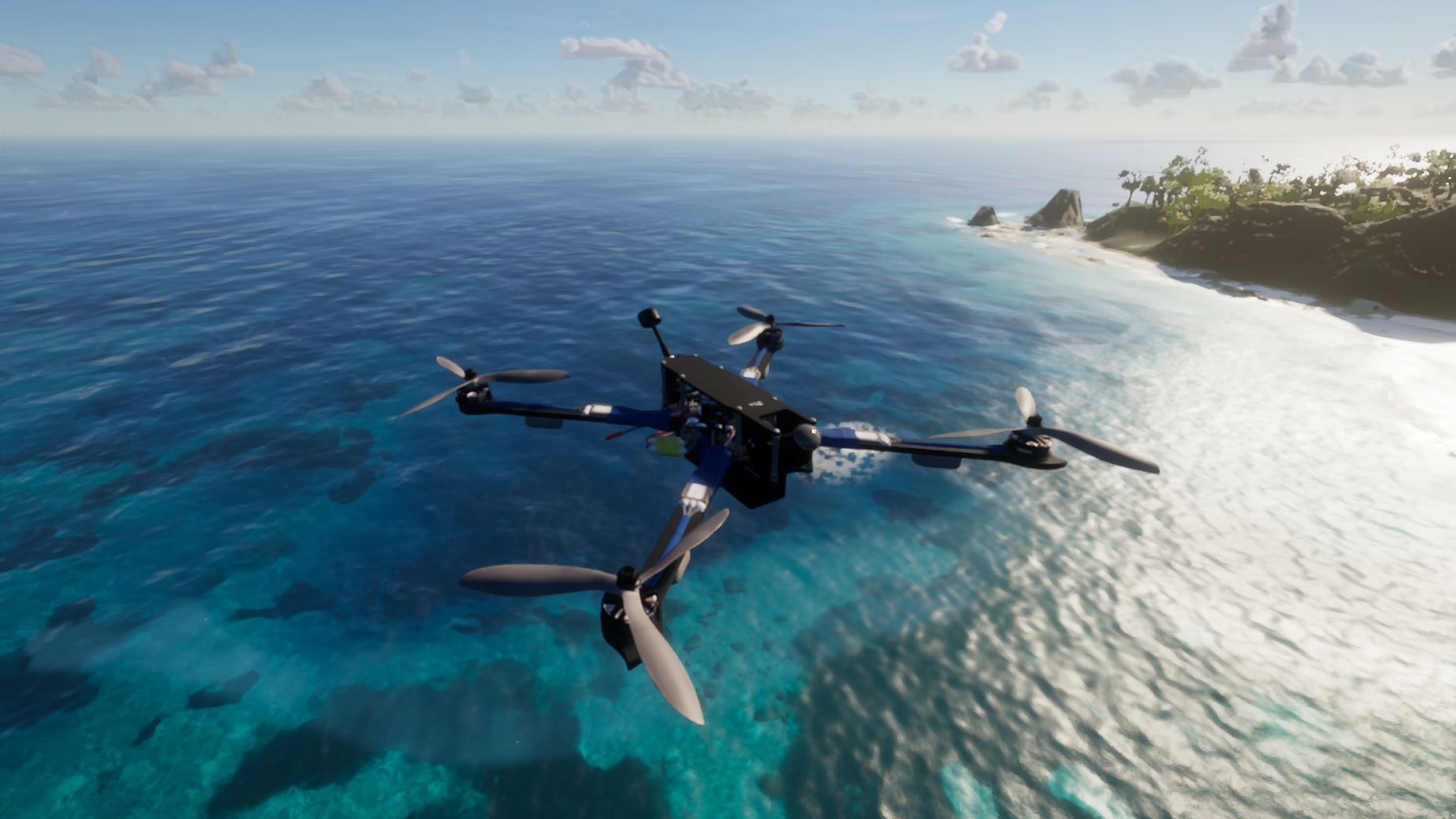
X-Class 900mm above sunlit water, with the Azores headland behind it.
What the LOS camera shows
LOS means line of sight. This view keeps the camera outside the aircraft, so you can see the frame, its orientation and its position against the surroundings. FPV places the view on the aircraft instead. For this gallery, LOS lets the blue frame stand out against the water and makes it easier to compare the drone's shape across three different angles.
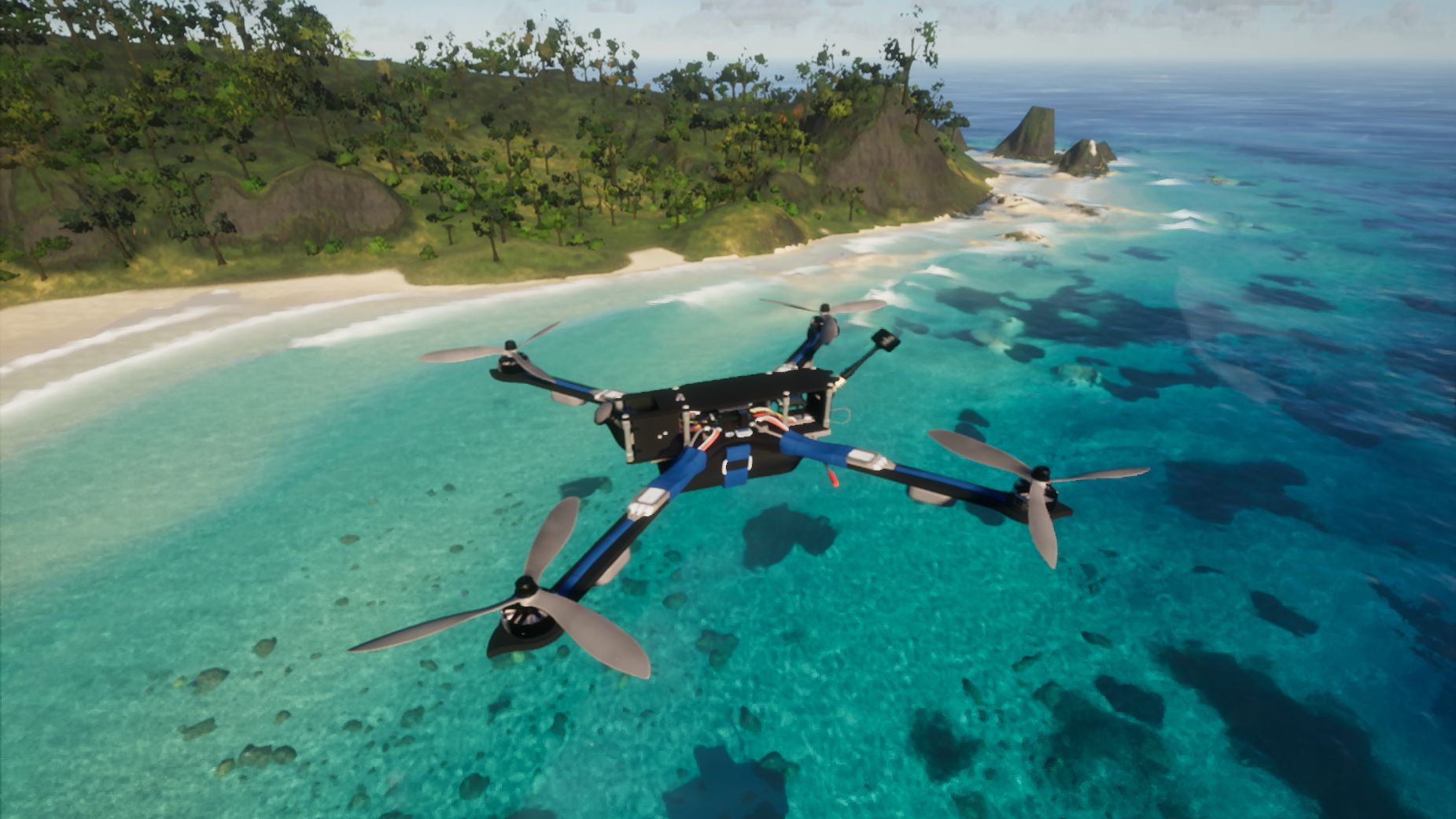
A second LOS angle beside the forested coast.
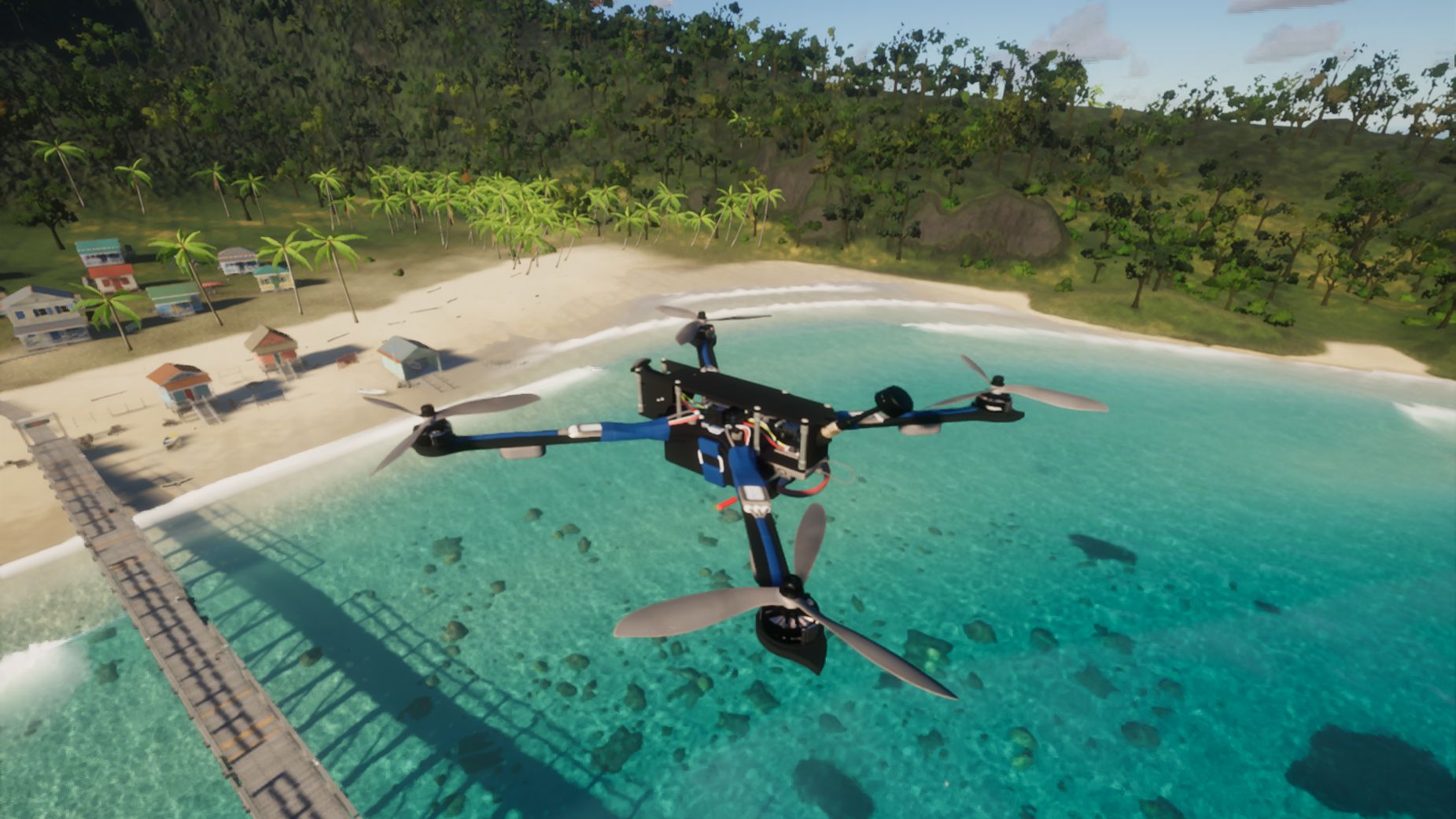
A closer look above the lagoon and pier.
How to select the LOS camera in FPVSIM
- Open Azores island in the browser simulator. Complete any sign-in or access prompts and wait for the scene to load.
- Choose X-Class 900mm in the drone chooser to use the aircraft shown here.
- In a normal simulator session, outside a tutorial, race or replay, open the gear settings button. Scroll to the Camera row and choose LOS. The other choices are FPV (FIRST PERSON VIEW), CHASE and SPRING.
- Wait for the scene to reload and the settings panel to close. Check that the bottom CAMERA control reads LOS. Your flight mode is a separate setting: selecting LOS leaves MODE ACRO or MODE LEVEL unchanged.
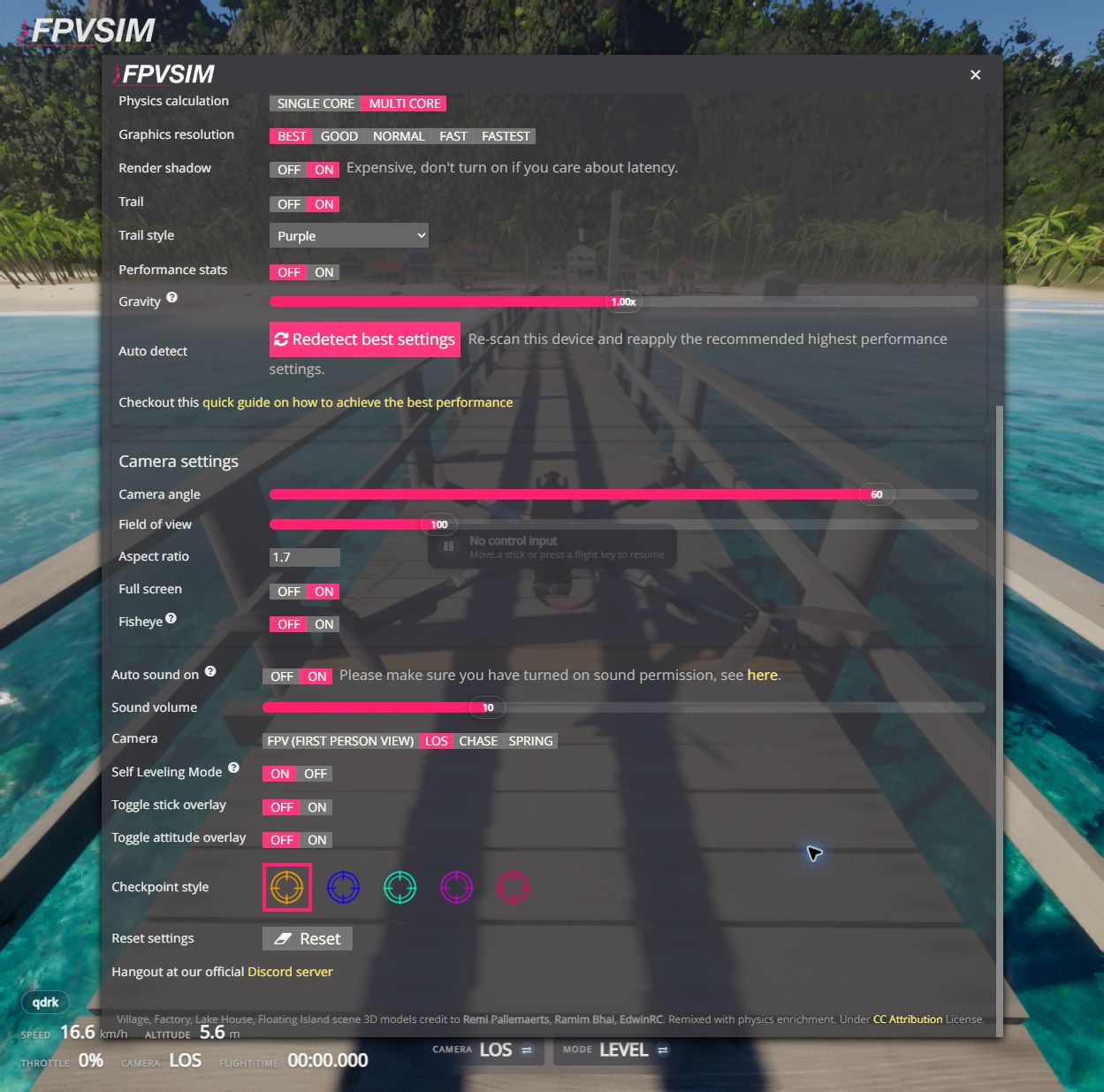
Camera and Self Leveling Mode have separate controls. This screenshot shows LOS, self-leveling ON and normal gravity at 1.00x.
Use the coastline, pier and lagoon as reference points while exploring the scene. The screenshots on this page use a field of view of 100. You can leave gravity at 1.00x when changing cameras.
Azores requires a WebGPU-capable browser and hardware acceleration. Its first shader compilation can take a few minutes. For controls and setup, visit the simulator guides, or browse the online scenery gallery for another place to fly.
LOS and LEVEL control different things
Camera chooses your viewpoint. Mode controls self-leveling behavior. You can use LOS with either ACRO or LEVEL.
To enable self-leveling, click the bottom MODE ACRO control once and confirm that it reads LEVEL. If it already reads LEVEL, leave it selected. In settings, the corresponding Self Leveling Mode value is ON. The camera stays in LOS when you change this flight mode.
LEVEL returns the aircraft toward level when you release pitch and roll. You still control the throttle; self-leveling does not hold altitude or automatically hover. ACRO leaves self-leveling off.
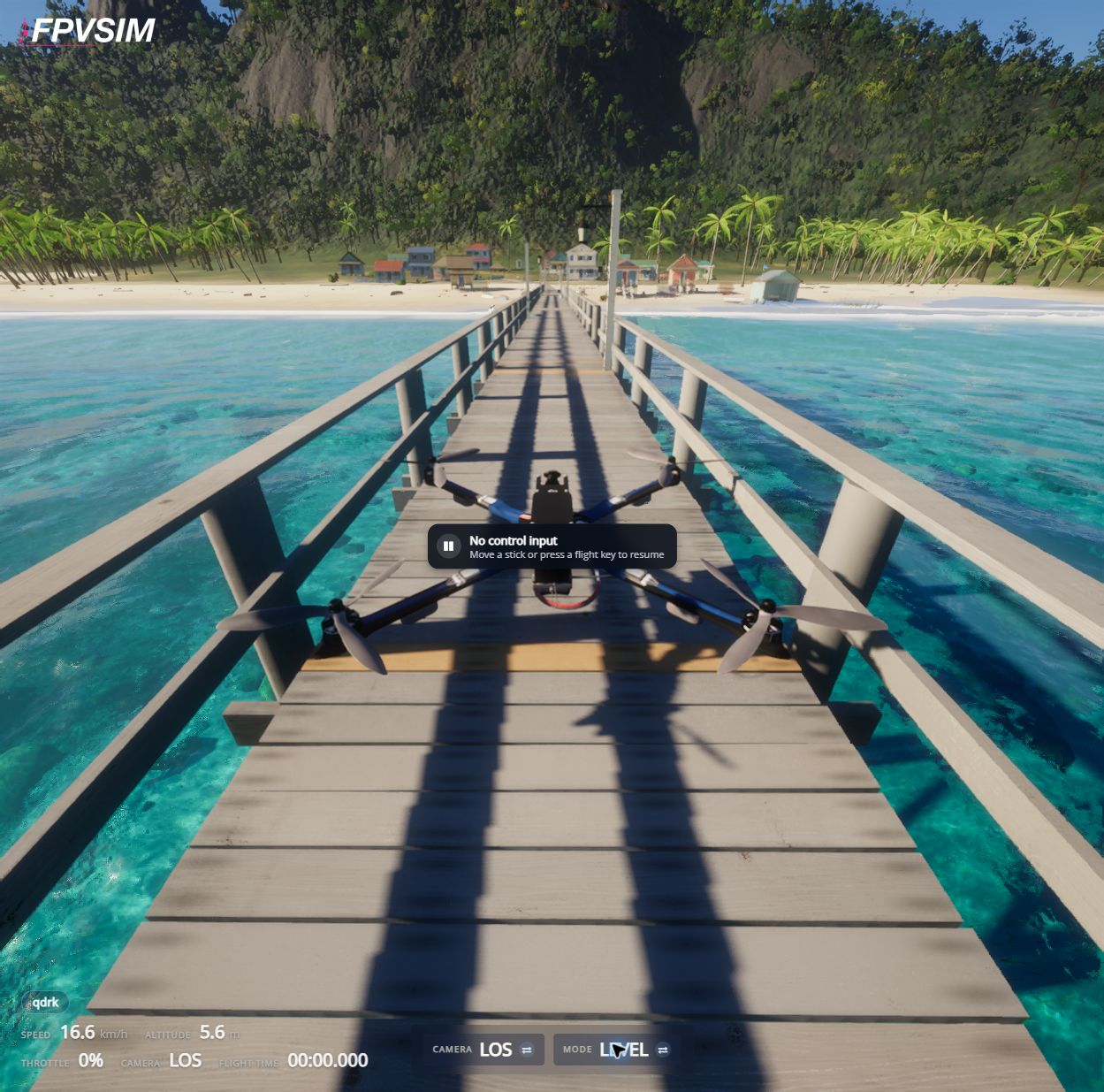
The bottom controls show CAMERA LOS and MODE LEVEL. The simulator is paused because there is no control input; this image demonstrates the selected settings, not flight behavior.
To return to the onboard view, open the gear settings again and choose Camera → FPV (FIRST PERSON VIEW). After the scene reloads, confirm CAMERA FPV. Your LEVEL or ACRO selection stays unchanged. Check both controls before resuming flight.
How these screenshots were captured
The three gallery images were captured in the live browser simulator on October 4, 2026, at 1851 × 1041 pixels. The aircraft was posed with Gravity 0.00x, in LOS / LEVEL, with FOV 100. These are posed simulator stills, not a flight demonstration or evidence of hovering under normal gravity. Gravity was restored to 1.00x afterward.
The gallery capture excluded the HUD and logo, and the toolbars were allowed to hide. The three frames show the same aircraft and scene from distinct viewpoints.
The two controls screenshots were captured on October 7, 2026, at 1249 × 1235 pixels, with Gravity 1.00x and FOV 100. The simulator had automatically paused for lack of control input, as the visible pause message shows. These screenshots document the camera and self-leveling settings; they are not a flight or hovering demonstration.
All five images are genuine browser screenshots. No generated scenery, compositing or retouching was used.
Model and scenery credits
The X-Class model is adapted for FPVSIM from “Drone racing” by Kawasalto (3D Husky), licensed under CC BY-SA 4.0.
The Azores scene integrates Tidewater, with MIT-licensed code © 2026 DRG Software Solutions LLC. Third-party assets retain their own licenses; see the upstream credits.
Explore Azores from the LOS camera
Open the scene, choose your aircraft and find your own view.