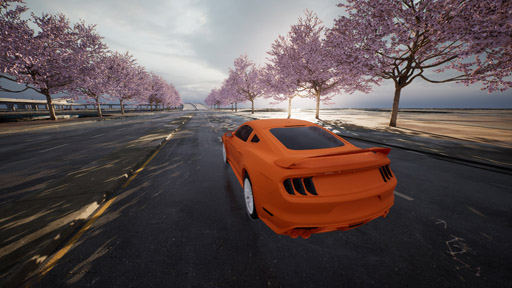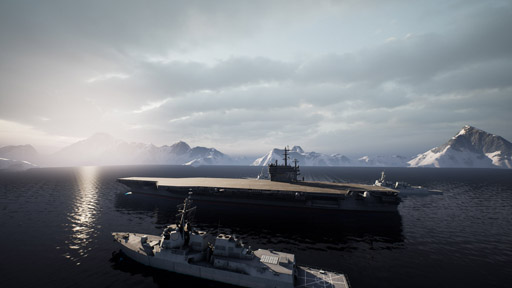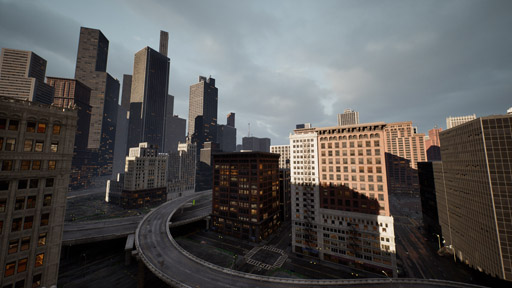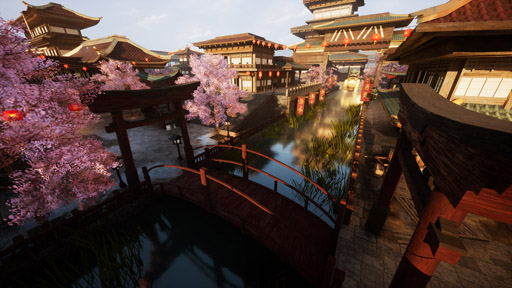
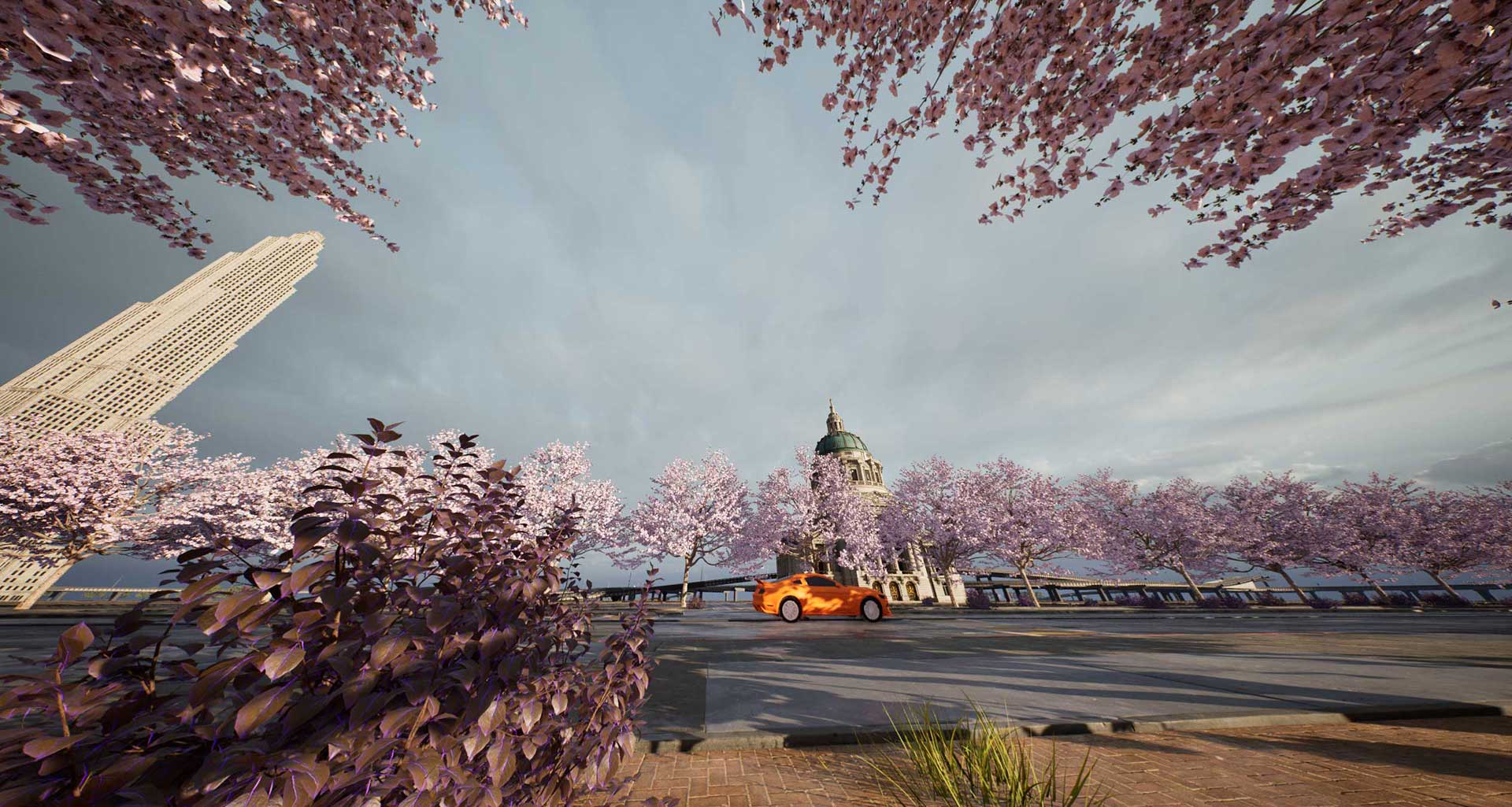


FPVSIM Drone Simulator 2

The Drone Flight Simulator that combines photorealistic graphics with research level dynamics. Available on Steam & Epic Game Stores (Windows) and OSX, Linux, Windows, Android, iOS, ChromeOS, etc. (online version)!


Designed & tuned for high consistency with research level quadrotor dynamics simulation engine, letting you transfer your skills from sim to real world seamlessly.
FPVSIM Drone Simulator Screenshot

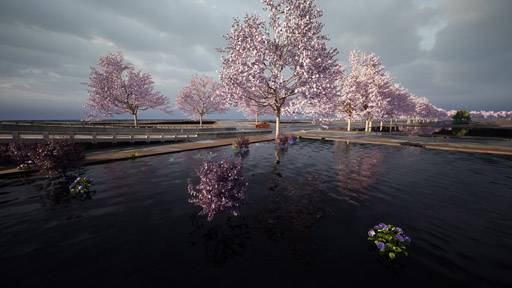
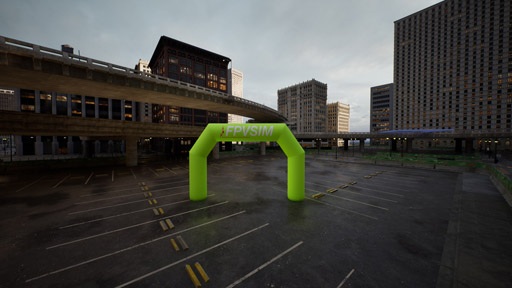
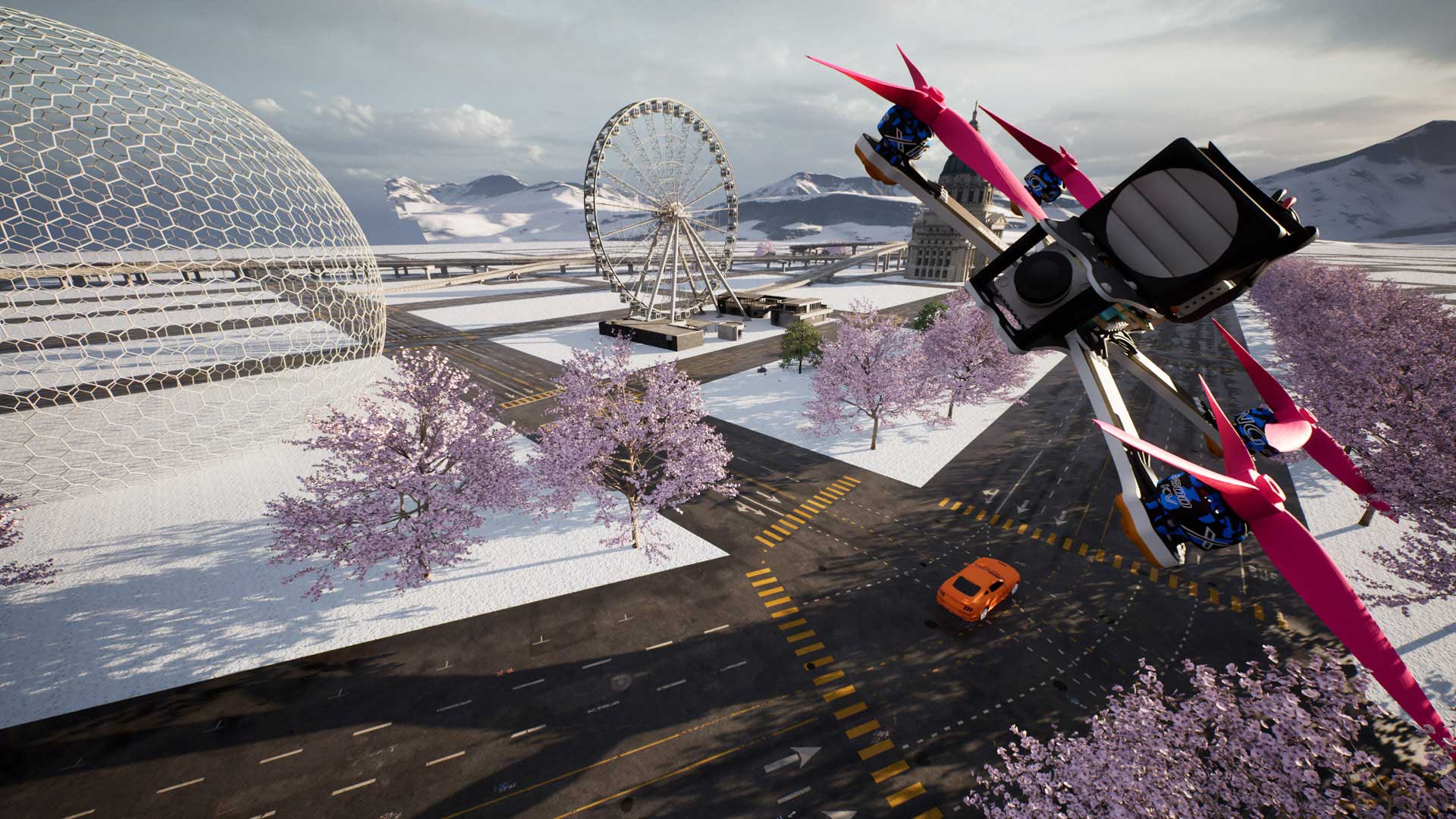
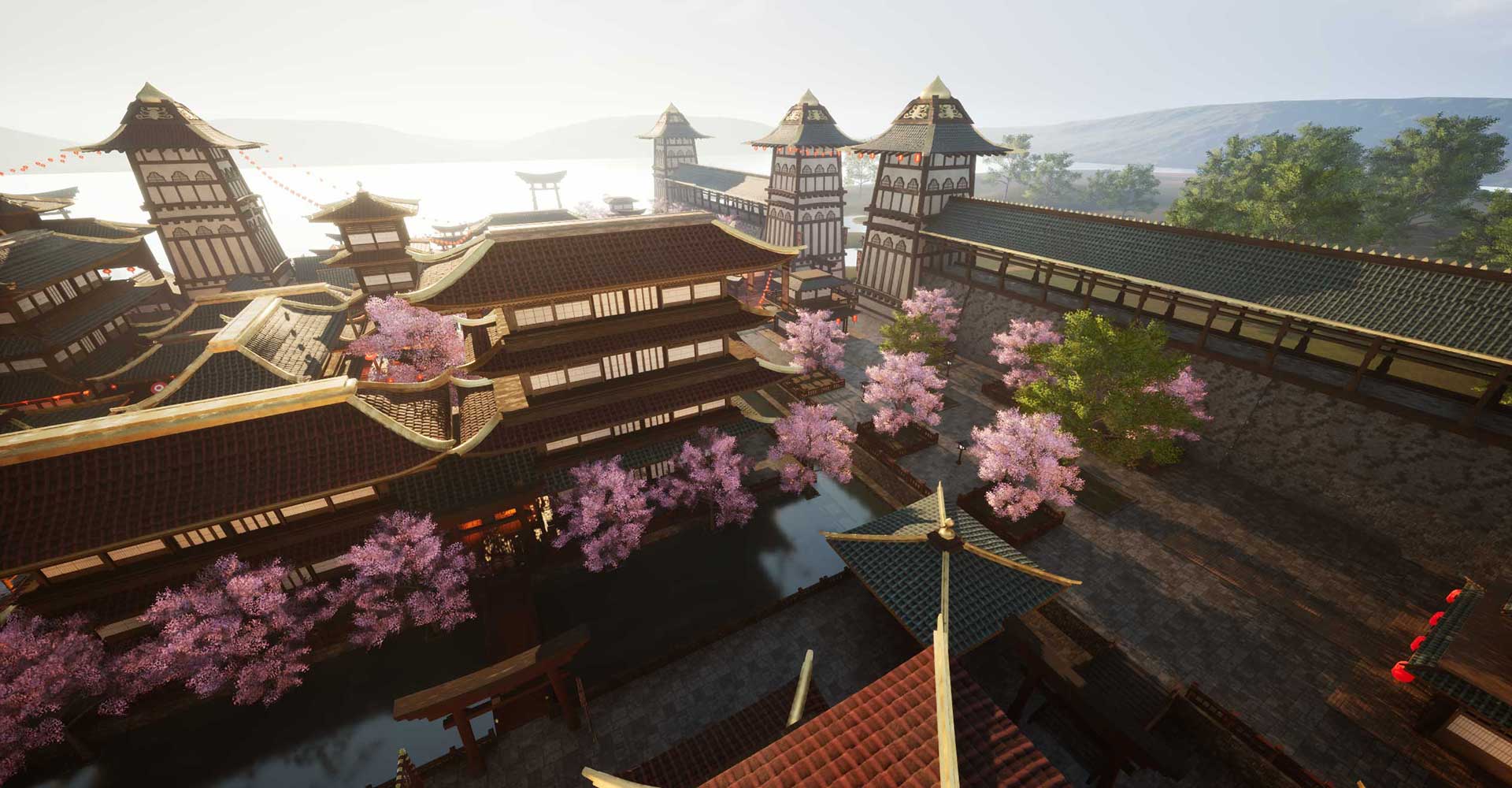
15 maps, from photorealistic graphics to simple scenes
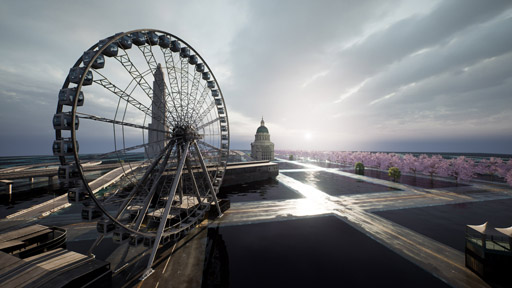
FPVSIM Drone Simulator Screenshot

Great stick feel with research level dynamics simulation tuned by professionals
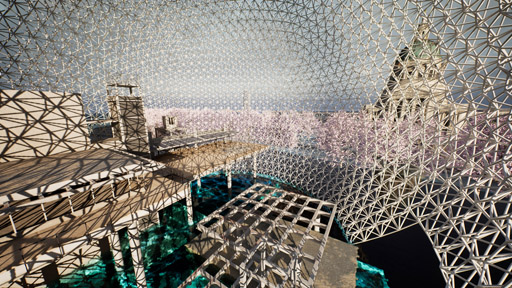
FPVSIM Drone Simulator Screenshot

Real PID loop with tunable PID, Feedforward, TPA, Throttle limit, etc
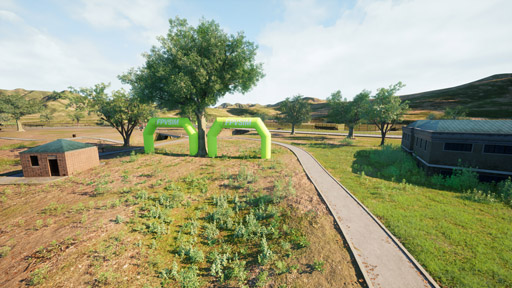
Enjoy the breathtaking scenery while improving on your FPV skills.


With Unreal Engine 5, the graphics are not just realistic, they're better than realistic! With all the special effects turned on, any frame can be a desktop background.
FPVSIM Drone Simulator Screenshot

Record your fast lap times by submitting your runs to the leaderboard and rank against pilots around the globe

FPVSIM Drone Simulator Screenshot

Replay the DVR with versatile controls: backward/forward jumps with variable speed

FPVSIM Drone Simulator Screenshot

And so much more! Stick overlay, Angle or Level mode, etc.

No great product is built without a crazy passion


Designed and developed by a group of avid drone racers/freestylers and software engineers. With 4 years of non-stopped building and optimization, sim is in our blood!
FPVSIM Drone Simulator Screenshot

Tunable graphics settings for wide range of hardwares support

FPVSIM Drone Simulator Screenshot

OpenTX, Gamepad, DJI radio controllers all supported

FPVSIM Drone Simulator Screenshot

Built with ❀️ by pilots, for pilots

Fly online or download our desktop version with the same stick feel!


  Choose a version
FPVSIM 2 just dropped, thanks to the hardwork of the dev team!
  • A fully revamped quadrotor dynamics simulation engine with realistic propeller and motor simulations, pushing simulation accuracy to the next level
  • Added Level mode on top of Acro/Angle mode, great for beginners
  • Added 6 brand new maps, making a total offering of 15 maps! Some of them are specifically tailored for medium to lower end PCs. New maps are:
    • Asian Medieval Town
    • Drifting Scene: a frequently asked feature, now added to the portfolio
    • City Park
    • Harbor Party
    • Desert Track
    • Secret Base
  • Added toggleable realtime stick overlay, make it it easier to see how certain tricks are done
  • Added throttle limit configurations, allowing you to configure throttle limit in the sim
  • Added max deg/s to rate configurator, making it easier to see the current rate
  • Auto hide and show floating buttons and cursor: move or left click the mouse to reveal
  • Add altitude and flight mode info to HUD
  • New inflatable FPV gate model
  • Fine tuned propeller sound
  • Polish HUD and loading screen
  • Add instructions for car driving scene
  • Fixed a bug where updating drone settings occasionally crashes the game

Web FPV simulator: fly in your browser

Practice throttle control, turns, and race lines with FPVSIM's browser FPV simulator. No download of the desktop simulator is required: open the online simulator, sign in, and set up your controls before your first flight.

Choose your controls

Start with keyboard controls, use on-screen sticks on a touch device, or connect a compatible USB radio or gamepad. For a controller, open Settings → Controller and follow the calibration prompts so throttle, roll, pitch, and yaw respond correctly.

Follow the PS4 controller setup guide or the supported DJI controller guide, including any software your controller model needs.

Give each flight a goal

Work on smooth turns before chasing a faster lap. Our beginner's simulator guide helps you plan your first practice sessions. When you are ready to build a course, follow the custom track tutorial.

Prepare for the first load

Your browser needs time to load the simulation and its assets, especially on your first visit. Close other demanding tabs and choose graphics settings that run smoothly on your device. See the browser performance guide for frame-rate and setup tips.