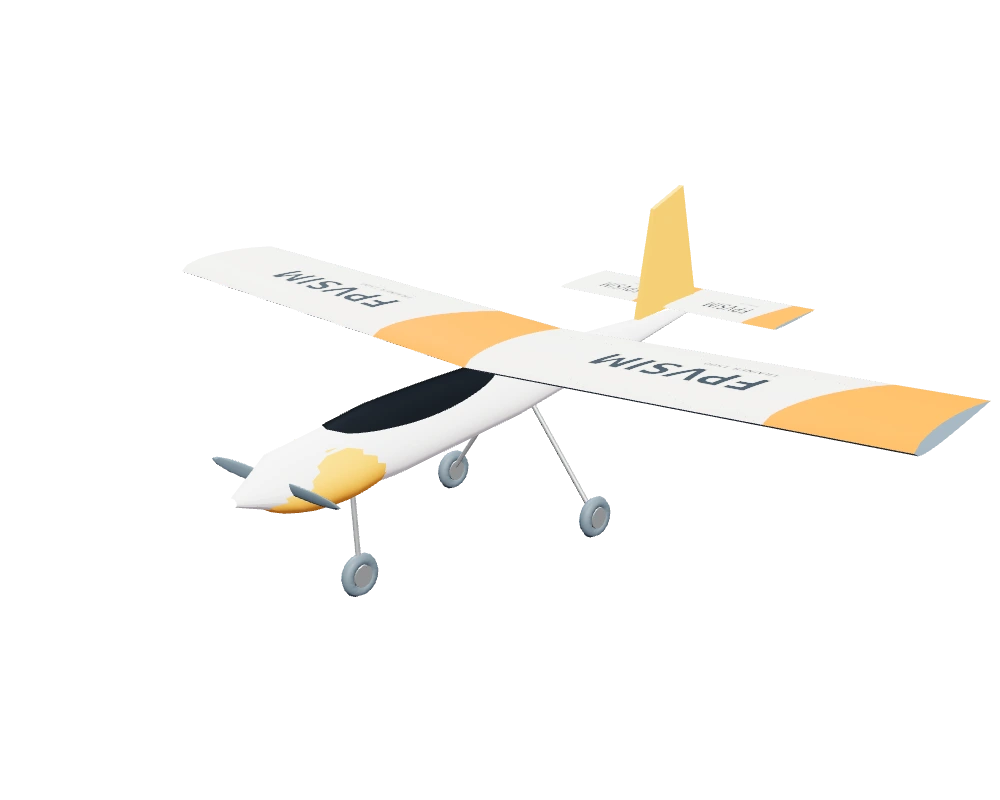
Trainer 1500
- 1.5 m span
- High wing
- Electric tractor prop
Start with the classic RC silhouette. Practice smooth circuits, coordinated turns and keeping your orientation from the pilot’s position.
Fly the Trainer in Pilot view
RC airplane simulator.
Find your line with an RC airplane or flying wing. Bank into a turn, carry your speed, and come around for another pass. Right in your browser.
Your USB radio. Two aircraft. Plenty of room to practice.
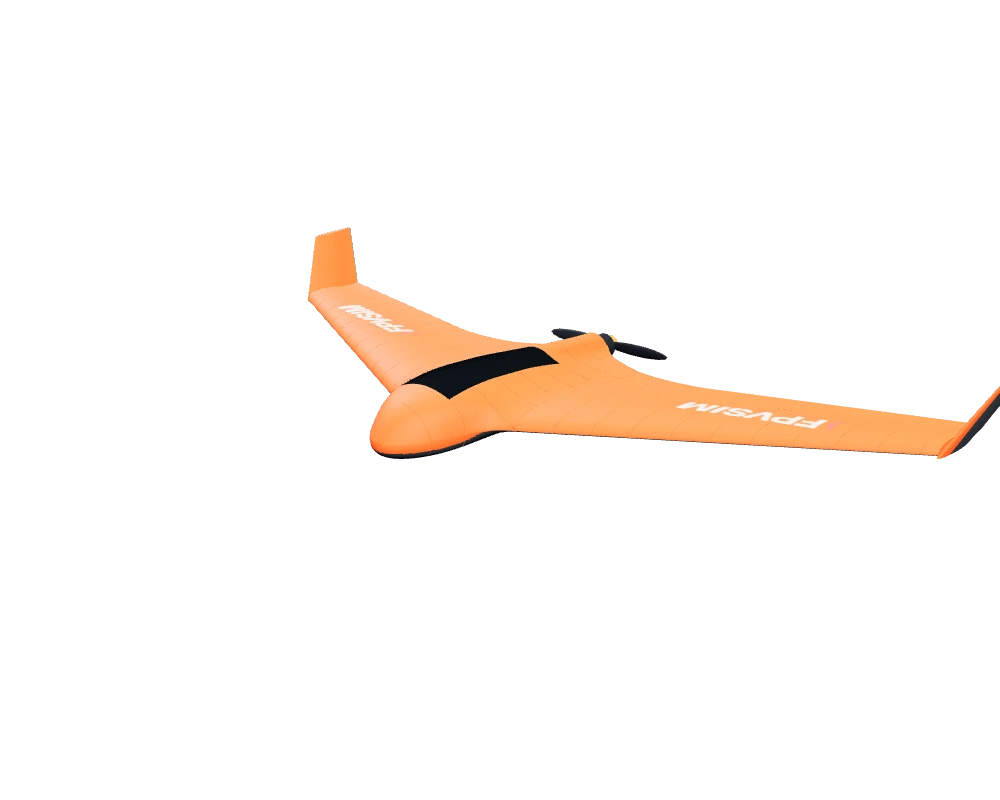
Aircraft model preview. Your flight starts in the simulator.
Pick your kind of flying.
A familiar high-wing trainer or a swept flying wing. Get to know both, one circuit at a time.
Start with the classic RC silhouette. Practice smooth circuits, coordinated turns and keeping your orientation from the pilot’s position.
Fly the Trainer in Pilot view
A swept wing, twin elevons and the view out front. Follow the terrain in FPV, link wide turns, and learn to carry energy through each pass.
Fly the Skywalker in FPVBoth aircraft use an automatic airborne launch. Lower the throttle, then raise it to 55% to get flying.
Feel the air.
Lift, drag, thrust and control surfaces work together. Manage your airspeed, ease into a bank, and feel how the airplane responds.
Take the sticksSettle into the flight.
01 / YOUR VIEW
Track the aircraft from a fixed Pilot position, follow it in Chase view, or fly through the FPV camera.
02 / YOUR SOUND
Electric motor and propeller sound follows RPM and load, adding another cue as you change power through the flight.
03 / YOUR CONTROL
Fly in Manual or select Rate stabilized to damp rotation. You still control the attitude; it does not automatically level the wings.
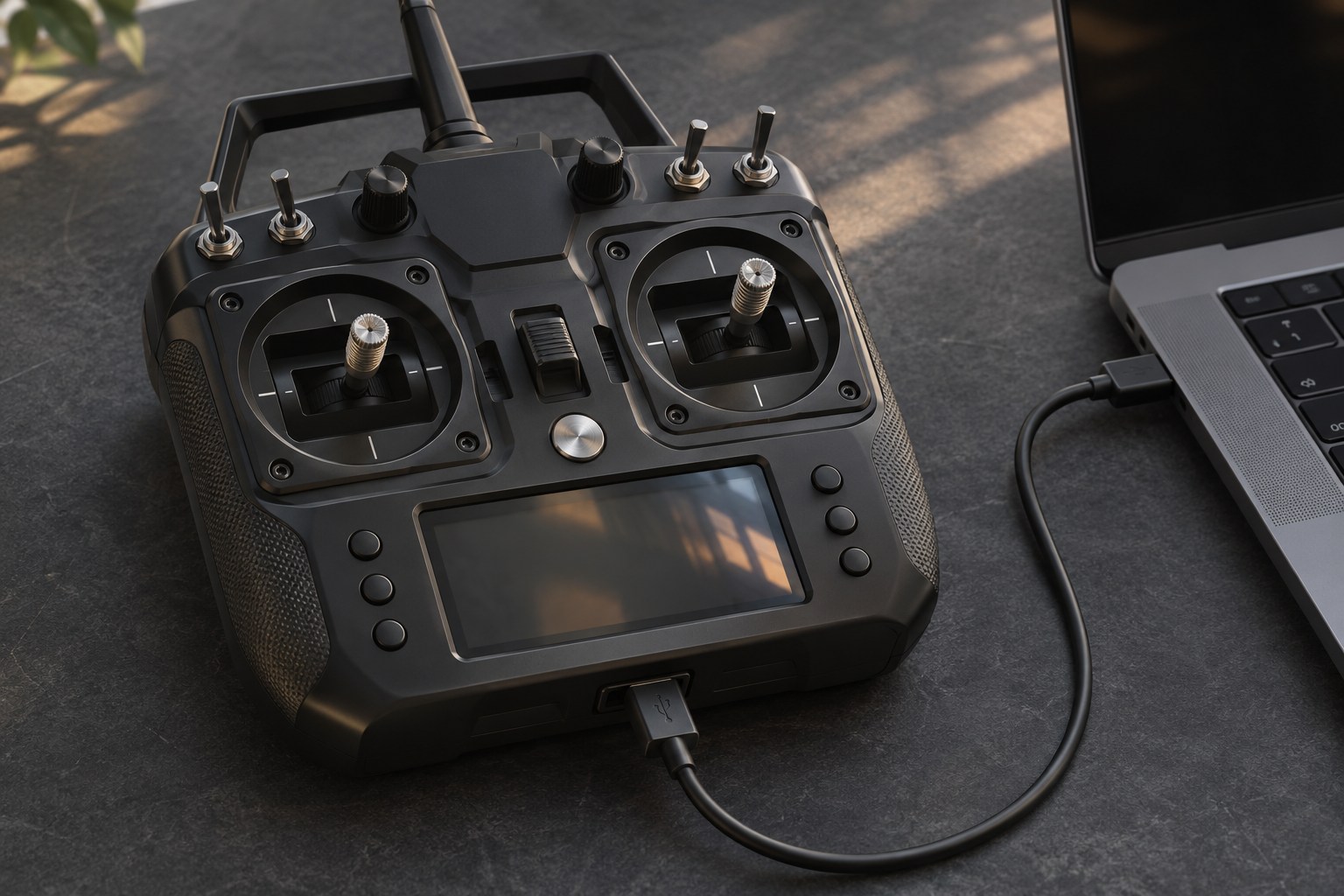
Familiar sticks. New wings.
Connect a compatible USB transmitter or gamepad and use the same four control axes you already know.
Put your radio in USB joystick mode, then map throttle, roll, pitch and yaw. Keep transmitter mixing off.
Choose the Trainer for conventional controls or the X8 for a flying wing. FPVSIM handles its elevon mixing.
Start low, then raise it to 55% to launch automatically. After a reset, lower it again before your next flight.
Choose the FPVSIM Trainer 1500, a conventional high-wing electric airplane, or the Skywalker X8 1300mm flying wing. Each has its own airframe, aerodynamic tuning and electric power system.
Yes, if your computer and browser recognize it as a USB joystick. Map and calibrate throttle, roll, pitch and yaw in the simulator. Use a normal, unmixed model on your transmitter; FPVSIM mixes the flying wing's elevons for you. The X8 has no active rudder.
Start with the throttle low, then raise it to 55% or more to launch automatically. Both models start with an airborne launch so you can get straight to flying. Lower the throttle again after a reset before relaunching.
FPVSIM models lift, drag, stall behavior, control surfaces and electric propeller thrust. Airspeed changes how the aircraft responds, and the motor sound follows RPM and load. The flight tuning is based on engineering estimates, rather than measured replicas of a specific real aircraft.
Yes. Pilot view keeps the camera at a standing position and tracks the aircraft. Chase follows the airplane, while FPV puts you on board. The Trainer launch link starts in Pilot view; the Skywalker link starts in FPV.
No simulator download is required for the browser edition. Flying requires an account and eligible simulator access; see the pricing page for current plans. A modern desktop browser with hardware acceleration and a compatible controller is recommended.
Check current access plans · Read the browser simulator manual
Pick an airplane, find your line, and make the next pass a little smoother.
Browser edition. Account and eligible simulator access required.
Trainer visual model by FPVSIM. Skywalker visual model: Skywalker X8 1300mm by kir_fedorov, CC BY 4.0. Adapted with FPVSIM livery, filled servo openings, moving elevons and an electric pusher. Model renders shown above. Flight tuning uses engineering estimates.
