Set Up FPVSIM Timer V3 with Mahjong USB
Install and configure the FPVSIM Timer V3 Mahjong USB edition for reliable lap timing.

FPVSIM FPVSIM Timer
Setup, calibration, networking, race management, and hardware guides for FPVSIM Timer.
← View the complete tutorial libraryRecommended first
Install and configure the FPVSIM Timer V3 Mahjong USB edition for reliable lap timing.
Build a complete race in FPVSIM Timer V5, from qualifying rounds through seeded elimination brackets.
Step by step
Use FPVSIM Timer V5 automatic calibration to set detection thresholds quickly and consistently.
Learn the improved FPVSIM Timer V2.1 calibration workflow and how it makes lap detection easier to tune.
Install and configure the FPVSIM Timer V3 Mahjong USB edition for reliable lap timing.
Connect FPVSIM Timer Solo to an iPhone or iPad, complete setup, and calibrate it for consistent lap detection.
Assemble the FPVSIM Timer Solo hardware and complete its first-time software setup.
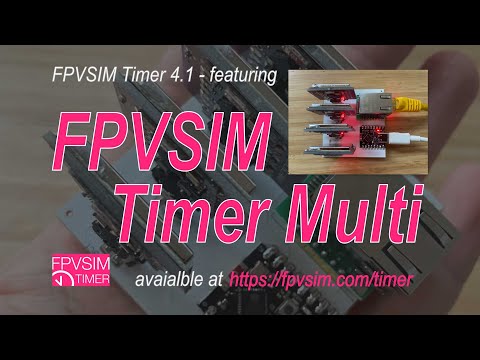
See how the FPVSIM Timer Multi Events Edition supports larger race operations and repeated event setup.
Add live FPVSIM Timer race data to OBS for clearer streams, broadcasts, and event displays.
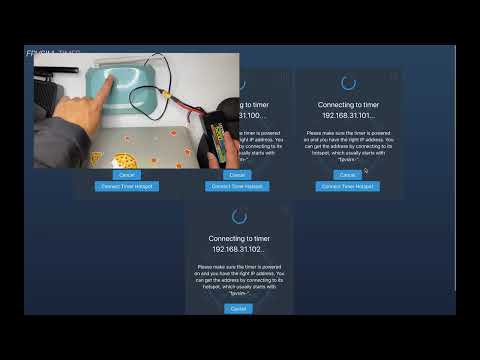
Configure a dedicated router for the first time to give FPVSIM Timer a stable race-day network.
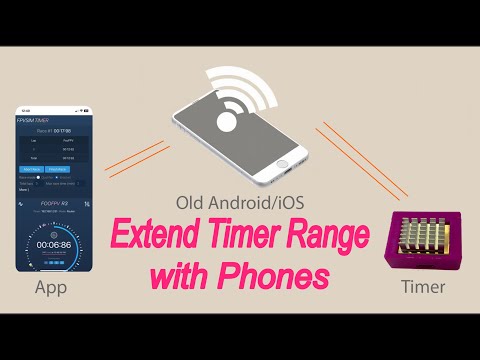
Repurpose an old phone to extend FPVSIM Timer network coverage when your race venue needs more range.
Choose and configure a dependable 5 GHz Wi-Fi setup for low-interference FPVSIM Timer events.
Use FPVSIM Timer's visual history to inspect a race and correct missed or extra laps accurately.
Build a complete race in FPVSIM Timer V5, from qualifying rounds through seeded elimination brackets.