
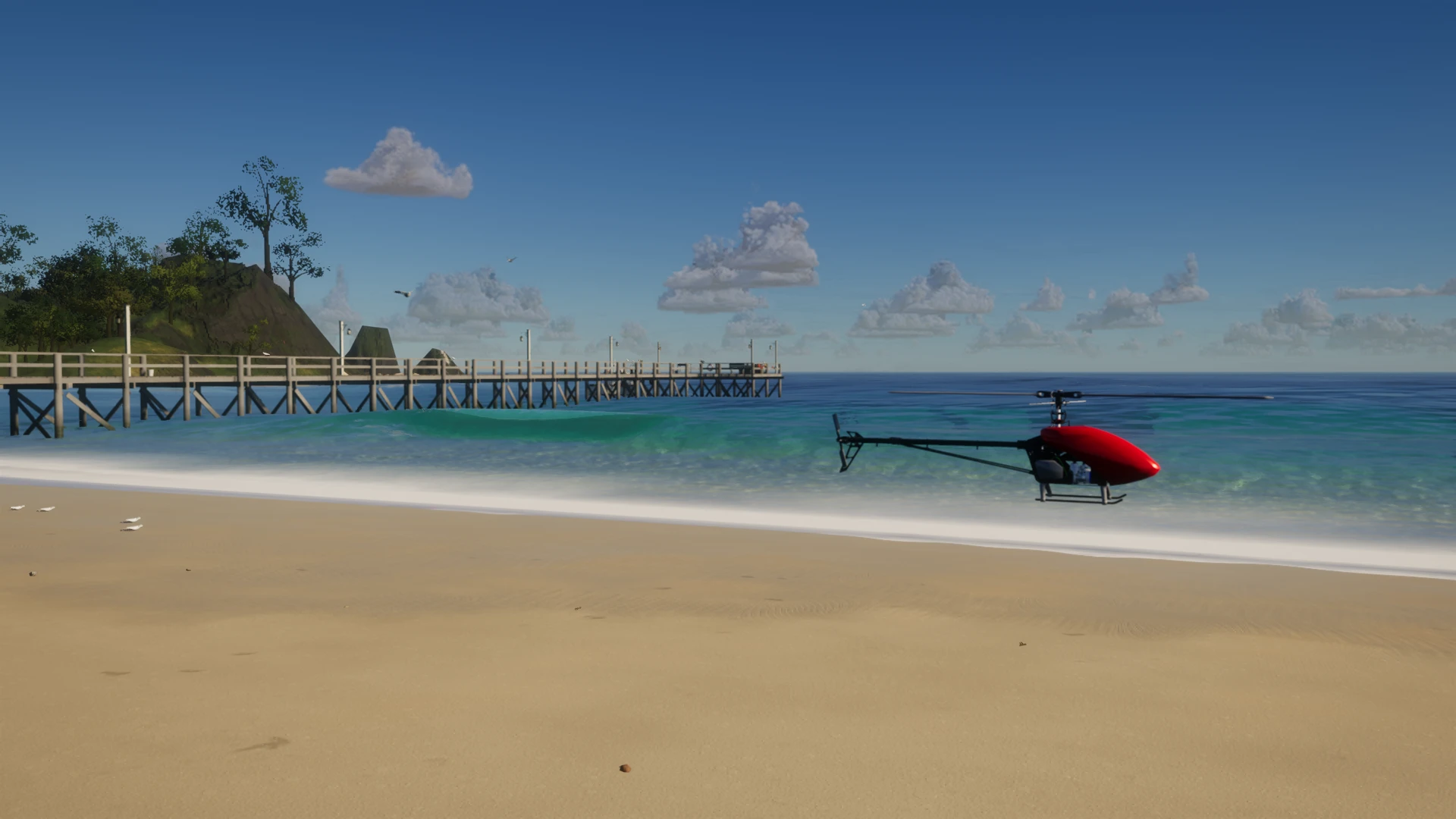
FPVSIM · Collective-pitch flight
RC helicopter simulator.
More stick time.
FPVSIM is an online RC helicopter simulator for collective-pitch practice. Connect your USB radio and work on hovering, circuits and aerobatics in your browser.
Practice collective-pitch control.
Balance collective, cyclic and tail as you learn to keep the helicopter exactly where you want it.
Four channels. Your familiar sticks.- Collective pitch
- Change blade pitch to control lift, with positive and negative collective for upright and inverted flight.
- Cyclic control
- Use pitch and roll to tilt the rotor disk, hold a hover and move into a circuit.
- Tail control
- Turn the nose and work on tail-in, side-on and nose-in orientations.
- Throttle hold & recovery
- Cut power with throttle hold. After a hard impact, the helicopter resets so you can try again.
Stay on the flight line.
A fixed place to stand. A camera that follows the helicopter. Open sand ahead and the ocean beyond.

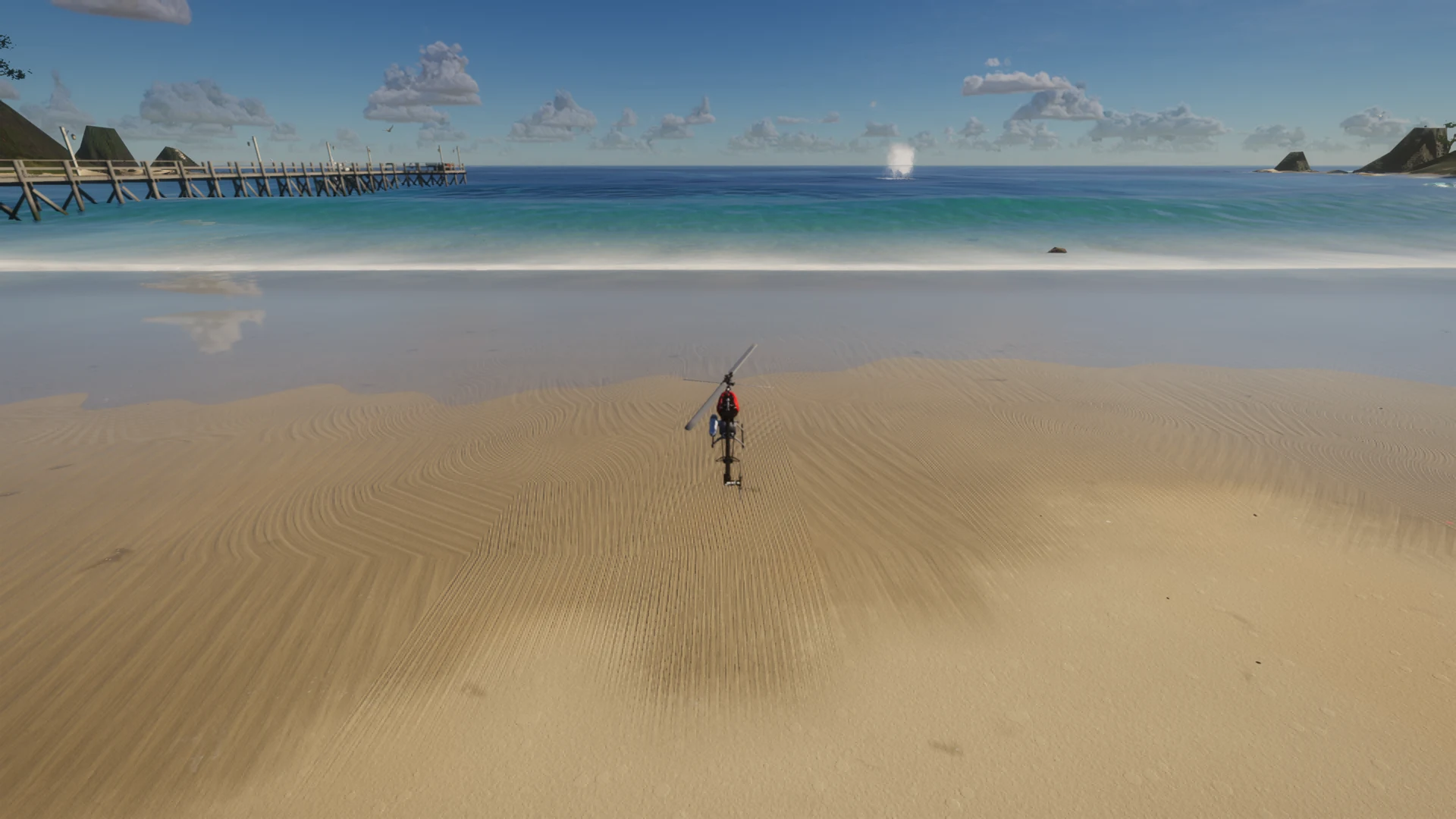
Captured in the FPVSIM browser simulator. Azores island requires a WebGPU-capable browser.
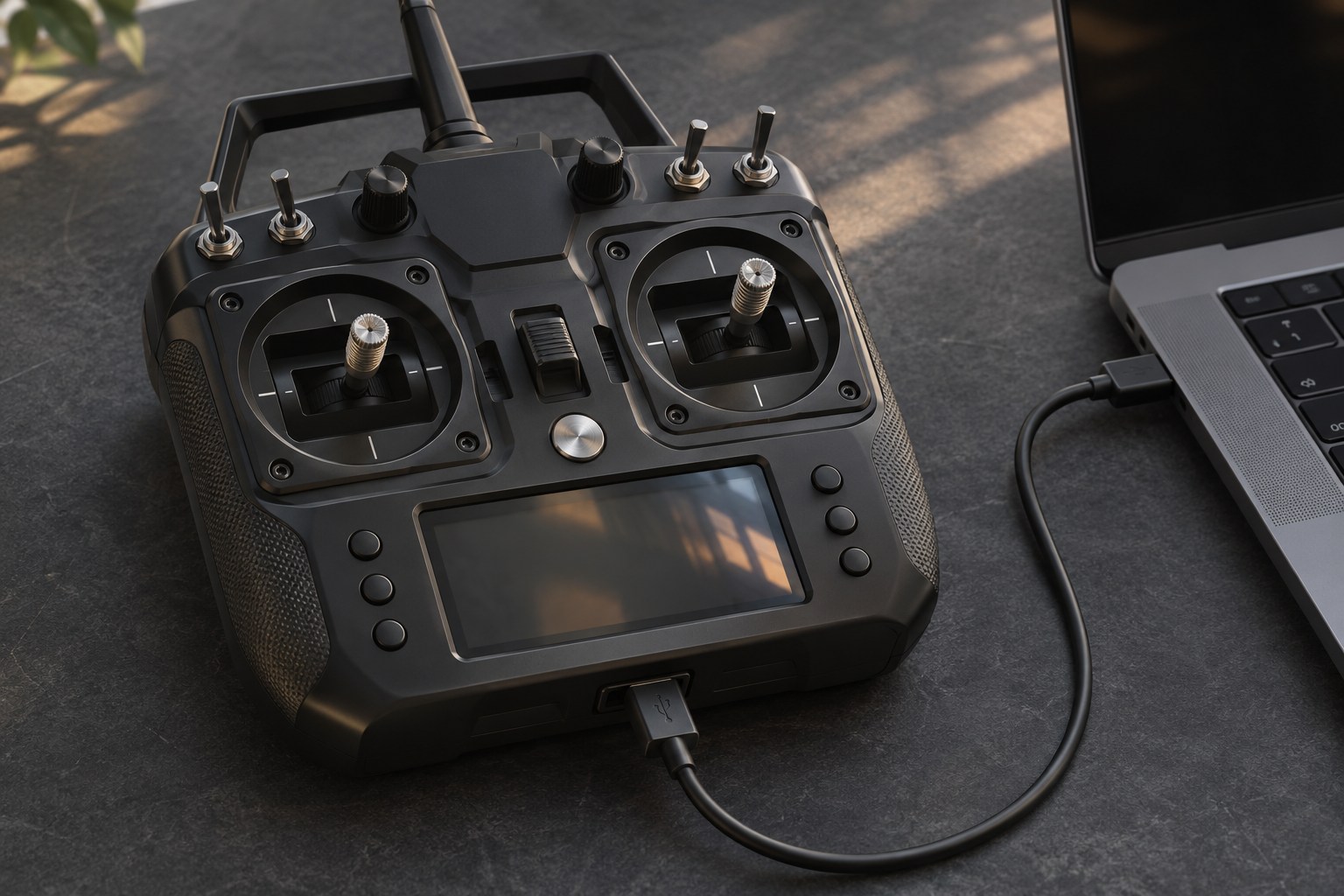
Connect your RC radio.
Bring the sticks you know. Set up four channels in the simulator, then spend your session flying.
Plug in
Connect a compatible USB radio and select joystick mode on the transmitter.
Map and calibrate
Assign collective, yaw, pitch and roll. Check the on-screen sticks before takeoff.
Spool up and fly
Let the rotor build speed, then raise collective gently. Start with a steady tail-in hover.
RC helicopter simulator questions.
What is the FPVSIM RC helicopter simulator?
FPVSIM is a browser-based flight simulator with a collective-pitch RC helicopter. Practice hovering, circuits and aerobatics with collective, cyclic and tail controls. Pilot, Chase and FPV camera views are available.
Is this a collective-pitch helicopter?
Yes. The collective channel changes rotor blade pitch, including negative pitch for inverted flight. Pitch and roll control cyclic; yaw controls the tail. The governor manages rotor speed while you fly.
Can I use my own RC transmitter?
Use a transmitter or controller that your browser recognizes as a USB joystick. Map and calibrate its axes in the simulator. Your radio may need joystick mode or a compatible USB adapter.
Can I fly from the ground like at the field?
Yes. Select Pilot camera for a fixed standing position with helicopter tracking and zoom. Chase and FPV views are also available. On Azores, the helicopter starts on the sand in front of the pilot.
Do I need to download the helicopter simulator?
No simulator download is required for the browser edition. A modern desktop browser, hardware acceleration and a compatible controller are recommended. Azores island requires WebGPU; other maps use the standard renderer.
Is browser helicopter flying free?
Browser flying requires an account and eligible simulator access. Check the pricing page for current plans and what they include.
Check current access plans · Read the browser simulator manual
Make time for one more flight.
The collective-pitch helicopter and Pilot camera are ready when you are.
Browser edition. Account and eligible simulator access required.
T-Rex 700 visual model: RC Helicopter TREX 700 by Belzar Sirus, CC BY 4.0. Adapted for FPVSIM. Flight tuning uses a 600-class collective-pitch model.
