Set Up a PS4 Controller for FPVSIM
Connect, map, and calibrate a PlayStation 4 controller for smooth flying in the FPVSIM drone simulator.

FPVSIM FPVSIM Simulator
Controller setup, tracks, performance, maps, and flight tuning for FPVSIM.
← View the complete tutorial libraryRecommended first
Connect, map, and calibrate a PlayStation 4 controller for smooth flying in the FPVSIM drone simulator.
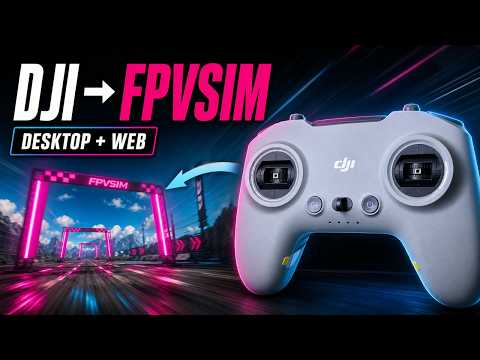
Connect and configure a compatible DJI controller so its sticks and switches work correctly in FPVSIM.
Remove browser frame-rate limits and tune Chrome VSync settings for smoother, lower-latency FPVSIM flying.
Step by step
Connect, map, and calibrate a PlayStation 4 controller for smooth flying in the FPVSIM drone simulator.
Connect and configure a compatible DJI controller so its sticks and switches work correctly in FPVSIM.
Create and add a Google Maps API key to unlock real-world locations in FPVSIM World Flight.
Remove browser frame-rate limits and tune Chrome VSync settings for smoother, lower-latency FPVSIM flying.
Create a custom FPV race course from the ground up using FPVSIM's track-building tools.
See how FPVSIM custom tracks work and what you can create before starting your first course.
Compare and configure the Actual, Quick, and KISS rate systems available in FPVSIM.