
The Cyber Roadster takes a pickup-shaped body into FPVSIM's flight world. It has four wheels, an open cargo bed and four outlets underneath. The October 19 launch sends it through factory rolls, past an underwater whale and back above the Azores coast.
Watch the 41.5-second launch on Instagram, or watch it on Facebook. The footage was recorded in FPVSIM and plays at normal speed. The release cuts between eight shots and adds a logo, end title and music.
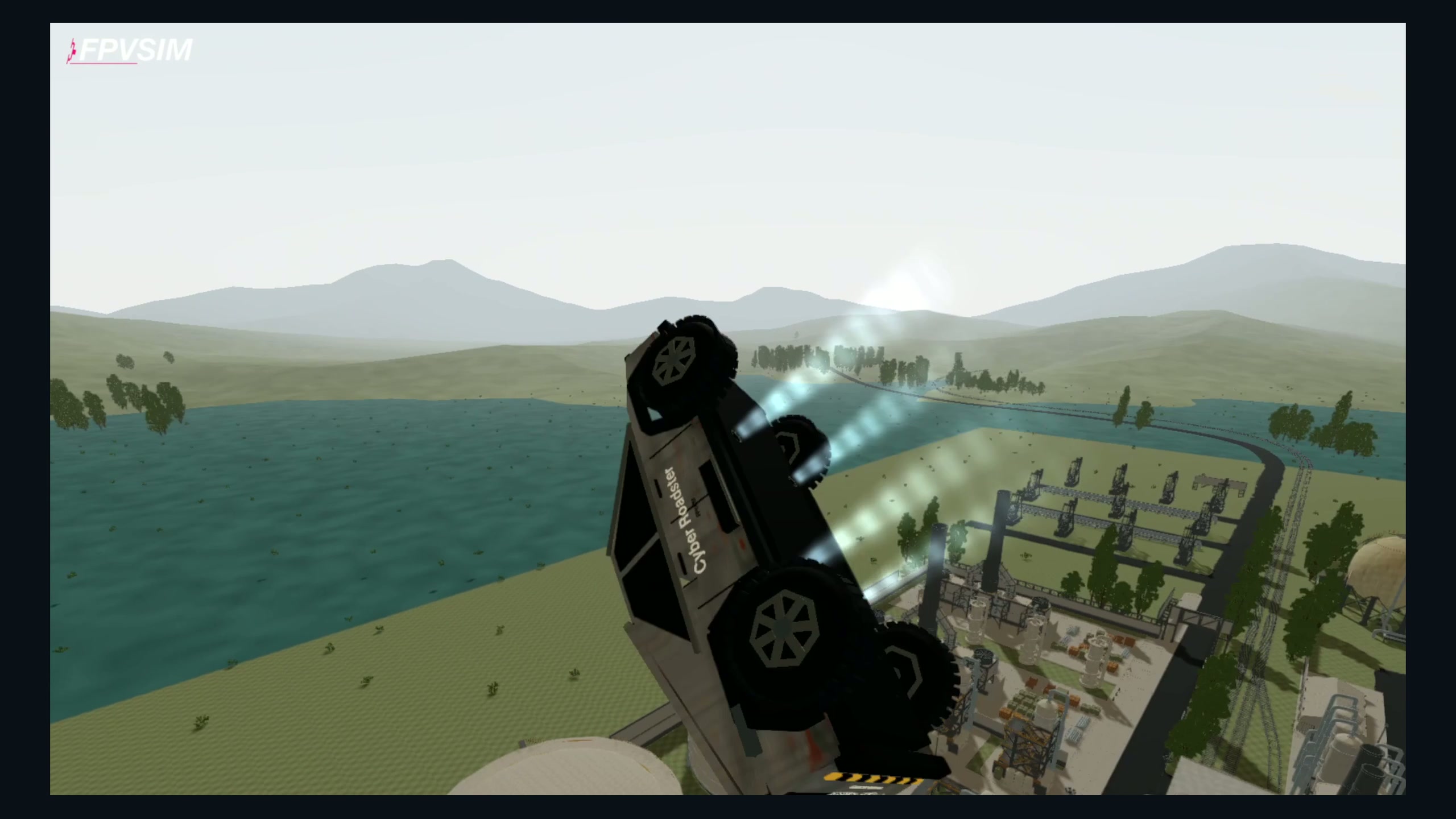
At 0:18 in the landscape edit: a roll above the factory. This is a frame from recorded simulator gameplay, with the video's original border and logo retained.
Select the Cyber Roadster
- Open FPVSIM in your desktop browser and complete any sign-in or access prompts. Current plans explain browser access.
- Move the pointer to reveal the simulator toolbar, click Choose a drone, and select Cyber Roadster in the drone showroom.
- Close the showroom and let the world reload before flying. Start with an open area where you can see the truck's direction and leave room for a turn.
The Cyber Roadster uses FPVSIM's five-inch flight setup beneath its fictional vehicle body. The Rocket Speed Drone has separate tuning. The Roadster's visible pressure mist follows the motors; the effect itself adds no force.
Drive, then take off
When the wheels touch down, the vehicle enters DRIVE automatically. On a keyboard, I/K drive forward and reverse, A/D steer, and releasing I/K brakes. With a controller, pitch drives forward and reverse, yaw steers, and throttle lifts off. There is no separate mode-toggle key.
To take off, lower the flight throttle with S, then raise it with W. Watch the HUD's mode and control hint as it returns to flight. In flight, the keyboard controls guide explains throttle, yaw, pitch and roll. Practice a short straight drive and an open-space takeoff before trying the factory routes in the video.
An outside camera helps you follow the truck's orientation. Camera position and flight mode are separate settings; the camera guide explains the available views and reload step. The launch uses outside views to show the vehicle's orientation.
The underwater sequence
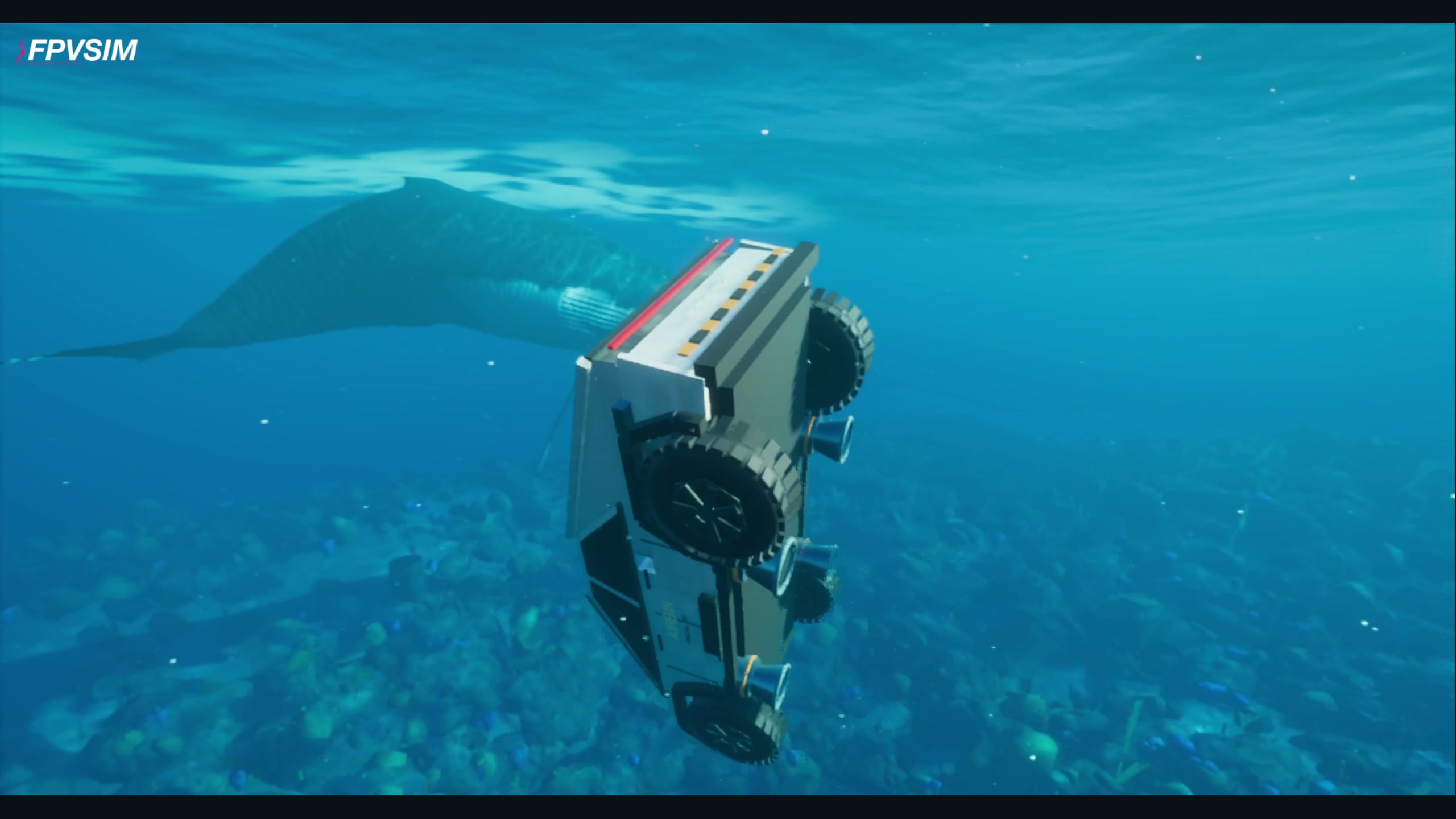
At 0:28.5: the truck passes a whale in the simulator's underwater scenery. This is a fictional gameplay scene.
The final sequence begins at 0:29.5 and runs continuously for 12 seconds, taking the truck from the water back into the air above Azores. Watching that section without a cut makes it easier to follow the vehicle's direction through the transition.
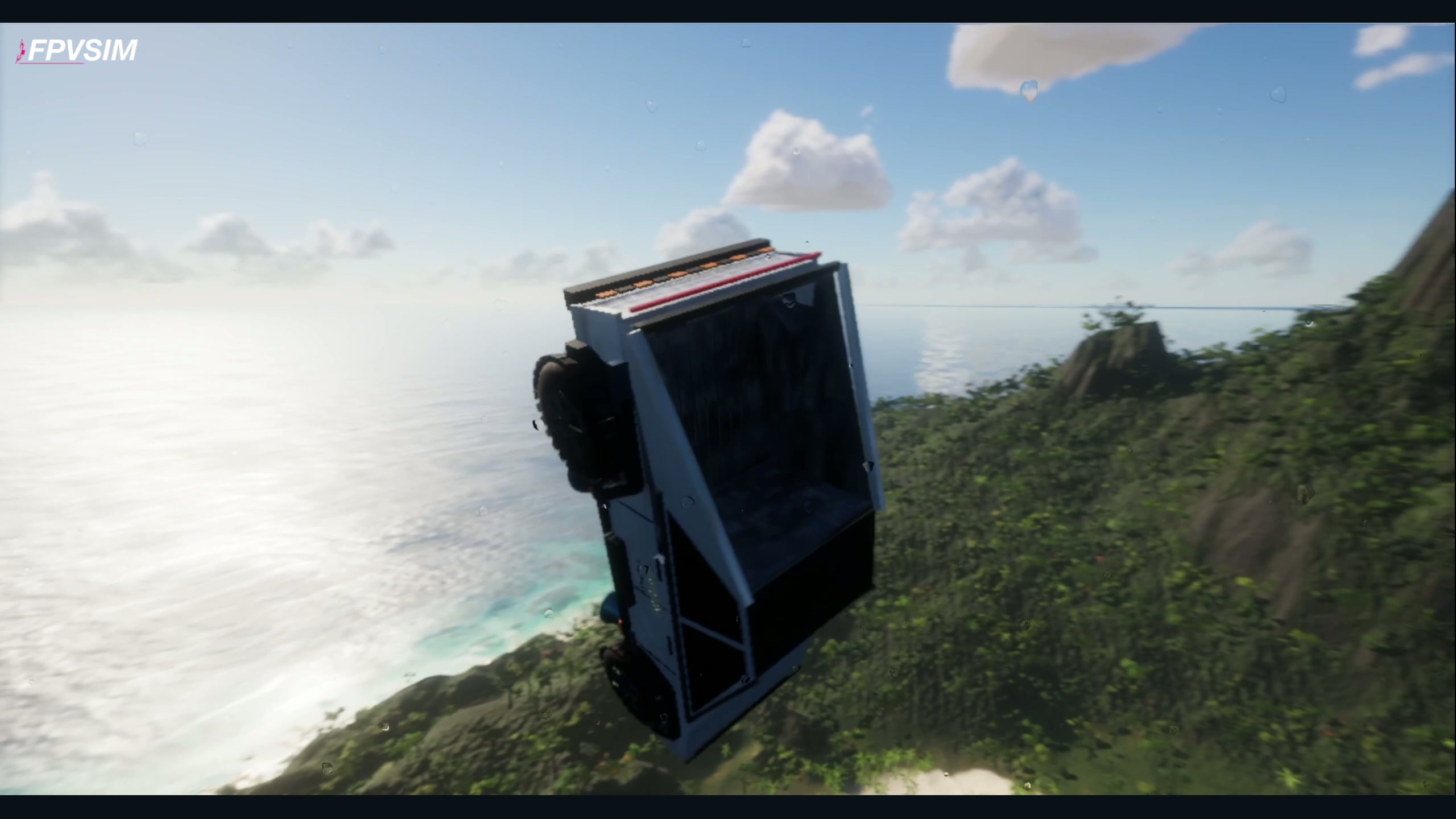
At 0:34: an outside view during the continuous water exit and coastal climb.
Recording and credits
FPVSIM recorded the gameplay on October 18 and 19, 2026 and published this edit on October 19. The three images above are unchanged frames from the 41.5-second landscape edit, revision 8. The edit keeps the selected gameplay at its recorded playback speed; it is not one uninterrupted flight.
The Cyber Roadster is an original FPVSIM model. Its geometry, surface textures and pressure-loop audio were generated locally. Its fictional air outlets and flight setup do not model a real road vehicle's hardware.
Music: “Monkeys Spinning Monkeys” by Kevin MacLeod, licensed under CC BY 4.0. The track was excerpted, mixed with gameplay audio and faded for the edit.
The Azores scene integrates Tidewater, with MIT-licensed code © 2026 DRG Software Solutions LLC. Third-party scene assets retain their own licenses; see the upstream credits.
Start a browser flight, or browse the online sceneries for another place to practice.