 View drone
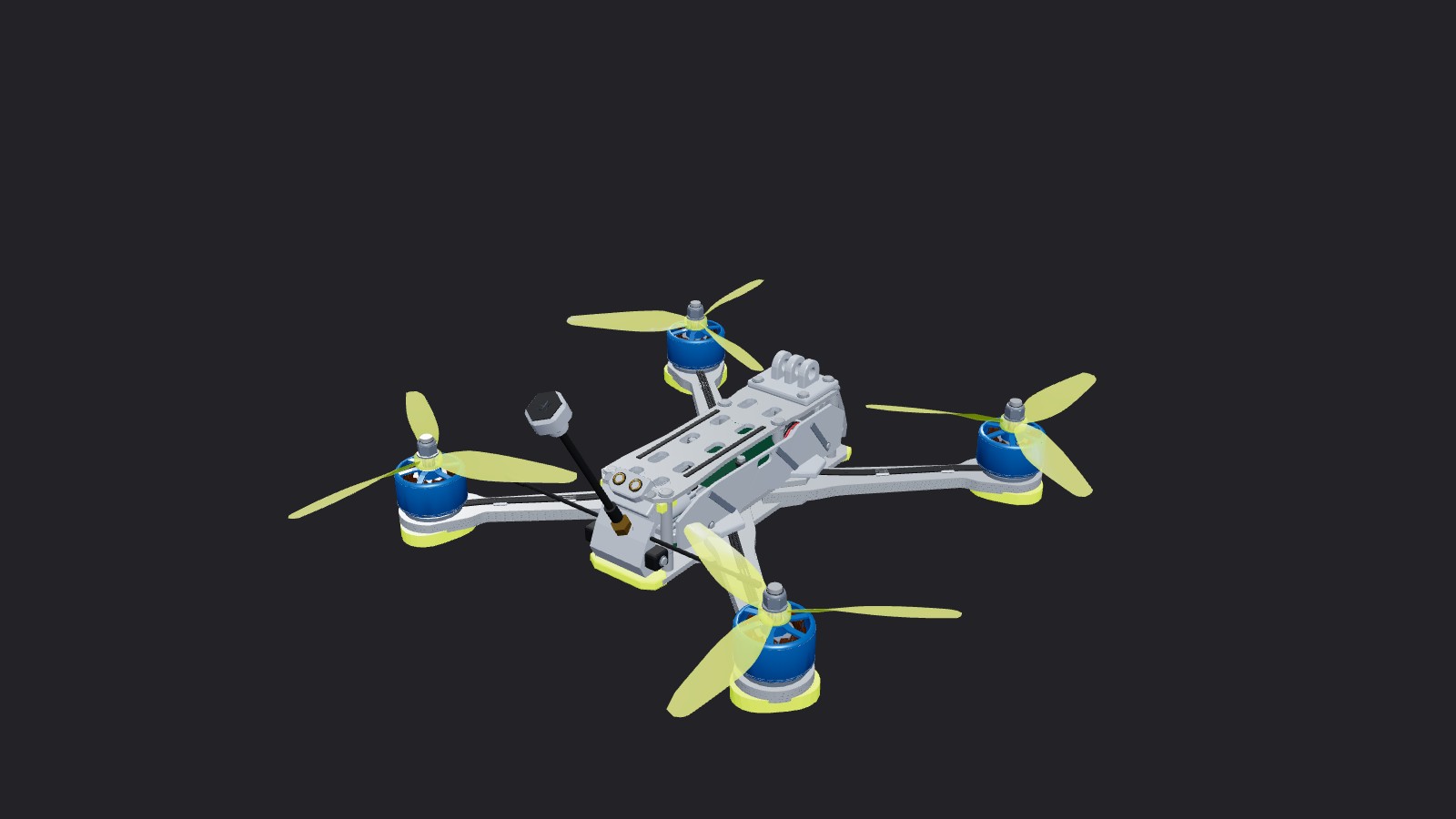
5-inch Quad
5-inch
A five-inch quad preset for practicing FPV flight, from race lines to freestyle maneuvers.
Online and desktop. Choose the 5-inch Quad preset in drone settings.
Open online simulator
Explore the drones in FPVSIM, from a Tiny Whoop to a preview of the upcoming 900mm X-Class. Check each preset for online and desktop availability.
Fly in your browser. Account and plan access apply online. Desktop is available on Windows.
4 drones to explore
View drone
5-inch
A five-inch quad preset for practicing FPV flight, from race lines to freestyle maneuvers.
Online and desktop. Choose the 5-inch Quad preset in drone settings.
Open online simulator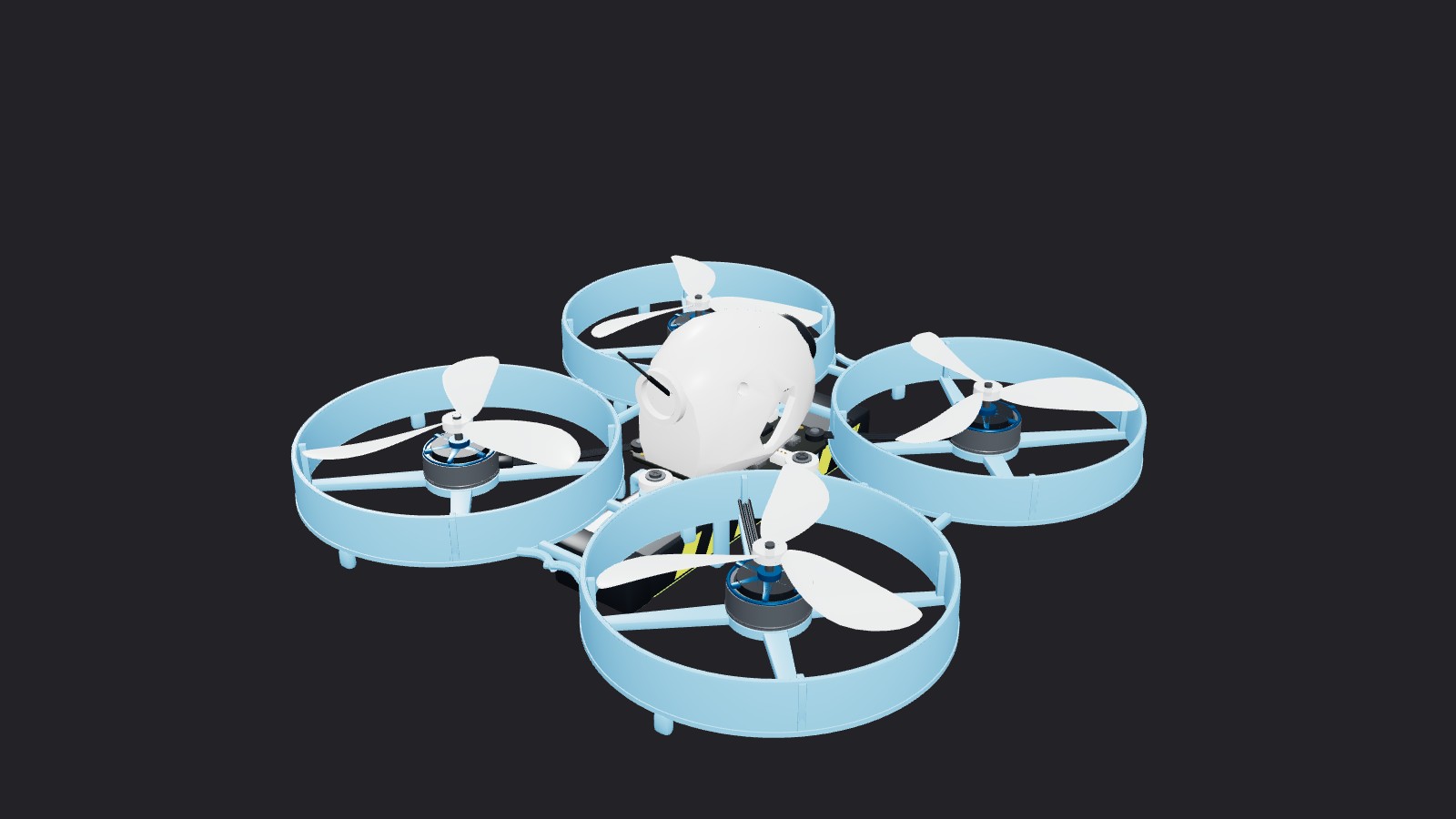 View drone
Whoop
A compact, ducted whoop preset for indoor courses, tight gaps and close-control practice.
Online and desktop. A 65mm flight preset with a BETAFPV Meteor75 Pro visual model.
Open online simulator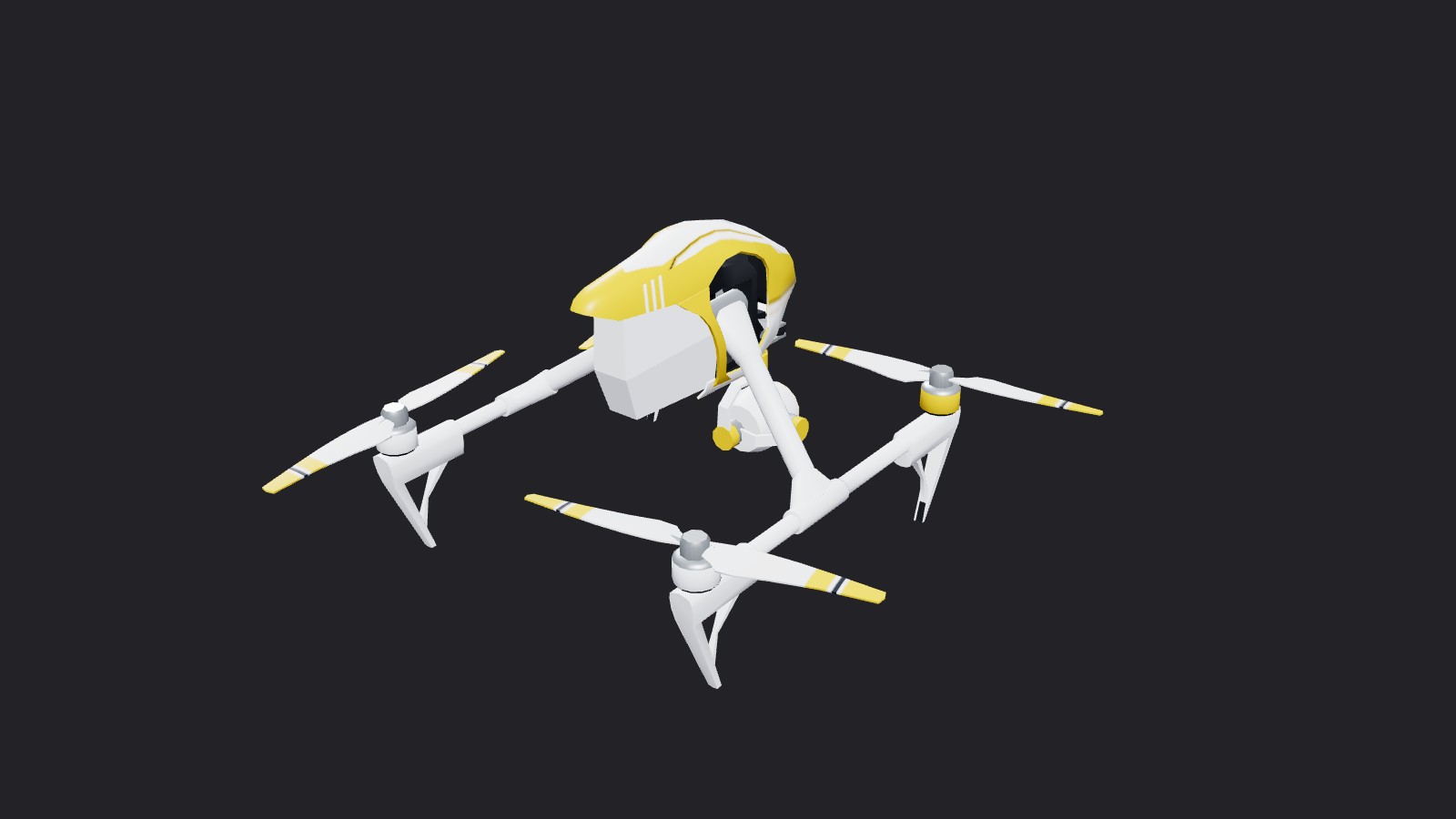 View drone
10-inch
A larger drone preset for exploring open spaces and practicing a different scale of flight.
Online and desktop. Choose the 10-Inch Drone preset in drone settings.
Open online simulator View drone
X-Class
A large racing drone preset with a 900mm motor-to-motor diagonal, 13-inch propellers and a 12S setup.
Coming to online. Preview of the X-Class 900mm preset with a default 50° FPV camera tilt.
Previews show the online simulator’s visual models. Preset names describe flight setups; visual models and tuning can differ between editions.
X-Class 900mm model: Drone racing by Kawasalto (3D Husky), CC BY-SA 4.0. Model adapted for FPVSIM. Model and preview renders are shared under the same license.
