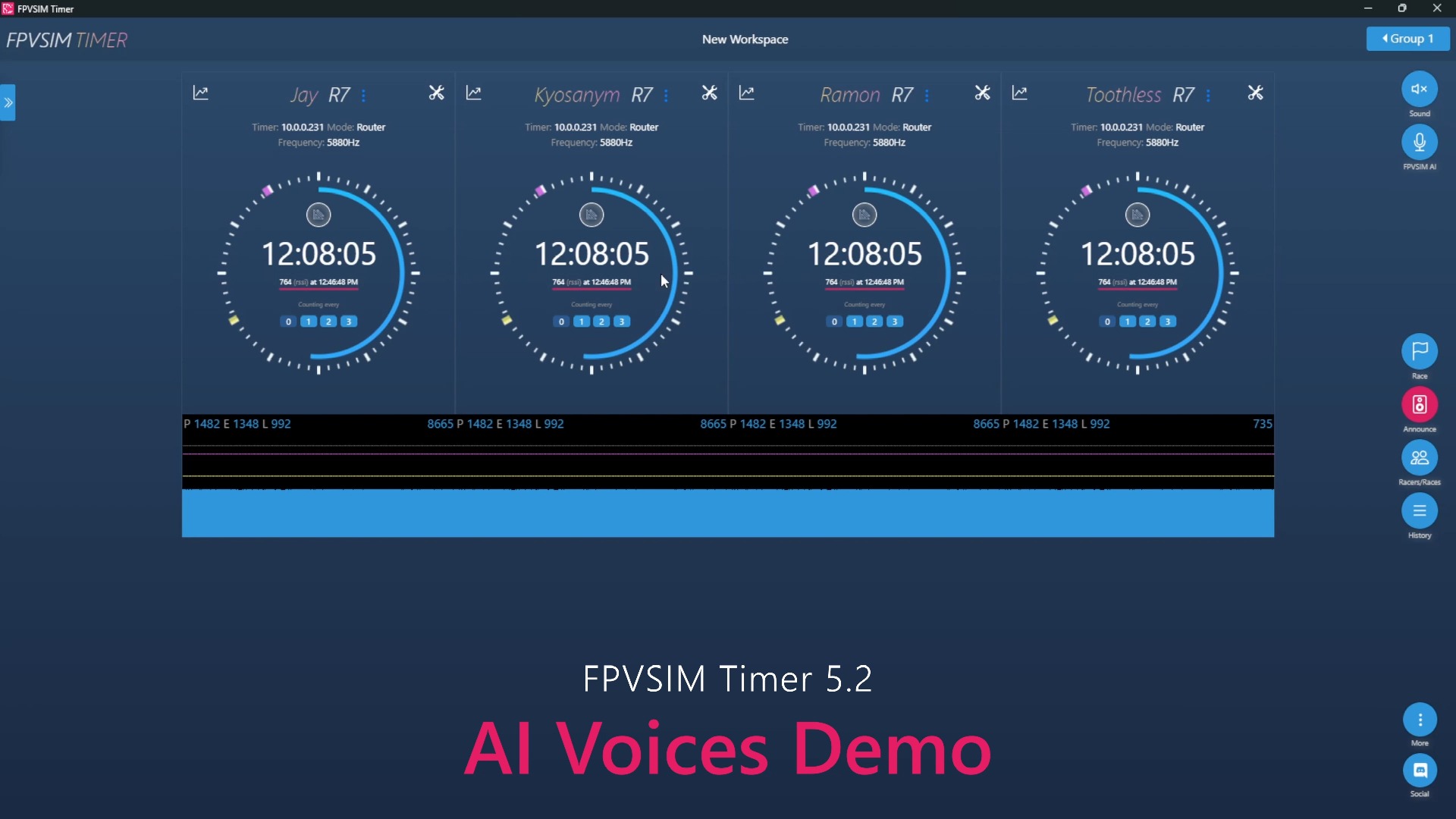
FPVSIM Timer 4.0 puts two easily confused capabilities into the same practice process: the AI coach reads lap time trends through an online model and gives consistent feedback; the voice control recognizes commands such as start, stop, submit, repeat, and status offline on the machine. The video shows lap time data to assist training and is not a comprehensive diagnosis of flight line or stroke action.
AI coaching and voice control are two different links
Timer 4.0's AI coach will read the lap time data of the current practice and generate feedback through the online large language model used at that time, so an Internet connection is required. In the video, it identified lap 5 as the fastest lap at the time, and pointed out that it was about 1.6 seconds faster than the previous lap; it later mentioned that lap 9 was about 16.2 seconds, several laps were below 16.7 seconds, and the last five laps were within 17 seconds.
The voice control itself is a local function: the microphone gives the passwords such as starting the game, stopping the game, submitting the game, repeating the broadcast and status query to the local machine for recognition, without sending the voice to the online model. The wake-up word at the time of release is "Hey there", and the function is first available for desktop and English. Only by understanding these two links separately can you correctly troubleshoot the problem: The availability of the offline password does not mean that the AI coach is connected to the Internet; the visibility of the AI feedback does not mean that the microphone permissions are normal.
Turn lap time feedback into specific practice goals
A single fastest lap can only prove a performance, and the distribution of consecutive laps better reflects repeatability. The feedback in the video gradually shifted from "the 5th lap was fastest, an improvement of 1.6 seconds" to "the last five laps have been less than 17 seconds", which just demonstrates a training rhythm: first find the achievable speed, and then change the goal to multiple consecutive laps without exceeding a certain time.
You can only set one goal for the next round of practice, such as running under 17 seconds for five consecutive laps instead of chasing 16.2 seconds every lap. Once completed, gradually tighten the threshold. If the lap speed suddenly slows down, you should combine it with on-site observation to check for leaks, line changes or mistakes; the AI coach sees the lap speed trend provided by the timer, and the video does not prove that it can analyze the track screen, remote control stick, posture or specific corners.
Use voice to complete event operations without leaving the pole
At approximately 00:04, the presenter starts timing via voice; during the exercise, you can ask to repeat recent feedback or query status, and the system will report the number of timers, connection status, and whether the AI coach is enabled. After completing a round, you can also submit the current round, start the next round and stop the match. For someone training alone, this reduces the interruption of hitting the keyboard every round.
Voice control still requires clear microphone input and an environment quiet enough to recognize passwords. Before formal training, test wake words and common commands one by one, and keep mouse or keyboard operations as backup. The system's reply of "connected" only indicates that the connection status was detected at that time, and cannot replace the timer cross-line test.
The platform and subscription conditions of 4.0 are historical information.
When the video was released, the voice function only supported desktop and English, and was affected by conditions such as microphone, device performance, and subscription plan at the time; the AI coach also relied on the Internet and online model services. These constraints may change with release, service, and pricing adjustments, and 4.0-era CPU, device, or subscription specifications should not be considered a current commitment.
Before use, you should check the current FPVSIM Timer document to confirm whether the AI coach still needs to be connected to the Internet, which languages and platforms are supported, whether the voice wake-up method has changed, and account or subscription conditions. If reliance on external networks is not allowed at the competition site, local voice control can be used as a convenience function, but do not list online AI feedback as a key event process.
Operation steps
- Test the wake word and start practicing
In the 4.0 desktop version at launch, use the microphone to say the wake word "Hey there" before issuing the start command; video shows voice activation at approximately 00:04. The password of the current version shall be subject to the document.
- First observe the fastest lap and improvement
Let the AI coach read the lap time trend of this round. Starting at about 00:15, the video points out that lap 5 is the fastest lap and quantifies the improvement, which is suitable for setting attainable goals for the next round.
- Change the goal to continuous circle consistency
Don’t just chase the fastest lap once; set the continuous lap threshold based on feedback from the last five laps, etc. The later part of the video illustrates stability with multiple laps under 17 seconds.
- Repeat feedback or query status as needed
Use repeat/status commands to listen to the suggestions again and confirm the timer connection and AI coach status; the video enters this group of operations at about 01:40.
- Submit this round and control the next one
After completing the exercise, you can use your voice to submit a game, start the next game, or stop the clock. These commands are demonstrated continuously from about 01:52 to the end of the video.
FAQ
Can the AI coach be used offline?
As shown in the video, the 4.0 AI coach uses an online large language model and requires the Internet; the local offline one is voice command recognition. The current version of networking requirements should be subject to the latest documentation.
Can the AI coach point out which corner I made a mistake on?
This demo only confirms that it analyzes lap times, fastest laps, lifts, and consecutive lap trends, with no evidence that it analyzes video, lines, or remote control movements.
Why focus on the last five laps and not just the fastest lap?
The fastest lap may be an accidental performance; multiple consecutive laps into the target time better reflect the repeatable speed in the event, and are more suitable for gradually tightening the training threshold.
Are the platforms, languages and subscription conditions still the same in videos?
Not necessarily. These are the conditions during the release period of Timer 4.0. Currently supported platforms, languages, wake-up methods, device requirements and subscription rules should refer to the latest documentation.
Full timeline transcript
Transcripts are arranged according to video time, making it easy to quickly locate the explanation content. Transcript language: English.
Hey there, start timer. Racers up next. Who FPV are 7? All pilots. In less than 5. Your lap times show a steady improvement, with lap 5 standing out as your fastest. Focus on replicating the techniques you used in that lap to shave off those extra milliseconds. 16.39. You shaved 1.6 seconds off your lap time between lap 1 and lap 8. Keep pushing.
1616. Your lap times show a consistent improvement, with lap 9 being the fastest at 16.2 seconds. Focus on replicating the techniques and strategies used in that lap to continue pushing your limits and shaving off even more time. 1645. Your lap times show steady improvement, particularly in the latter half, with lap 8 through 10 consistently under 16.7 seconds.
Keep pushing those boundaries and you'll be flying even faster in no time. 1593. You've improved your lap time significantly. Your most recent 5 laps have all been under 17 seconds, showing great consistency. Aim to match the pace of lap 11 on your next run and you'll shave off another half second. Hey there, repeat my time. 1593. Hey there, status.
One timer's in the workspace, one connected. AI coach is active. Hey there, submit race. Race finished. Race submitted. Hey there, let's start another race. Racers up next. Who FPVR7? All pilots. In less than five. Hey there, let's stop the race. Race supported.