FPVSIM Simplified Chinese Tutorial and Video Guide

Chinese Tutorial · Bilibili

Here is a collection of Simplified Chinese tutorials and video guides published by FPVSIM on Bilibili, including product setup, troubleshooting, technical explanations and feature updates. Browse by topic and open individual pages.

The content on this page is mainly in Simplified Chinese. Some videos may have English titles or descriptions.

All content

Simplified Chinese Tutorials and Video Guides

FPVSIM Simulator

22 videos

FPVSIM simulator setup, controls, track and flying techniques.

Bilibili · Chinese · FPVSIM Simulator · 3:37

How to play FPVSIM drone simulator with PS4 controller|Desktop version + web version

This tutorial demonstrates how to connect the PS4 DualShock 4 controller to FPVSIM using a data cable, and completes the detection, mode selection, joystick range and direction calibration of the desktop and web versions respectively. The purpose of calibration is to allow FPVSIM to accurately understand the center, endpoints and directions of the four axes of throttle, roll, pitch, and yaw.

Bilibili · Chinese · FPVSIM Simulator · 6:18

How to use DJI remote control to play FPVSIM drone simulator|Desktop version + web version

Before a DJI remote control can be used as a joystick by FPVSIM, it is usually necessary to install DJI Assistant 2 that matches the specific product series. This tutorial takes DJI FPV Remote Controller 3 as an example to complete driver preparation, USB identification, and four-axis calibration of the FPVSIM desktop version and web version.

Bilibili · Chinese · FPVSIM Simulator · 1:51

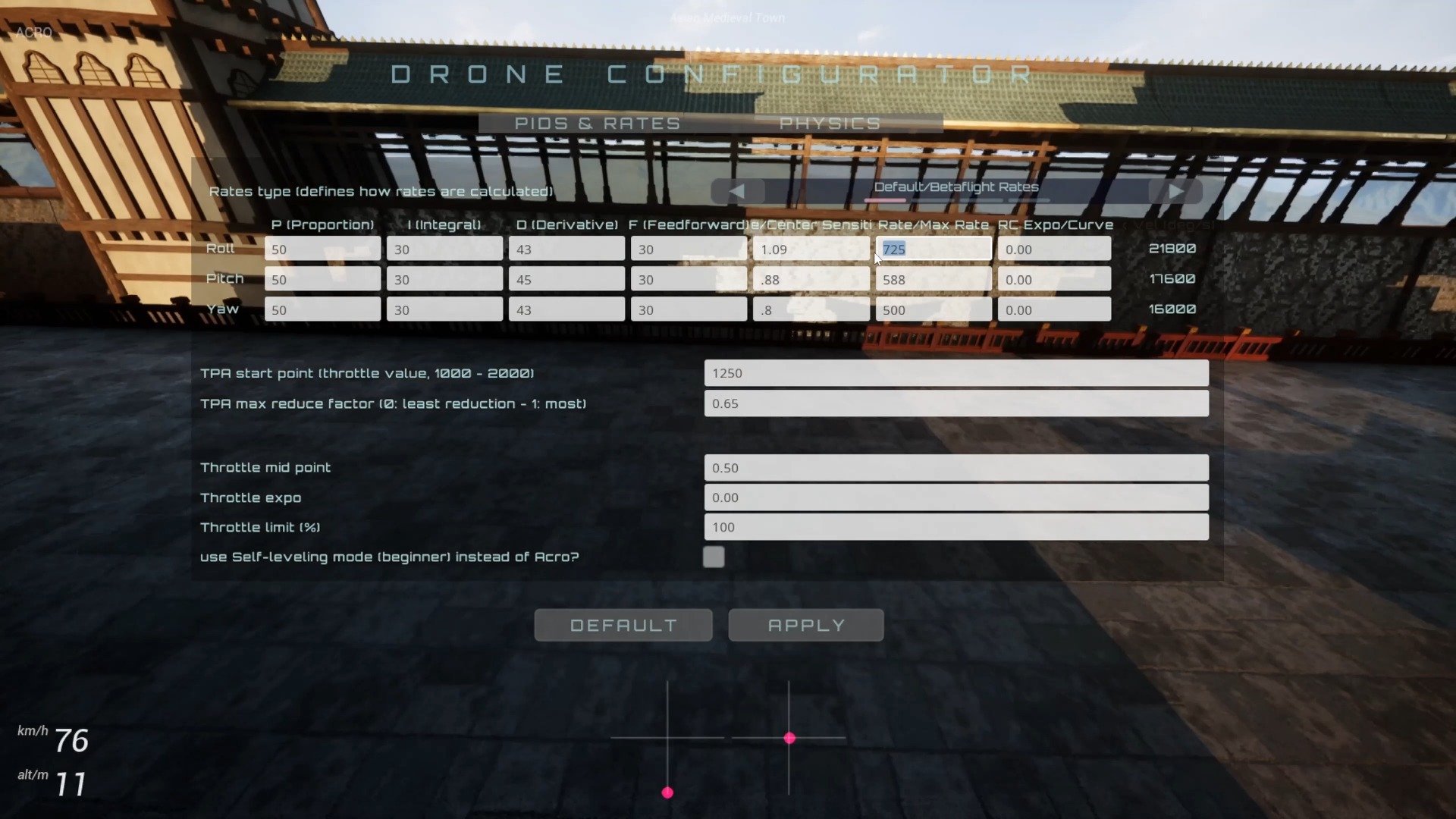
FPVSIM 2 new Rates system, added Actual/Quick/KISS Rates support

This narration-free demonstration introduces the three Rates models of Actual, Quick and KISS in FPVSIM: select the model from the PIDS & RATES panel, apply parameters, and then return to the same scene to compare the center section of the joystick, transition curve and maximum rotation speed through flight.

Bilibili · Chinese · FPVSIM Simulator · 3:17

FPVSIM 2 is coming! 6 new maps, new physics engine, you can own it for $7.19

FPVSIM 2’s launch showcase focuses on new quad-axis dynamics, 6 new maps, and a set of practice tools: more Rates types, stick overlays, throttle limits, angle modes, and an improved HUD. The video itself is a short release video with music and pictures. The content of this article is organized based on the pictures and official version description.

Bilibili · Chinese · FPVSIM Simulator · 7:05

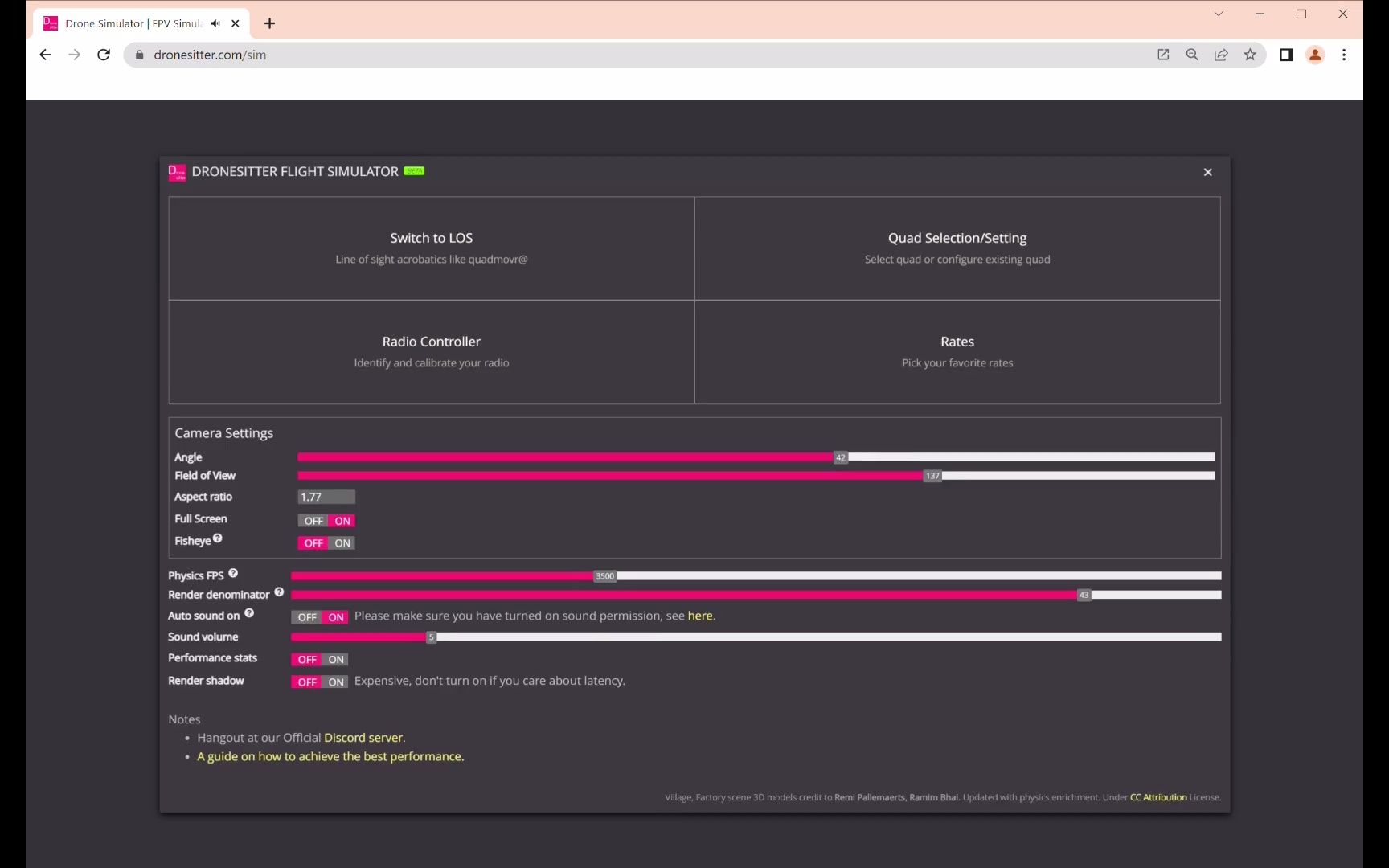
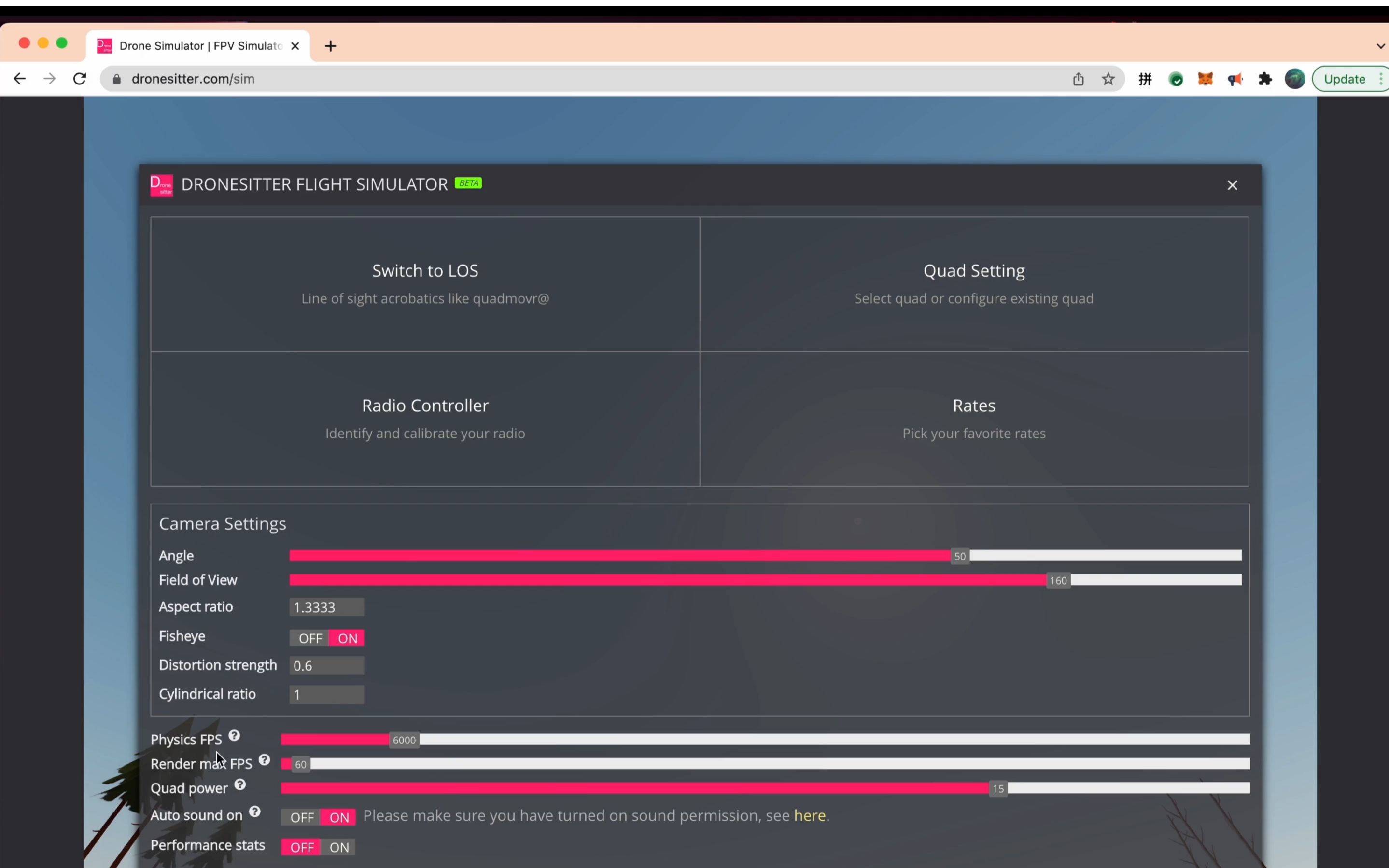
Simulator performance tuning tips - FPVSIM browser version

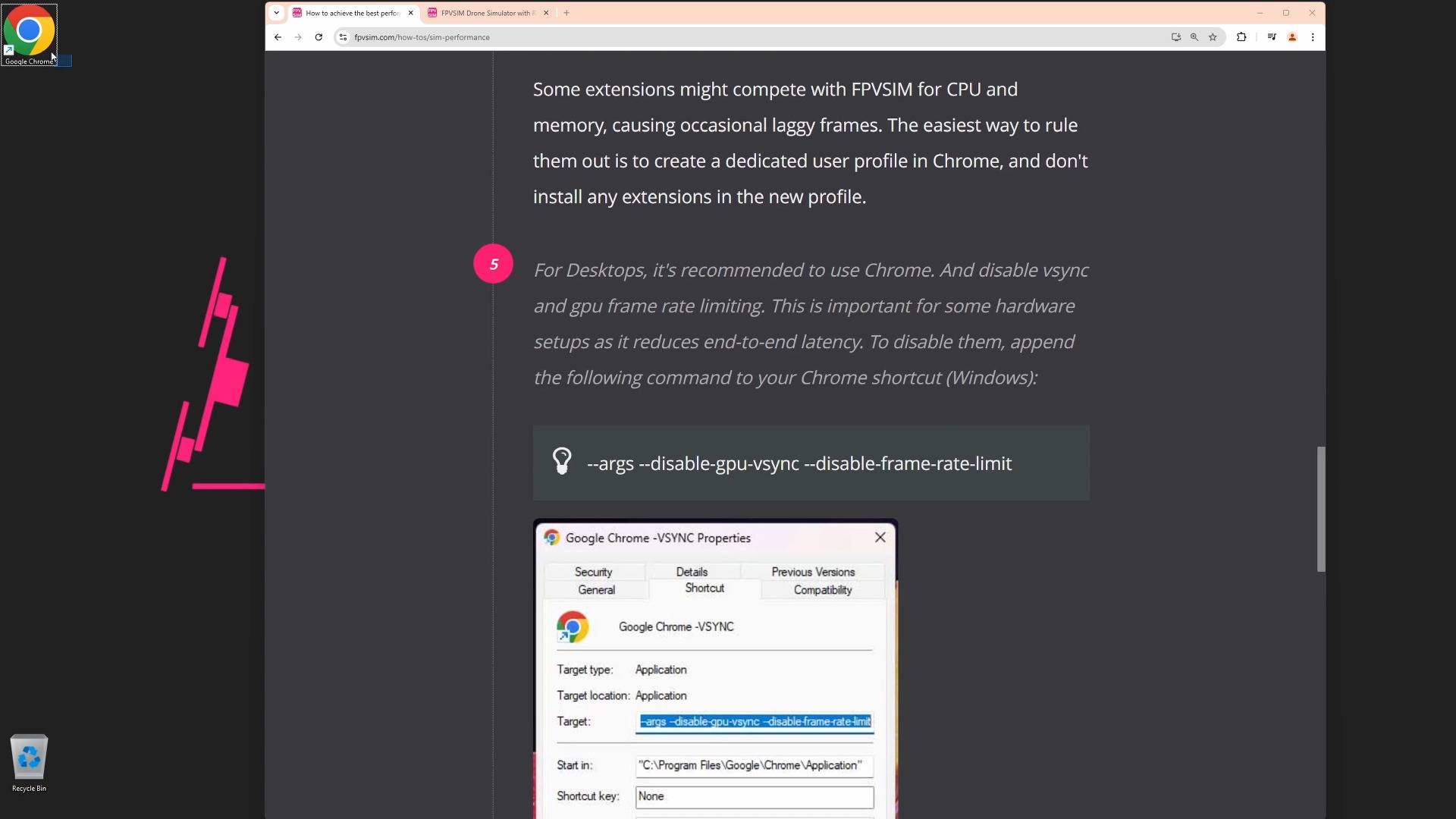
This tutorial uses a repeatable test method to tune the browser version of FPVSIM, focusing on explaining the Render Denominator, single/multi-core physics, performance charts, standalone Chrome profiles, and optional Chrome launch parameters with video demonstrations. The goal is not to pursue maximum numbers, but to achieve stable frame rhythm, physics load and handling latency in real-life scenes.

Bilibili · Chinese · FPVSIM Simulator · 4:07

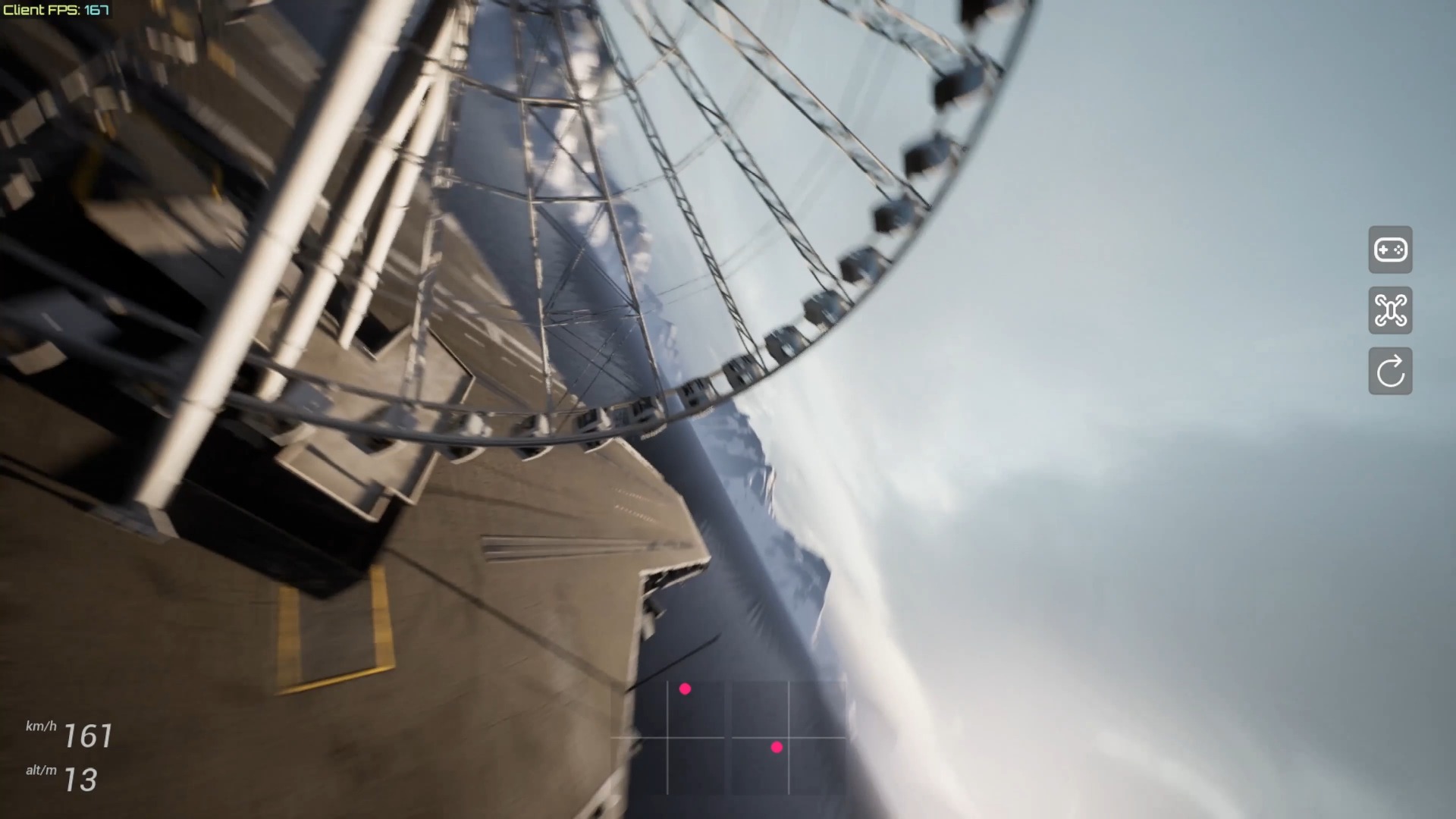
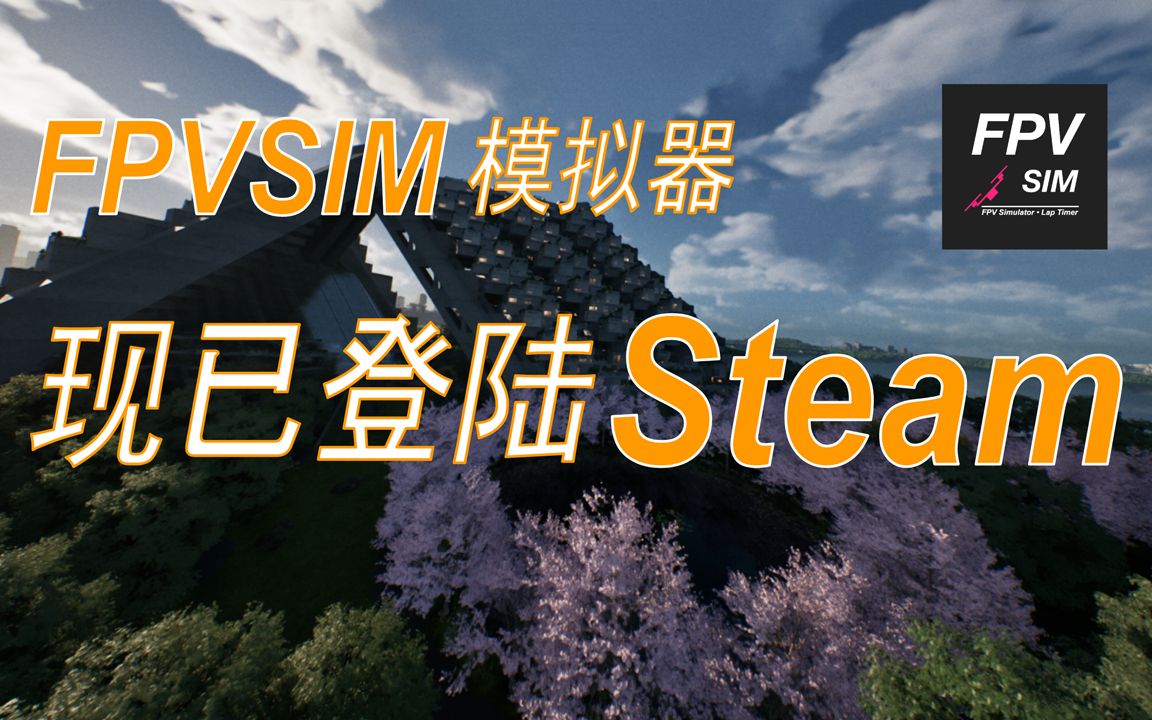
FPVSIM drone simulator is now available on Steam

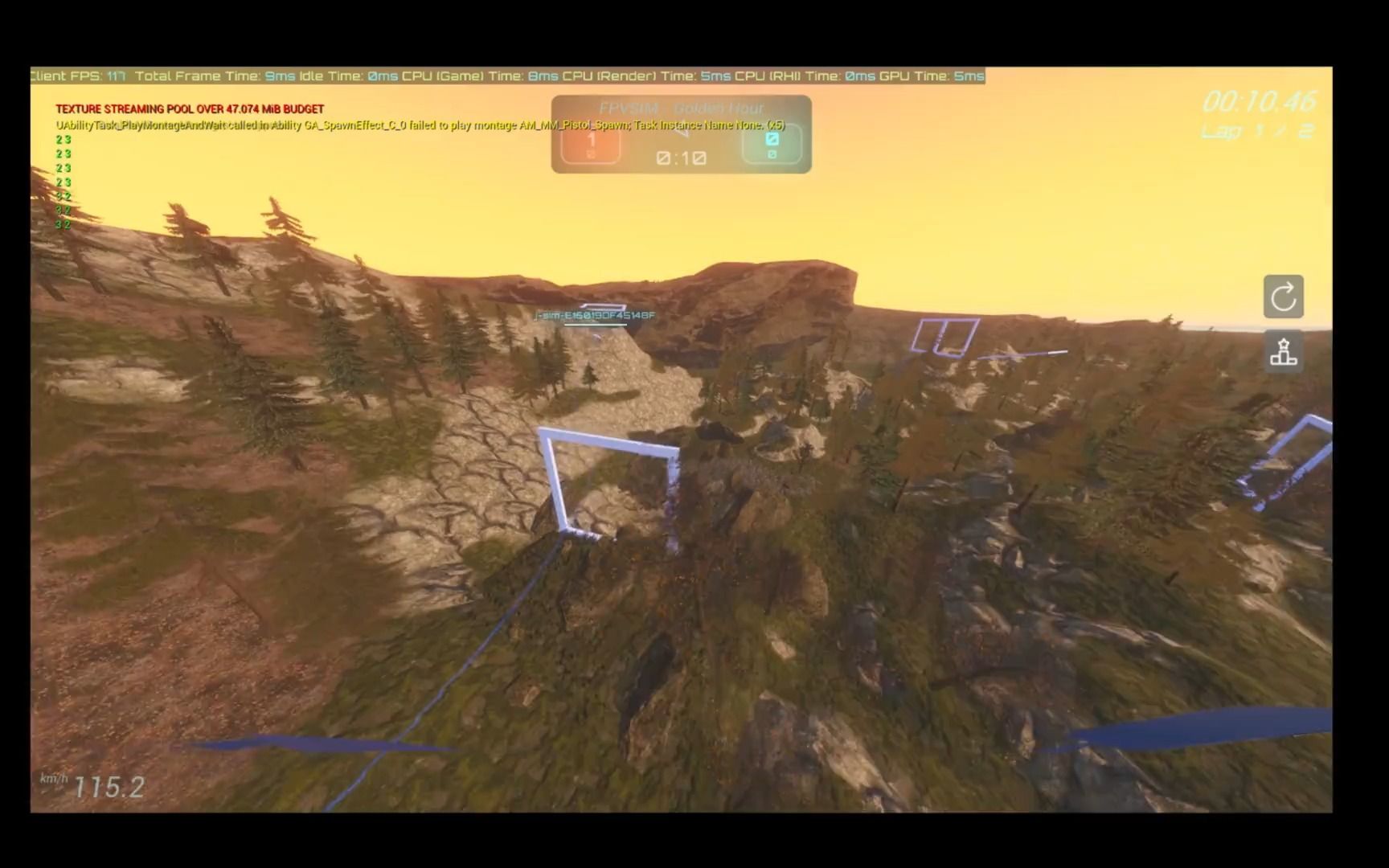
This unnarrated short film documents the launch of FPVSIM on Steam (app 2605530) and showcases new scenes based on Epic/UE Habitat 67 content. The RTX 3080 at the time of release and the highest image quality of about 60 FPS is just a snapshot of a single hardware and version. The actual frame rate still depends on the resolution, driver, scene and subsequent versions.

Bilibili · Chinese · FPVSIM Simulator · 1:18

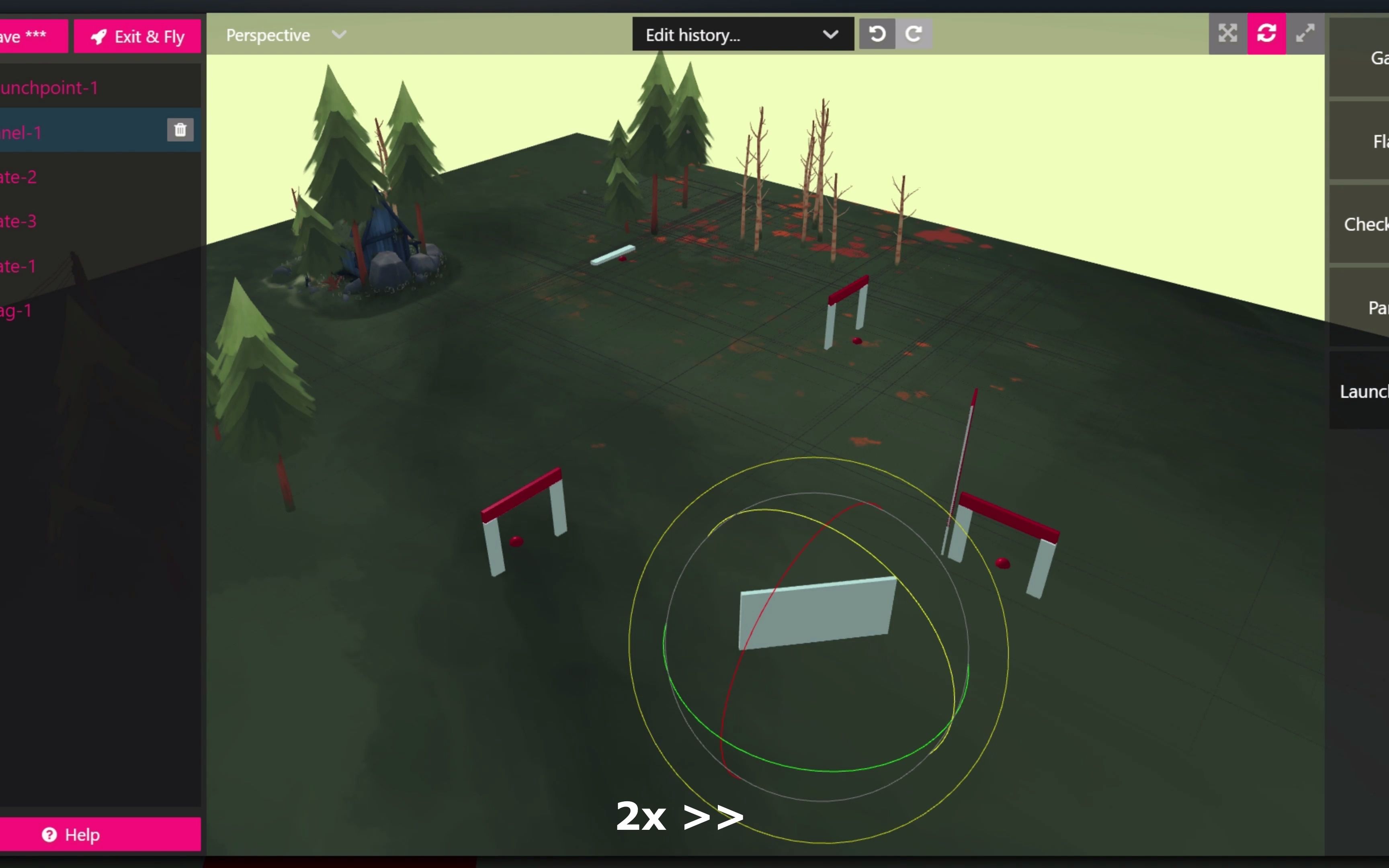
You can customize the flight track - FPVSIM FPV simulator first wave of updates in September

This is a preview of the FPVSIM custom track function, which is mainly about music and graphics. The video shows moving the perspective in a 3D scene, selecting track objects, and moving, rotating, and scaling gates, barriers, and route elements; it illustrates what the editor can do, but does not include the complete saving, checkpoint sorting, and publishing process.

Bilibili · Chinese · FPVSIM Simulator · 0:50

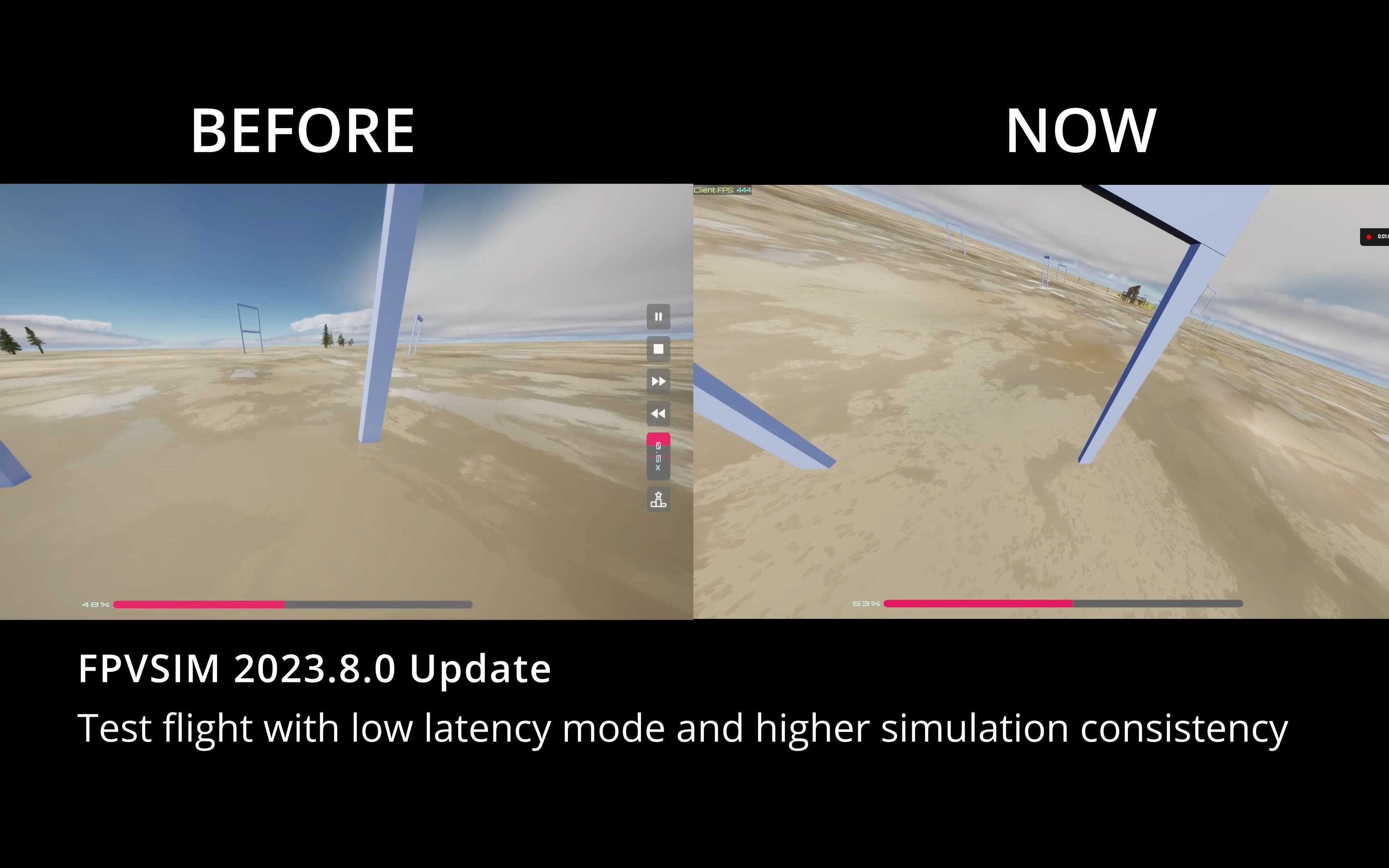
Input latency reduced by 30%, simulation consistency improved by 40% - FPVSIM FPV simulator August update

The August update of FPVSIM adds an optional "low-latency input" mode, and reports that input latency is reduced by about 30% and simulation loop fluctuations are reduced by about 40% in this version test. The two indicators have different meanings: the former focuses on the wait from operation to response, and the latter focuses on whether each simulation step is stable; the percentage is a release measurement, not a guarantee that every computer can reproduce it.

Bilibili · Chinese · FPVSIM Simulator · 2:32

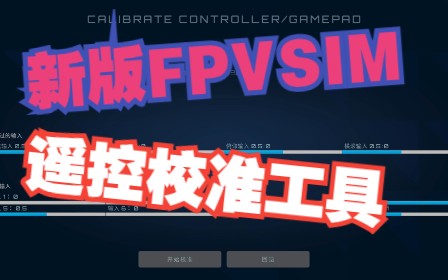
FPVSIM Simulator - Introduction to the new version of remote control calibration tool

This guide introduces the remote control calibration tool of the new version of FPVSIM: first check the original input to confirm that the device is recognized, then follow the wizard to push the throttle, roll, pitch and yaw to the specified endpoints. After completion, check whether the calibration value is consistent with the joystick action. Ordinary gamepads can also be mapped to dual joysticks; DJI remote controls need to turn on the dedicated compatibility option as shown in the video, and non-DJI devices must keep this option turned off.

Bilibili · Chinese · FPVSIM Simulator · 0:48

FPVSIM Simulator - Multiplayer Online Battle Mode Preview

This is a short preview of the FPVSIM multiplayer online battle mode released in 2023, rather than a complete tutorial including operation explanations. The video has no identifiable narration; the confirmable information comes from the title, official introduction and screen display: the team was previewing the functional direction of multiplayer online battles at the time, and planned to release a new version through the Epic Games Store to simplify downloads and subsequent patch updates. Room creation, maximum occupancy, network requirements, and current availability are not covered in this short video.

Bilibili · Chinese · FPVSIM Simulator · 2:03

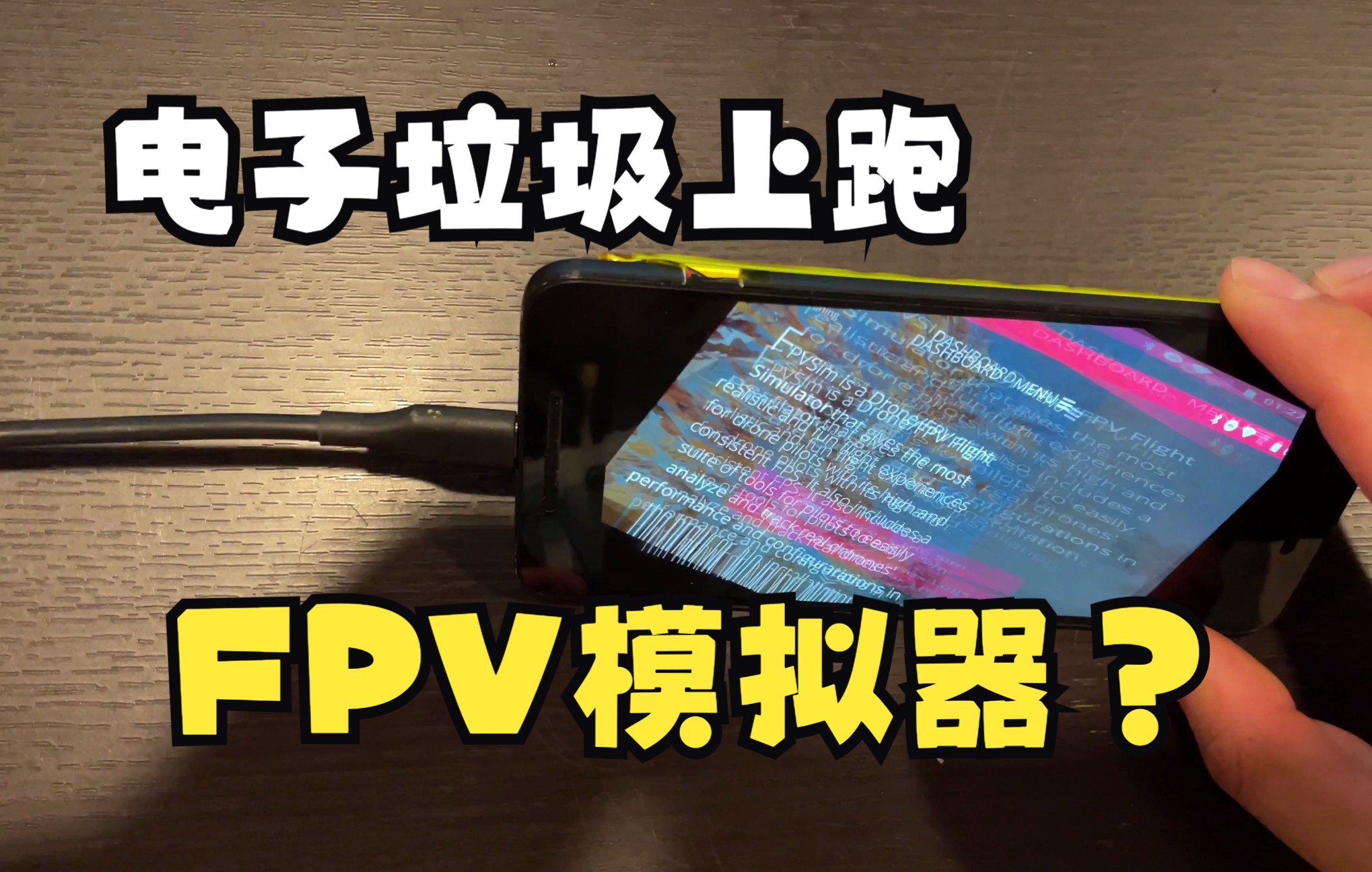
Don’t throw away electronic waste, because it may be used to fly FPV simulator

The video uses a Huawei Nexus 6P released around 2015 to demonstrate the operability of FPVSIM on older Android devices. The author connected an Xbox 360-compatible controller via OTG transfer, turned down the hardware gear, changed the resolution from highest to normal, and turned on performance statistics; roughly 30 to 40 FPS can be seen in complex scenes, but the latency and wireless controller experience cannot be compared with modern devices or model airplane remote controls.

Bilibili · Chinese · FPVSIM Simulator · 0:33

FPV simulator fast loading demonstration in one second

This short video demonstrates that after the first download of FPVSIM resources is completed, subsequent startups can use the local cache to quickly enter the simulator. The goal is to reduce the waiting progress bar to close to one second. It emphasizes the "second and subsequent loading" experience, and does not mean that downloading is not required after the first visit, version update, or clearing the cache.

Bilibili · Chinese · FPVSIM Simulator · 1:58

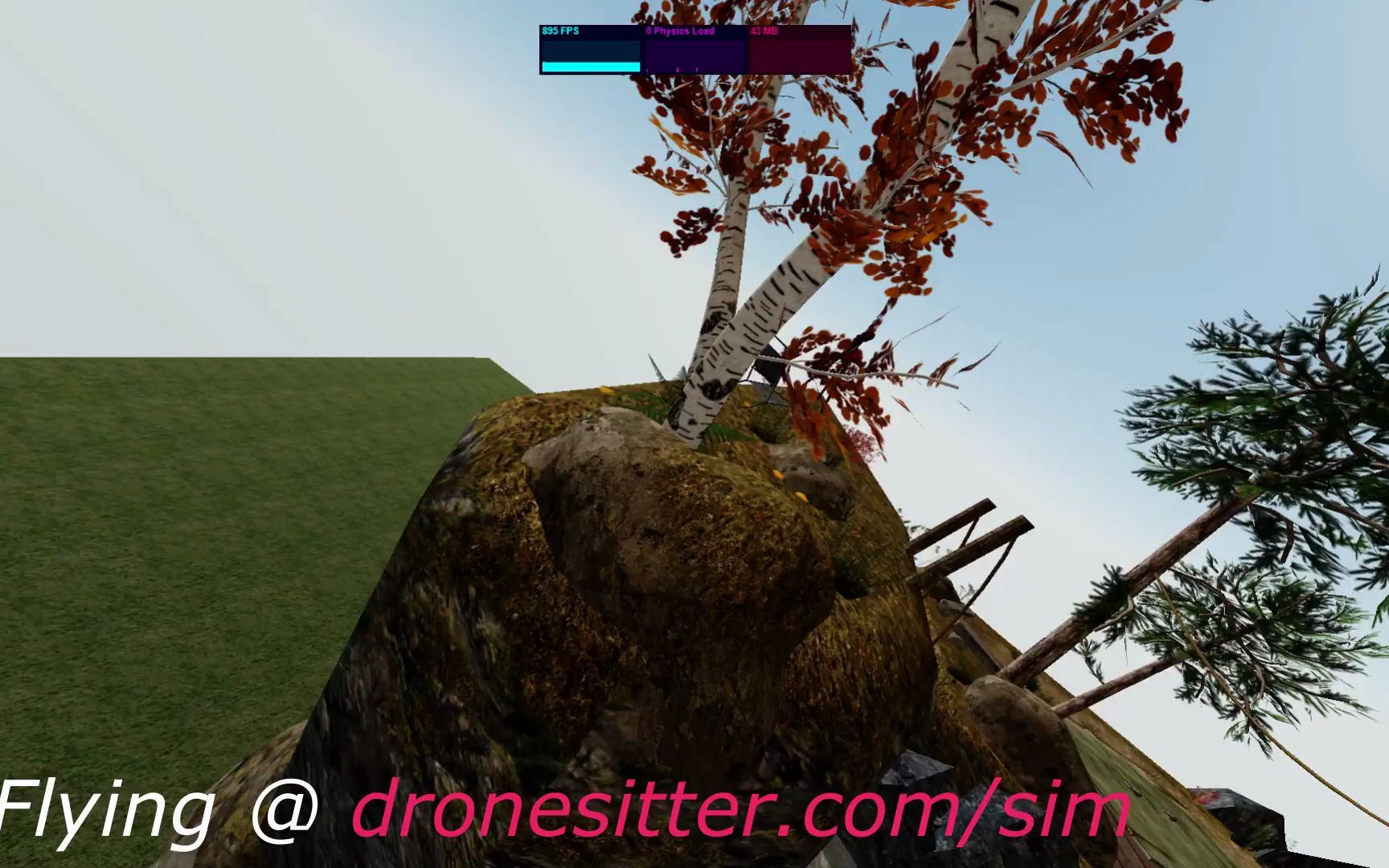
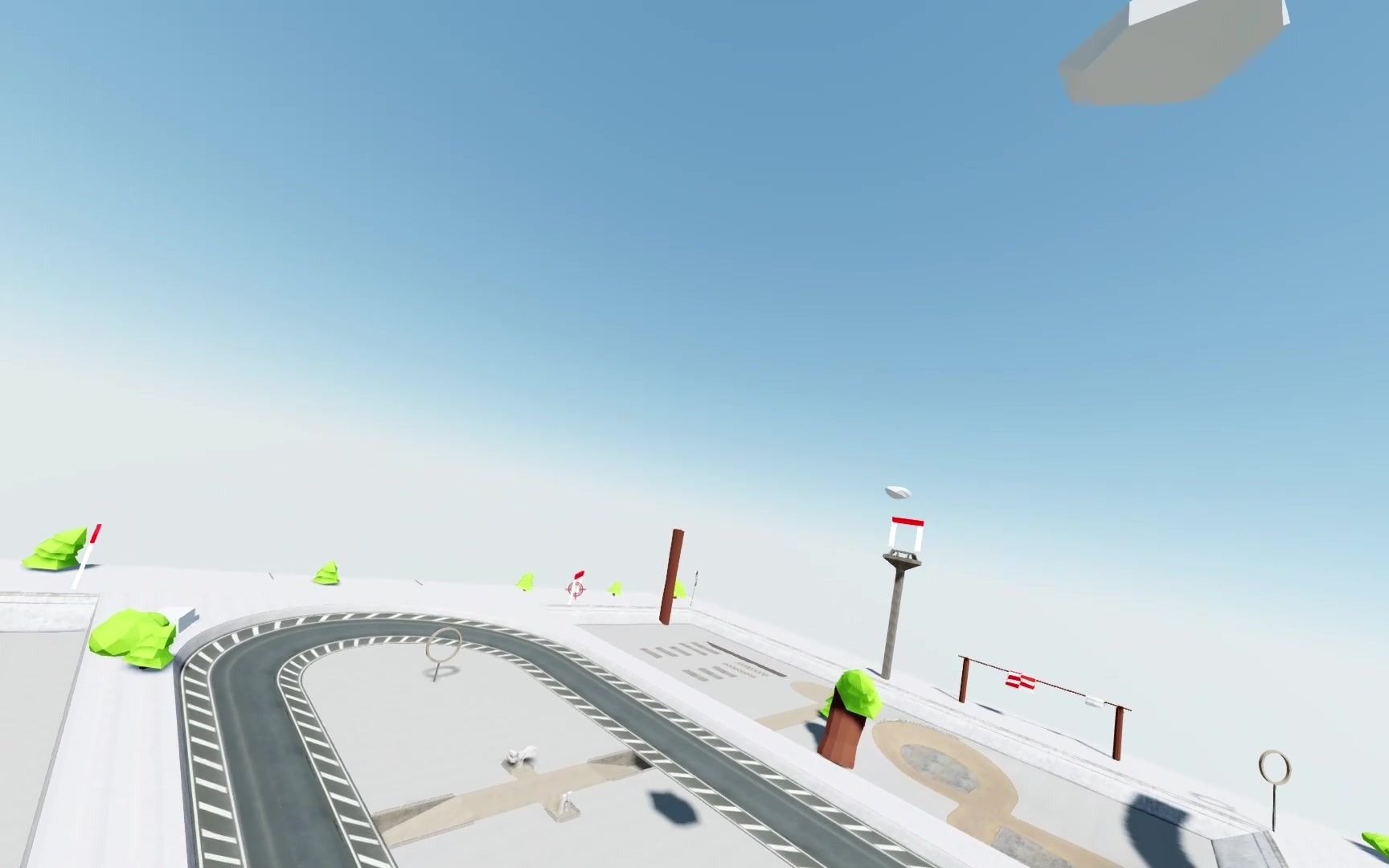
Dronesitter Sim’s new floating island scene + the first Dronesitter $100 Video Challenge

This launch video shows off Dronesitter Sim’s “Floating Islands” scene, while mentioning physics and performance updates. The video also comes with the rules for the inaugural $100 Community Video Challenge; that event, through July 2022, has now ended and the page should be read as a product and community history, not a notice of an event that is still available.

Bilibili · Chinese · FPVSIM Simulator · 1:43

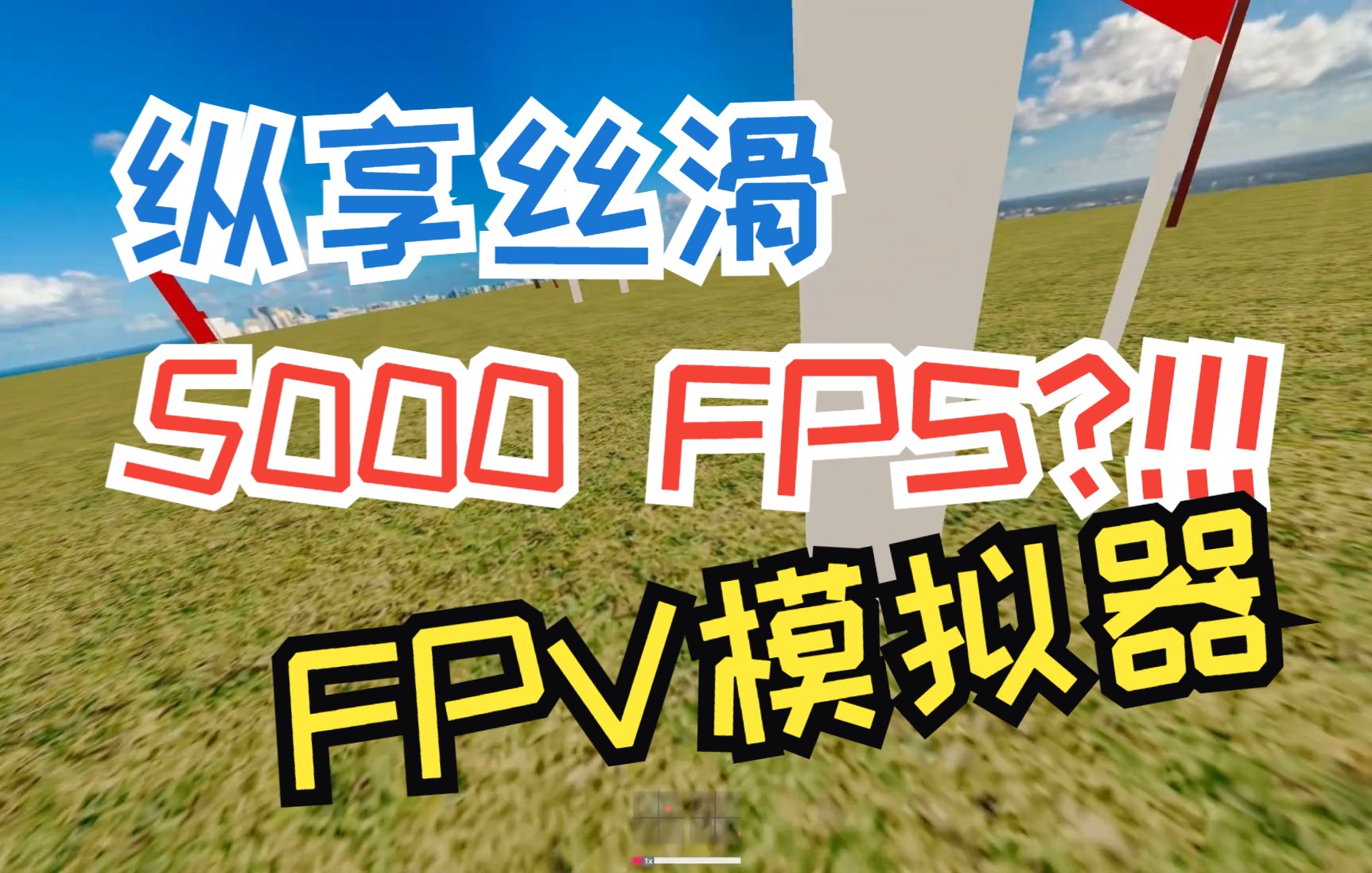
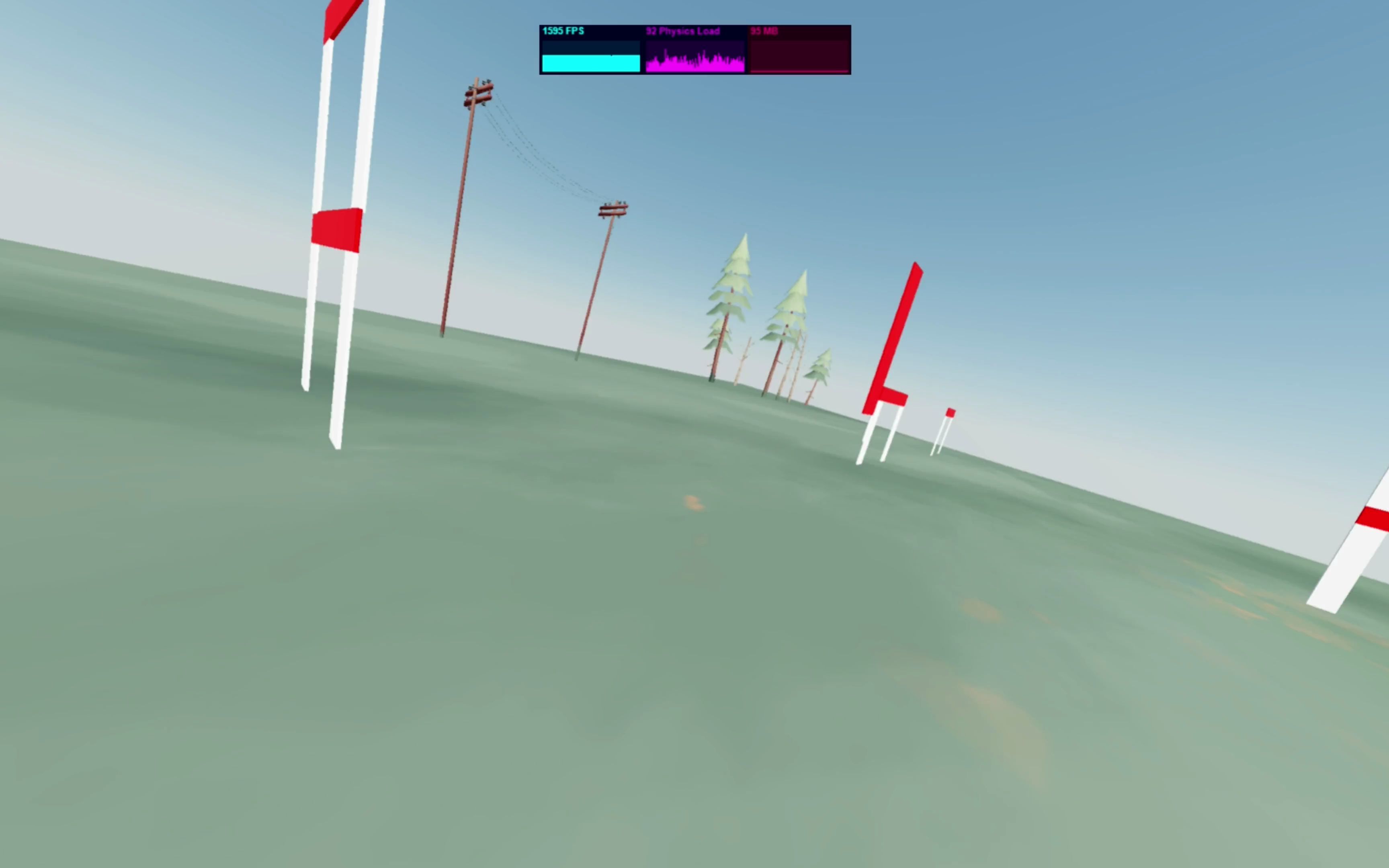
5K FPS FPV simulator?!!! You heard it right!

The “5K FPS” video shows extreme frame rate readings from Dronesitter Sim’s new render scheduler, illustrating how low scheduling and rendering overhead can be under certain light load conditions. This number does not equal the actual frame rate of an average player in a complete scenario, nor does it represent the monitor's ability to render 5,000 individual frames; a true training experience still depends on stable frame times, input links, physics updates, and device temperature.

Bilibili · Chinese · FPVSIM Simulator · 1:40

What?? Can you run large games in the browser? ? ? Dronesitter FPV simulator flower flying scene

This demonstration introduces the "Freestyle Village" flower flying scene of the browser version of the Dronesitter FPV simulator. The focus is that large maps can be loaded and run directly through the web page. The release notes remind that the map resource is relatively large: at that time, the first download on a 50 Mbps network in North America took about two minutes; if it freezes after entering, you can start troubleshooting by lowering Max FPS and other settings.

Bilibili · Chinese · FPVSIM Simulator · 4:37

A universal wireless connection method from any remote control to the simulator, as long as you have an airplane - Betaflight USB HID

This tutorial demonstrates a universal connection method that does not rely on the USB simulator mode of the remote control: use an aircraft receiver that has been linked to the remote control, connect the F4/F7 flight control to the computer via USB, enable USB HID CDC on the Betaflight or Cleanflight command line, let the flight control use the receiver channel as a computer input device, then select the device in the simulator and calibrate it. This method has wider compatibility, but the channel accuracy and refresh rate during video recording are lower than OpenTX remote control direct connection. It is more suitable for universal access or flower flying practice, and is not the first choice for low-latency racing.

Bilibili · Chinese · FPVSIM Simulator · 25:04

How to build an FPV racing track - Dronesitter simulator track editing example

This long tutorial fully demonstrates how to reproduce the Leviathan 2022 GQ track in the Dronesitter simulator: starting from cloning a similar track, learning the editor perspective and G/R/S/D shortcut keys, placing Launch Point, Gate, Flag, Panel, Checkpoint, Corkscrew and Ladder section by section, and defining the actual flight sequence with a checkpoint list, and finally test flying, fine-tuning and publishing.

Bilibili · Chinese · FPVSIM Simulator · 8:09

Dronesitter drone simulator - performance tuning, remote control calibration, sound, etc. - Attached is the Liberation Day drone racing online competition

This is a comprehensive troubleshooting guide for older versions of the Dronesitter web emulator, covering Physics FPS and Render FPS adjustments for low-end computers, remote control compatibility/high-speed mode and calibration, Chrome latency-related settings, and site sound permissions. The core idea is to first reduce the load to obtain an operable baseline, and then increase the frequency one by one; the controller first confirms the device and channel, and then performs endpoint calibration; the browser and event information belong to the historical environment of 2022 and cannot be directly copied to the current version.

Bilibili · Chinese · FPVSIM Simulator · 0:48

40K FPS! ! ! This week’s major update to the Dronesitter simulator physics engine

This is a narration-free short film updating the physics engine of the Dronesitter simulator. The "40K FPS" in the title describes the high-frequency running capability of the reconstructed physical loop, not the display's ability to render 40,000 frames per second. The official introduction confirms that this update separates the physical loop performance settings from the screen rendering, allowing users to adjust simulation calculations and display refresh separately according to device performance. It is a version update record for 2022, and the specific values ​​​​and setting locations may have changed.

Bilibili · Chinese · FPVSIM Simulator · 3:13

Major update, beta version of web flight simulator - Dronesitter Sim!

This narration-free short captures a major 2022 update to the Dronesitter Sim web beta. The official introduction lists four key points: upgrading the physics engine and feel, adding an online track editor, supporting multiple maps, and providing a racing mode. It is more like a version guide than an operation tutorial; the "open and play" Beta link, function entrance and free policy at that time may have expired. When using it today, you must check the current entrance and version instructions of FPVSIM.

Bilibili · Chinese · FPVSIM Simulator · 2:18

I was careless🤣🤣 and accidentally wrote a web version of the flight simulator - Dronesitter flight simulator preview version

This 2021 preview shows off an FPV flight simulator that works by opening a web page. The title uses Dronesitter, and the release notes give fpvsim.com/sim as the trial entrance, and explain that there will be a beta update later. The video has no tutorial narration, and the automatic transcription recognizes only background music lyrics. Therefore, this article only explains the positioning and testing methods of the web version of the simulator based on verified product information.

Bilibili · Chinese · FPVSIM Simulator · 8:31

Exclusive secret recipe for FPV simulator delay optimization 25ms -> 0.5ms Overclock USB Polling Rate

This tutorial splits the FPV simulator delay into remote control input, USB, CPU processing, GPU rendering, display and human body reaction, and only optimizes the "USB HID to computer" section. The author first measured 125 Hz with Radio Tester, and then used hidusbf of Windows to adjust the polling rate; the final actual frequency is still limited by the remote control protocol and external modules, the Tracer example is 250 Hz, and the ExpressLRS example is 500 Hz.

FPVSIM timer

25 videos

Installation, calibration, networking and event management of FPVSIM timing system.

Bilibili · Chinese · FPVSIM Timer · 10:18

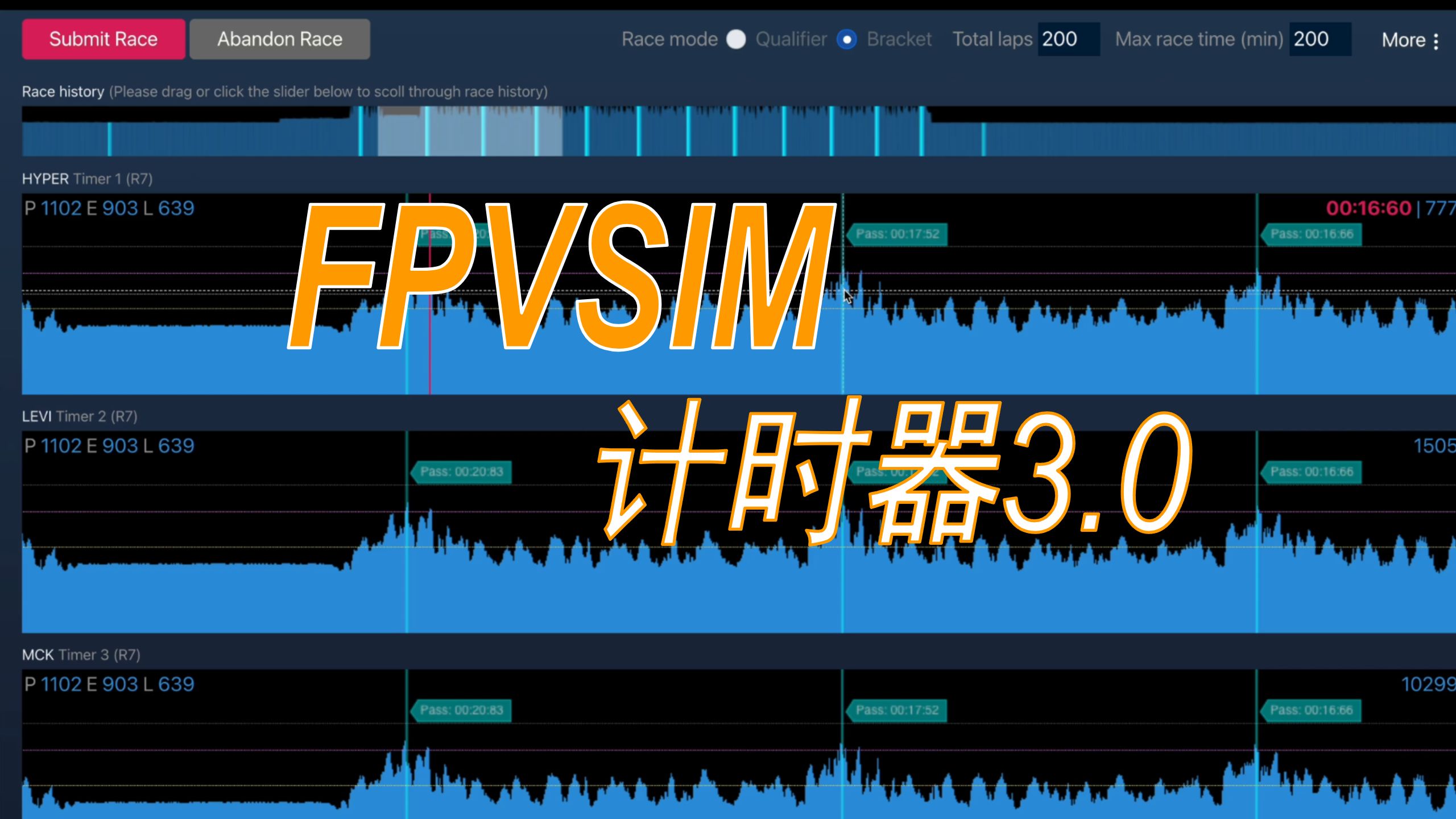
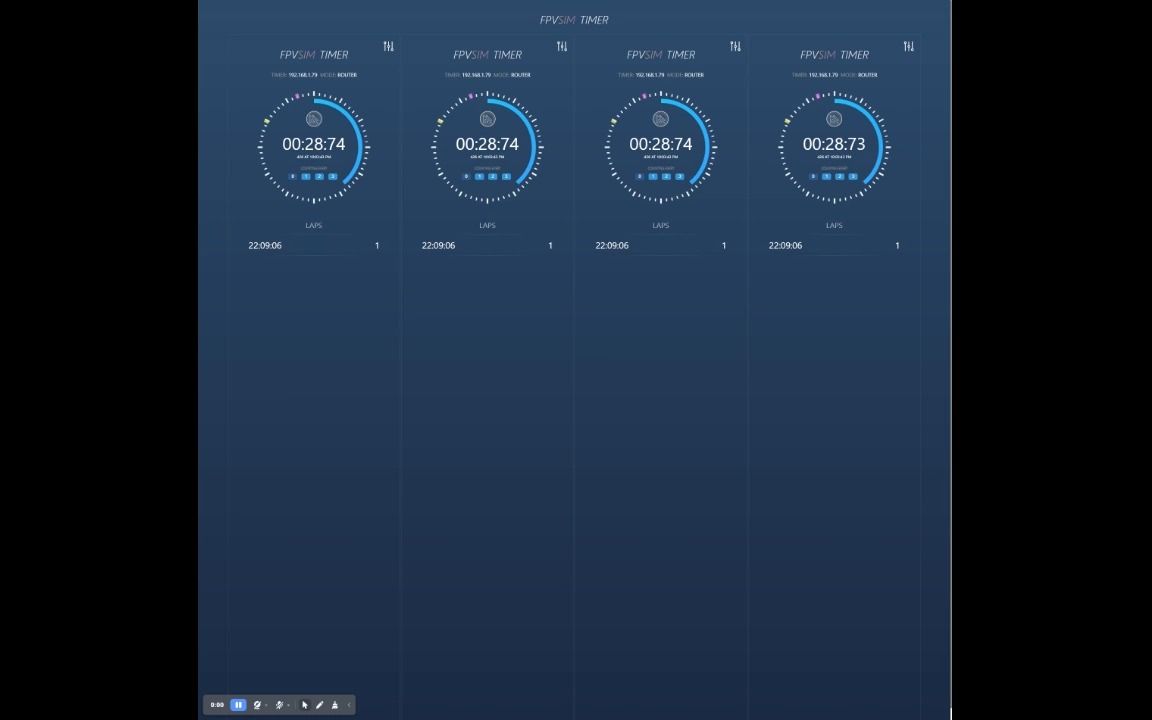
FPVSIM Drone Timer V3 “Mahjong” is shockingly released

FPVSIM Timer V3 (Mahjong, commonly known as "Mahjong") adds a direct USB connection in addition to the original connection method, which can hand over the power supply and timer network interface to the host. This tutorial organizes the first wiring, mobile device troubleshooting, real track calibration and flight verification, and is suitable for understanding the stable workflow of this generation of hardware.

Bilibili · Chinese · FPVSIM Timer · 1:42

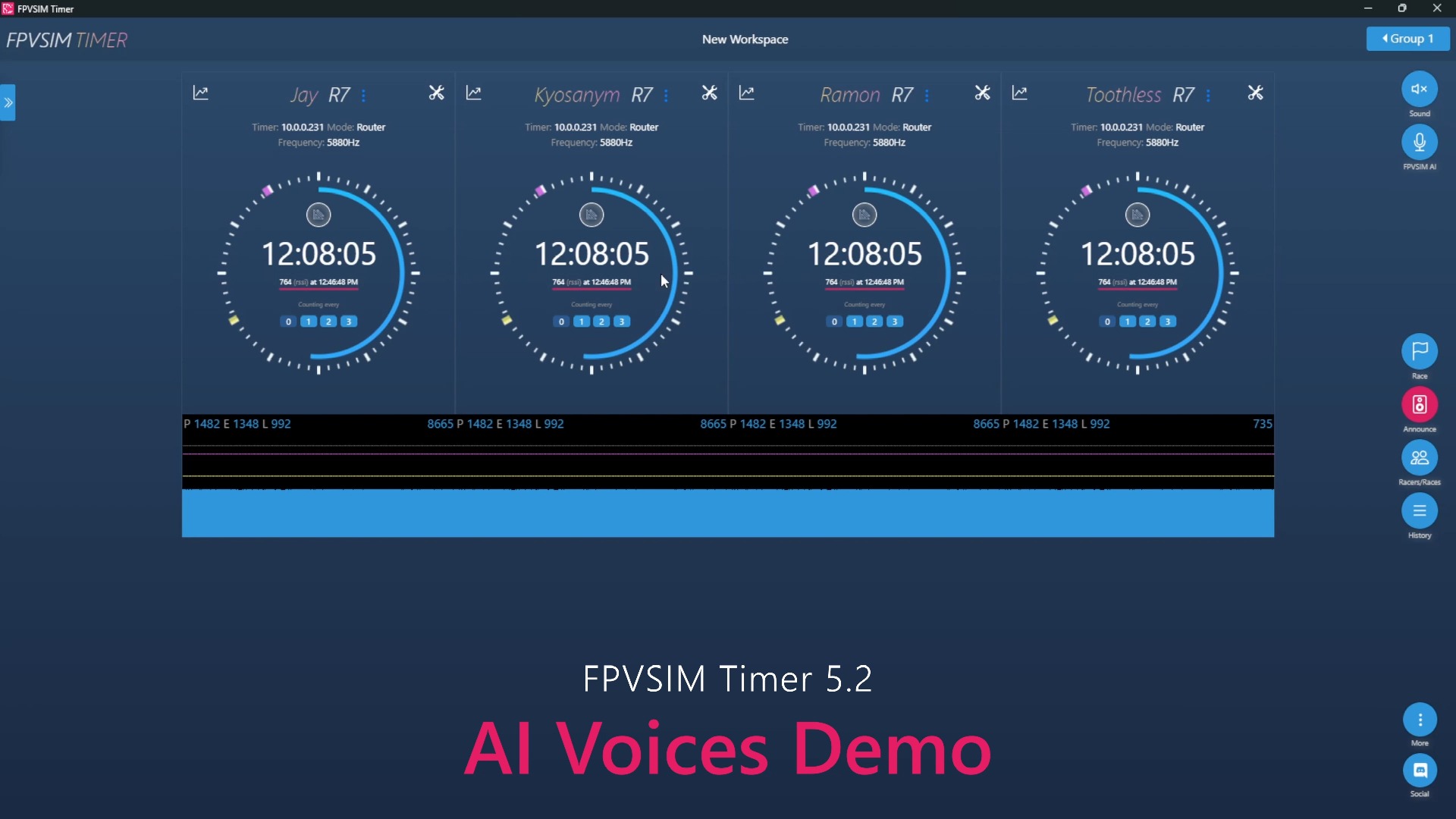
FPVSIM Timer 5.2 - Top AI Voice Engine

FPVSIM Timer 5.2 brings more natural AI event broadcasting to the local computer: different sounds can be switched in Workspace Settings, and prompts such as name, next group, and game abort are all generated by the machine; the first synthesis requires the creation of a cache, and the playback will be significantly accelerated thereafter.

Bilibili · Chinese · FPVSIM Timer · 1:41

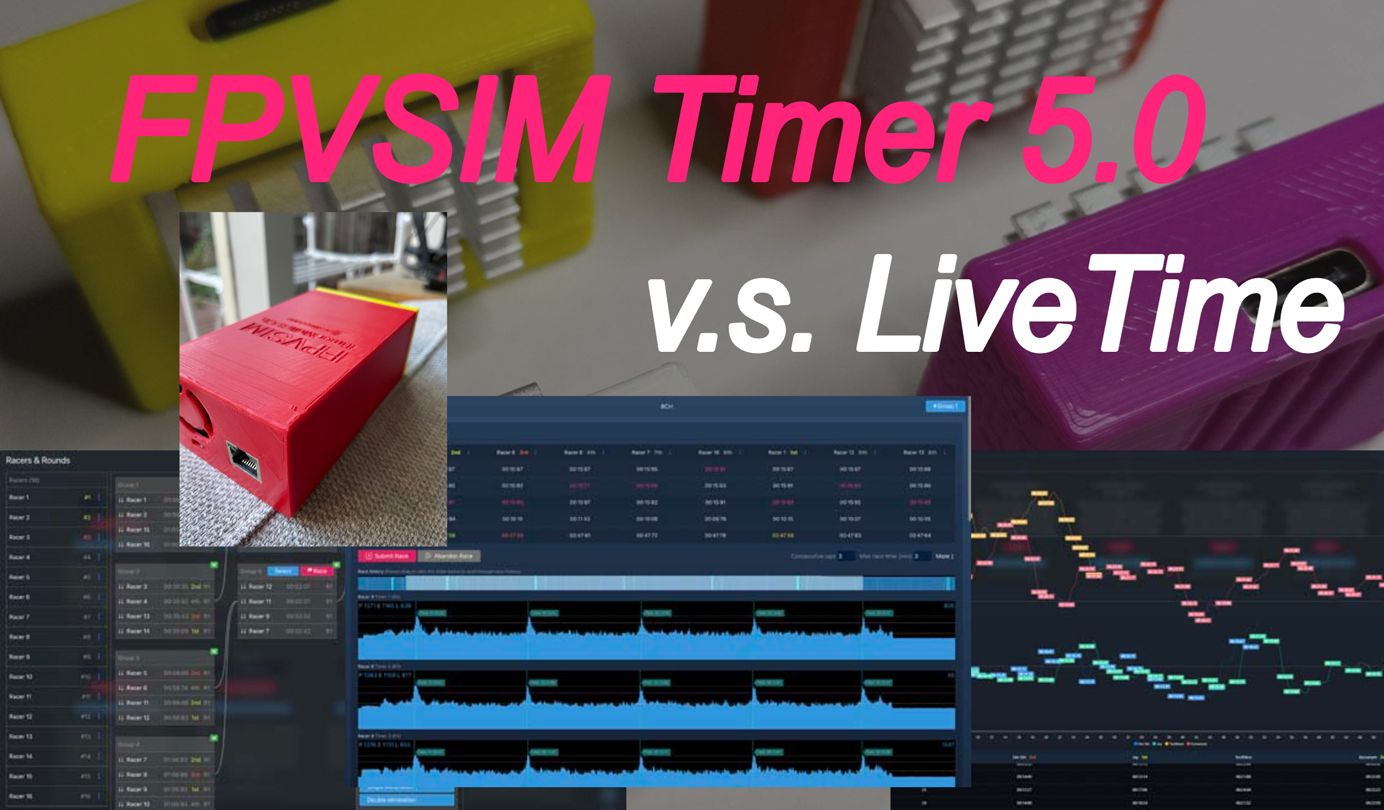
Timing accuracy comparison: FPVSIM Timer 5 vs. LiveTime

This non-narrated comparison video puts the FPVSIM Timer 5 and LiveTime timing results side by side: In the IRC eight-channel setup shown, the differences fall within approximately ±0.1 seconds. It demonstrates that this set of field configurations has usable consistency, but is not a universal accuracy certification for all hardware, track and event conditions.

Bilibili · Chinese · FPVSIM Timer · 9:33

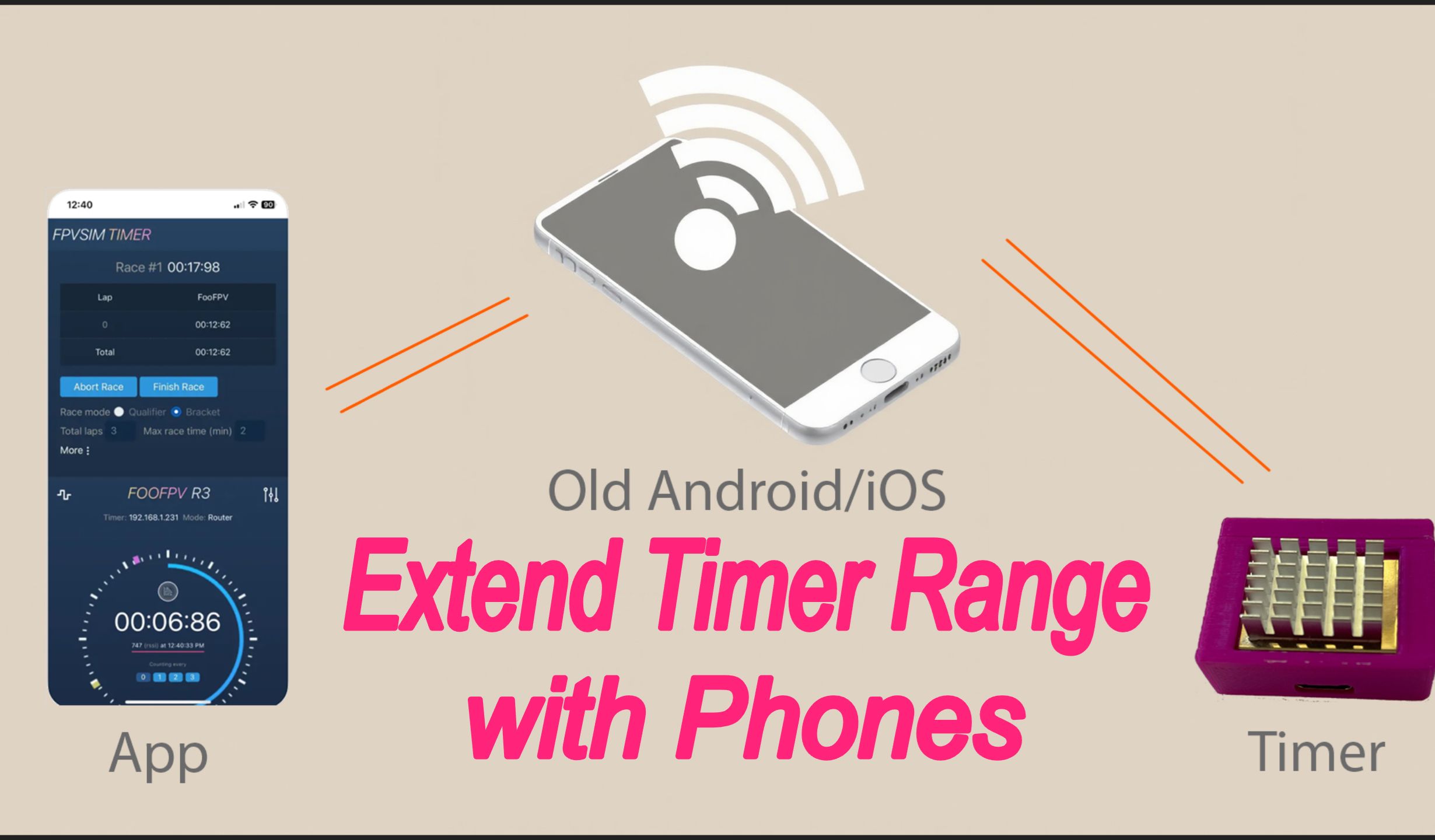
An old mobile phone doubles the wireless distance of the FPVSIM timer - [Turning waste into treasure series]

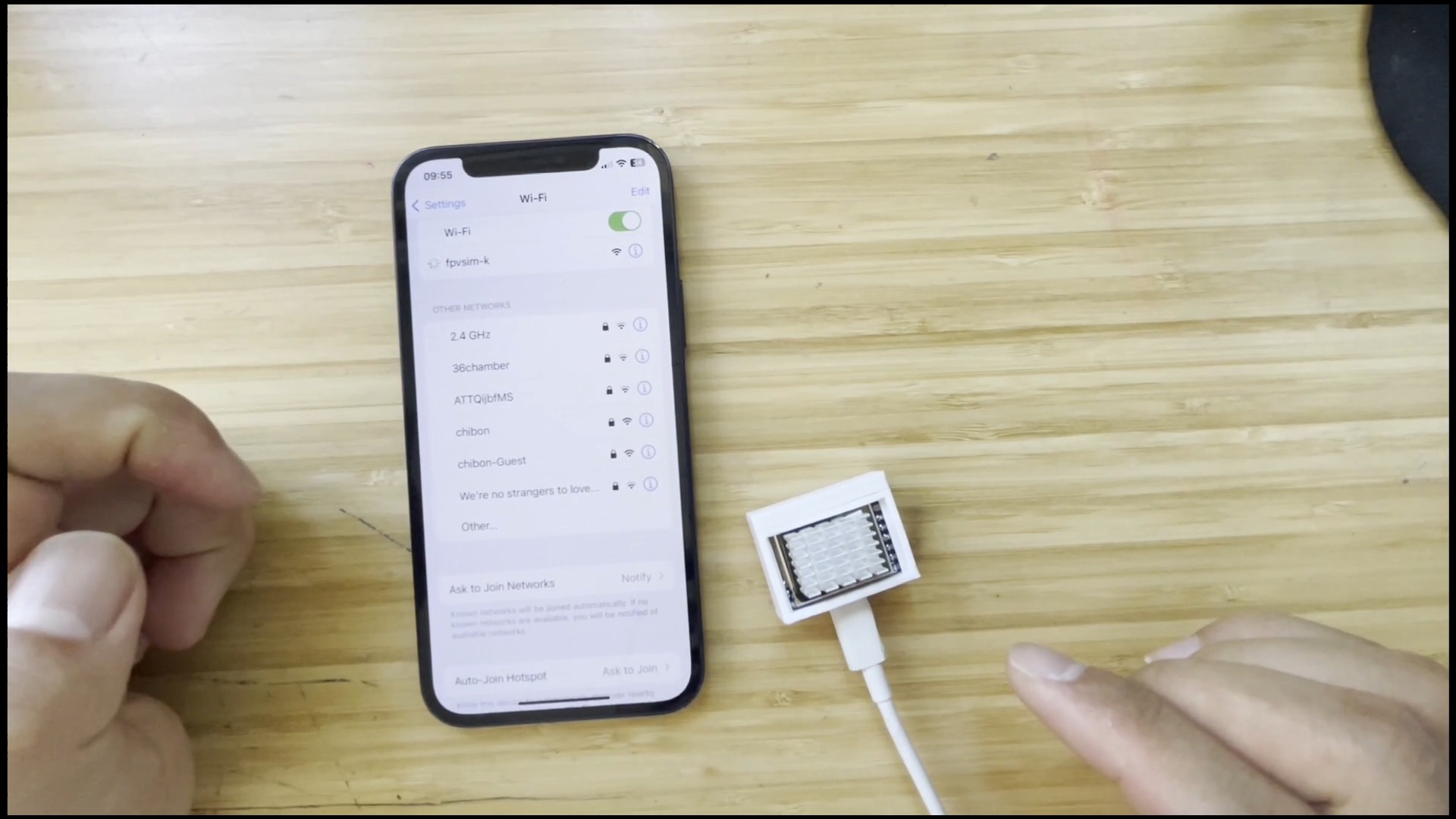
An idle phone can act as a Wi-Fi relay: the FPVSIM timer joins the old phone hotspot, and the main device running the Timer App joins the same network, thus splitting a long wireless distance in two. The tutorial uses Timer Solo as the main scenario and explains the Timer Multi variant that relies more on the capabilities of the phone and its reliability limitations.

Bilibili · Chinese · FPVSIM Timer · 15:20

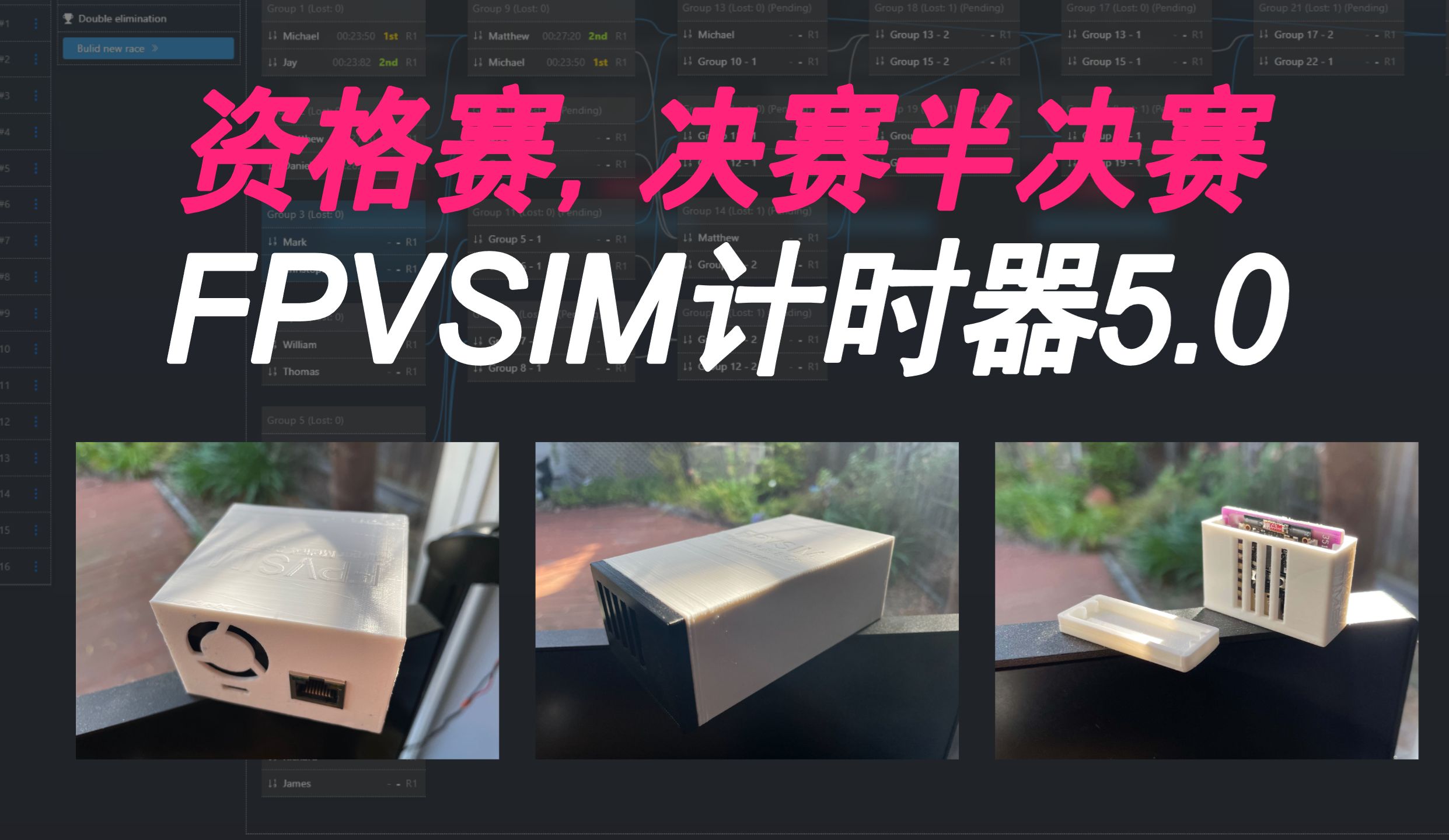
Qualifying, single-knockout, double-knockout schedule introduction - FPVSIM timer 5.0

This tutorial uses the event builder of FPVSIM Timer 5.0 to string together the complete process: generate qualifying groups, adjust players and channels, submit competition results, select qualifying candidates according to public rules, and then establish single or double elimination matches. The focus is on protecting the original workspace, unlocking subsequent categories based on upstream results, and reviewing the entire results chain before announcing the rankings.

Bilibili · Chinese · FPVSIM Timer · 8:05

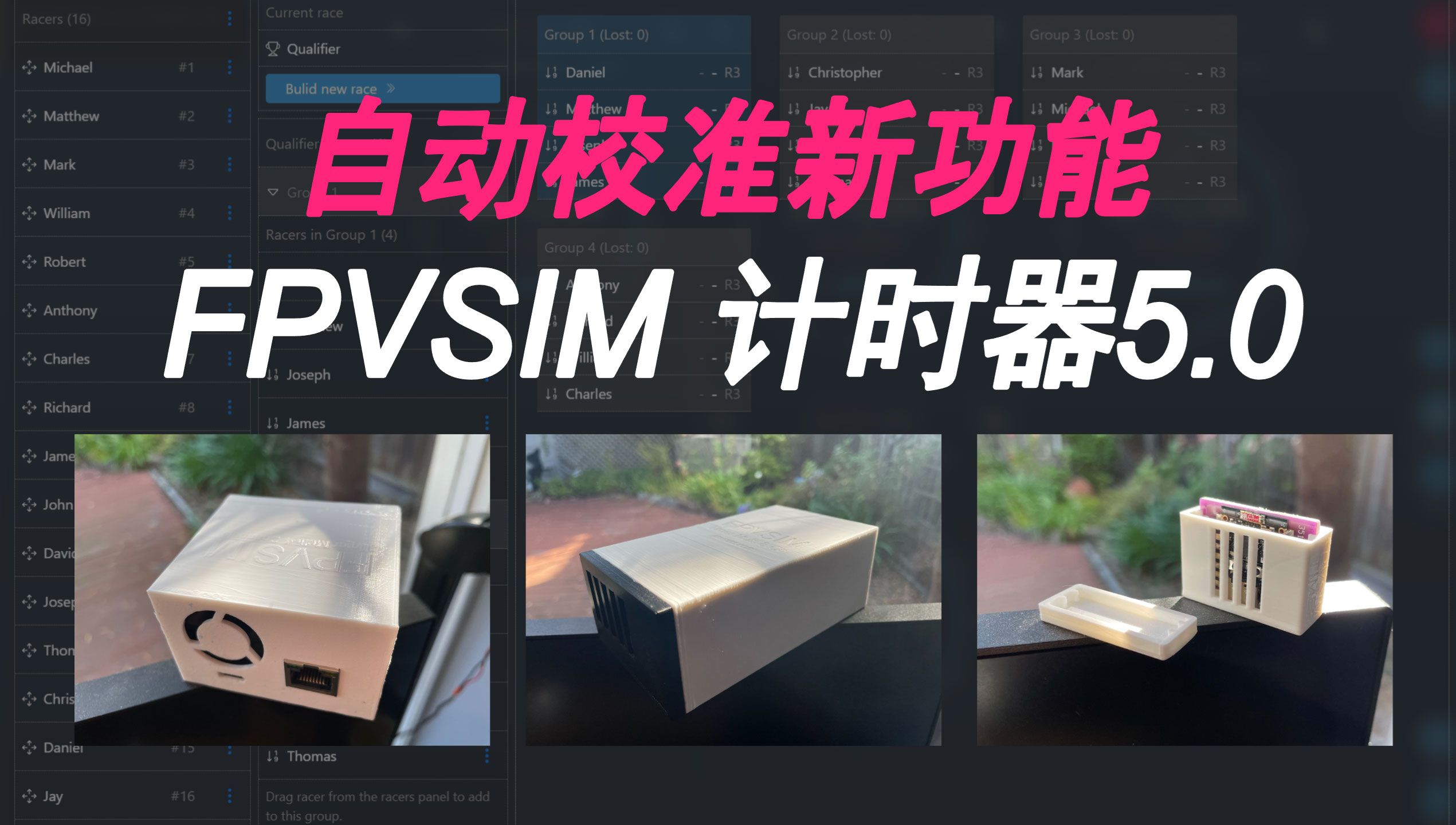
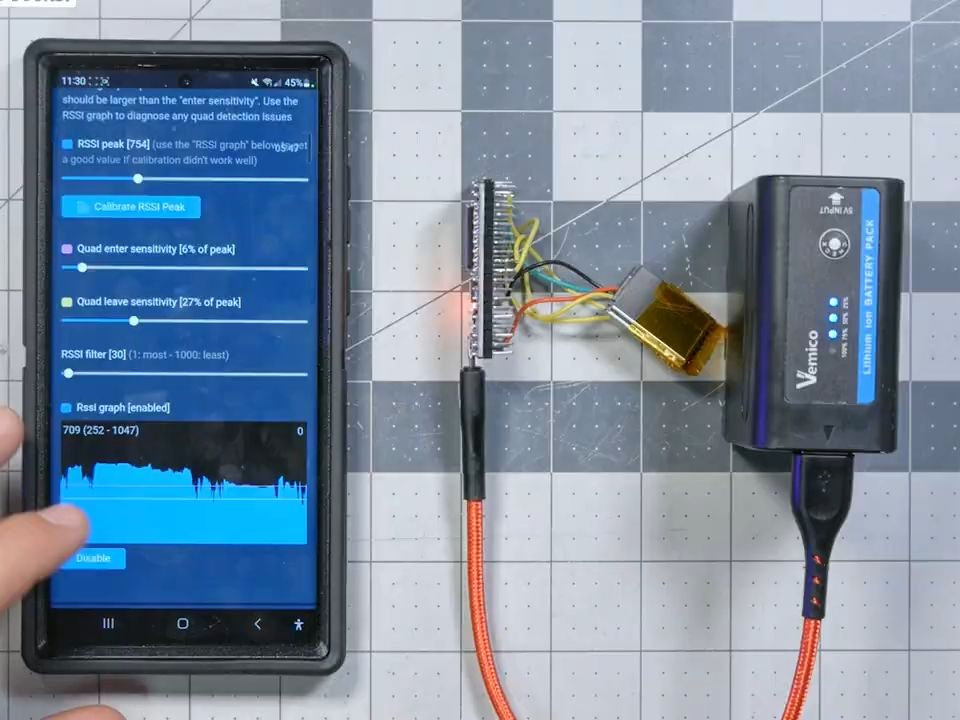
Introduction and real-time demonstration of the automatic calibration function - a function that has been available for five years - FPVSIM Timer 5.0

FPVSIM Timer 5.0's auto-calibration learns RSSI peaks, entry thresholds, and exit thresholds from real crossings. This tutorial explains how to collect a representative sample at the final timing point, turn off VTX when prompted, review the calculation results, and use a true-paced test race to confirm that there are no missed laps or mistimes.

Bilibili · Chinese · FPVSIM Timer · 0:28

Think the computer is too heavy? So pinch the phone?

FPVSIM Timer Multi/Multiplayer version allows mobile phones to connect to the timer network through a wired Ethernet adapter to complete event operations on iOS or Android devices. This 28-second demonstration emphasizes lightweight connections: just prepare a compatible network port adapter and network cable, and there is no need to install additional drivers or complete complex configurations for the adapter.

Bilibili · Chinese · FPVSIM Timer · 11:11

FPVSIM Timer Solo First Time Setup on iOS - Calibration Tips and More!

This tutorial starts with the Timer V2 Solo's case assembly and 5V USB-C power supply, demonstrates how to add an iPhone/iPad to a timer hotspot, and explains how the RSSI peak, entry threshold, and exit threshold jointly determine a crossing. The interface belongs to an earlier generation, but these signal judgment principles are still suitable for troubleshooting missed laps and repeated lap counting.

Bilibili · Chinese · FPVSIM Timer · 3:36

FPVSIM timer competition version - never disconnect

FPVSIM Multi-Kit connects multiple modular timing units to the Timer 4.1 via wired Ethernet, providing 4 or 8-channel event configurations. This article follows the 216-second B-site version instructions for wiring, workspace coverage warnings, pre-filled network settings and OTA firmware paths; "Never Dropped" is the product title and should not be understood to mean that there is no need to monitor the connection status.

Bilibili · Chinese · FPVSIM Timer · 2:41

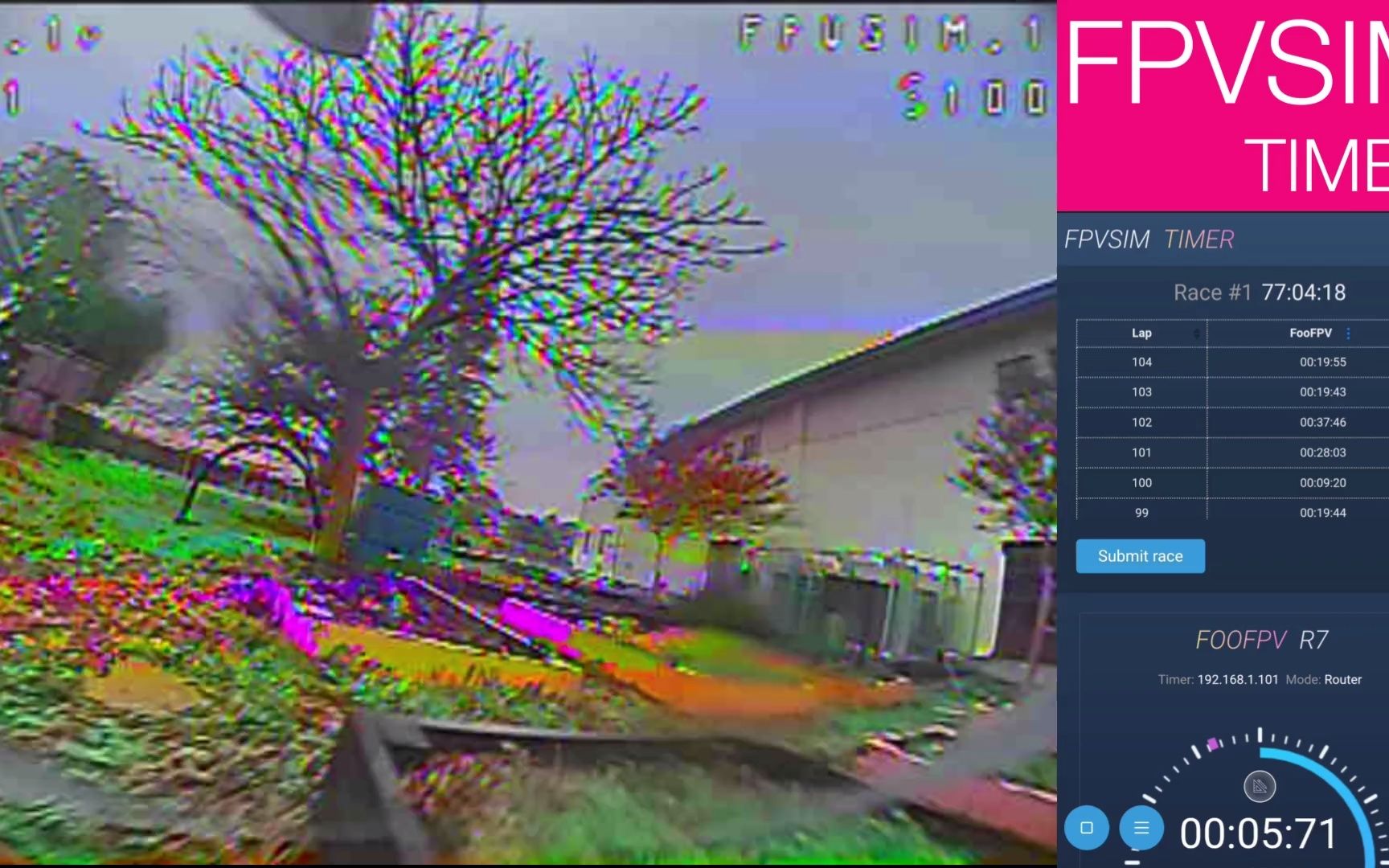
Practicing hard is worse than practicing skillfully - FPVSIM Timer 4.0 lets AI help you go faster!

FPVSIM Timer 4.0 puts two easily confused capabilities into the same practice process: the AI coach reads lap time trends through an online model and gives consistent feedback; the voice control recognizes commands such as start, stop, submit, repeat, and status offline on the machine. The video shows lap time data to assist training and is not a comprehensive diagnosis of flight line or stroke action.

Bilibili · Chinese · FPVSIM Timer · 2:24

FPVSIM timer racing live broadcast function - OBS Overlay

When FPVSIM Timer 3.0.1 was released, a real-time timing Overlay for OBS was added, which can overlay players, laps and rankings onto the live broadcast screen as browser sources. This tutorial organizes the timing server, OBS source, number of rows and columns and complete rehearsal process according to the official video description, and makes it clear that the platform support information at that time does not represent current compatibility.

Bilibili · Chinese · FPVSIM Timer · 2:42

Do you want to hire an FPV personal trainer?!!!

This FPVSIM Timer 3.0 prototype demonstration turns lap time data into instant voice feedback: the system can point out trends such as lap speed improvement, fastest lap and consecutive laps are gradually approaching, and provide encouragement. It’s more like a time-series-based practice reminder than a real-life instructor who can observe the status of lines, strokes, or equipment.

Bilibili · Chinese · FPVSIM Timer · 10:02

FPVSIM timer 3.0 new features - game history replay/flyer upload/automatic grouping, etc.

FPVSIM Timer 3.0 puts the post-event RSSI timeline, missed lap correction, independent entry and exit thresholds, player CSV import and random grouping into the same workflow. The video also demonstrates how physical timing gates can reduce lateral signal false triggers, and briefly previews OBS timing overlay; all menus and restrictions should be understood according to the 3.0 historical interface.
Bilibili · Chinese · FPVSIM Timer · 16:27

Joshua Bardwell introduces the FPVSIM timer system - a must-read for racing pilots - Chinese subtitles

Joshua Bardwell's complete demonstration takes the FPVSIM Timer from hardware selection, phone connection, and channel-by-channel calibration, all the way to player grouping, qualifying/elimination mode, and DIY flashing. The really key practice loop is to put the timer at a fixed start and end point, use each pilot's actual image transmission signal to calibrate the threshold, and then use the lap time trend to improve stability. The price, application, IP, subscription and hardware supply in the video are all information at the time of recording.

Bilibili · Chinese · FPVSIM Timer · 0:37

FPV Racing Timer FPVSIM Timer #4 - Real-time pilot position display

This demonstration introduces the real-time pilot position display of FPVSIM Timer: using a timer network deployed at different locations on the field, the most recently detected position of each pilot is summarized on the same interface. The video uses simulated timing signals to verify the concept, so it is suitable for understanding functional goals; the official event still requires on-site verification for node deployment, network stability, and abnormal data.

Bilibili · Chinese · FPVSIM Timer · 1:51

FPV racing timer FPVSIM Timer #3 - Metronome function demonstration

The metronome of the FPVSIM Timer will restart counting after the pilot passes the timing point and broadcast the beat at the set interval of 1, 2 or 3 seconds. It converts the time difference in a single lap into auditory feedback without having to look down at the screen. It is especially suitable for repeatedly comparing different lines, cornering rhythms and maneuvering strategies on the same track.

Bilibili · Chinese · FPVSIM Timer · 13:02

FPV Racing Timer FPVSIM Timer #2 - Timer production and WIFI router settings

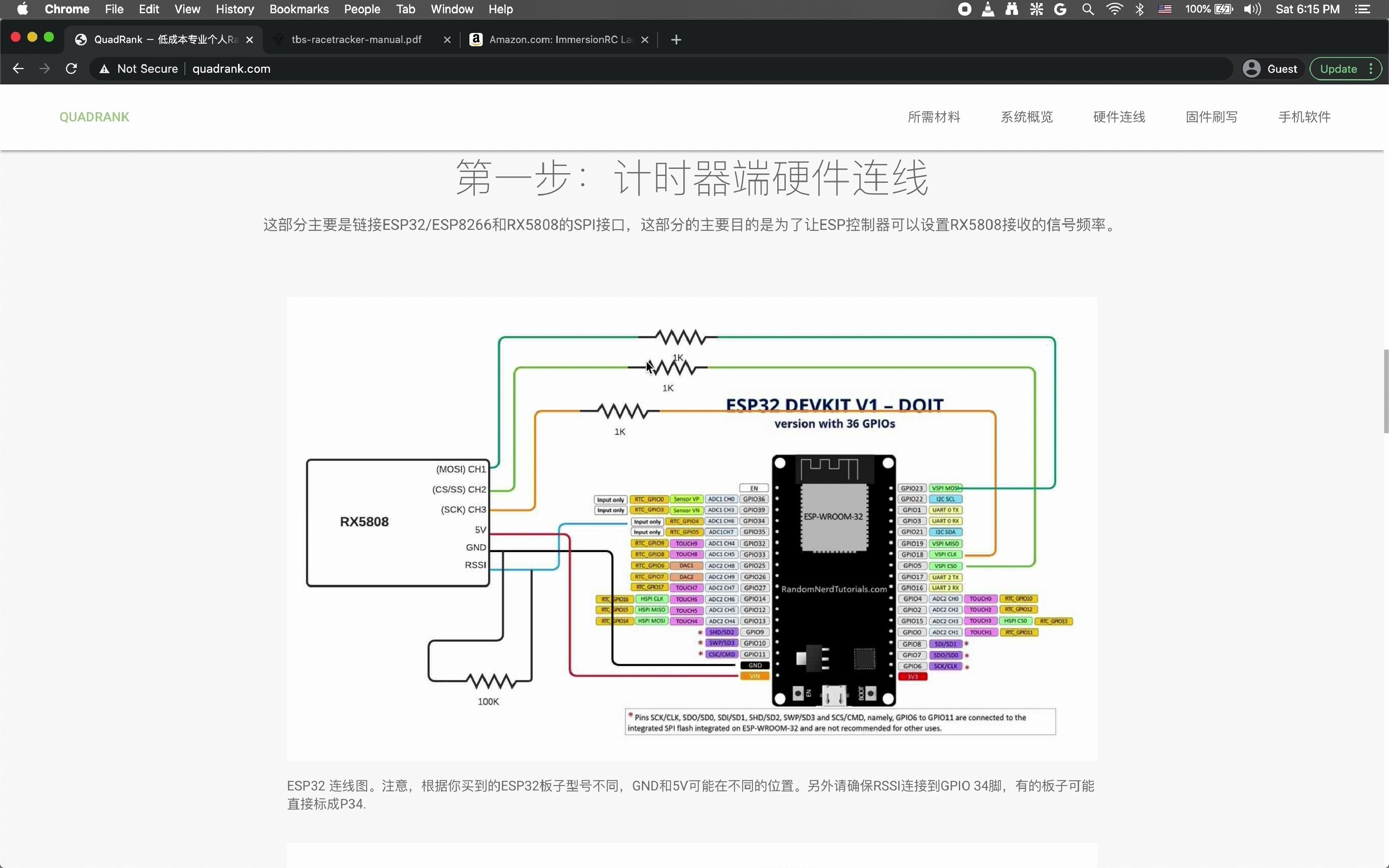
This tutorial assembles a FPVSIM Timer timing unit from scratch: prepare ESP32, RX5808, a 100 kΩ resistor and three 1 kΩ resistors, complete RSSI, power supply and SPI related welding; after flashing the firmware, connect the timer to the 2.4 GHz router from the self-built hotspot, and reserve and fix its LAN IP through DHCP address.

Bilibili · Chinese · FPVSIM Timer · 4:44

FPV Racing Timer FPVSIM Timer #1 - Download and use of open source firmware flashing tool

This tutorial describes how to use the open source FPVSIM Timer Configurator to flash firmware for the ESP32 timing unit. Download the corresponding installation package according to the operating system, connect the USB data port of the timer, select the firmware version, target hardware and serial port in the tool, and then execute Build & Flash; the first run will additionally download the flash tool, so it is usually slower than subsequent flashes.

Bilibili · Chinese · FPVSIM Timer · 0:27

The new version of FPVSIM timer is being arranged for you

This short video is a feature preview of the new version of FPVSIM Timer, which highlights the introduction of an independent router, allowing event computers to connect to the LAN through 5 GHz Wi-Fi or network cables, enhanced disconnection and reconnection, and preparation of multi-machine timing for multi-player events. It documents development direction as of late 2022, and feature or platform plans still in development at that time should not be considered as current release commitments.

Bilibili · Chinese · FPVSIM Timer · 1:56

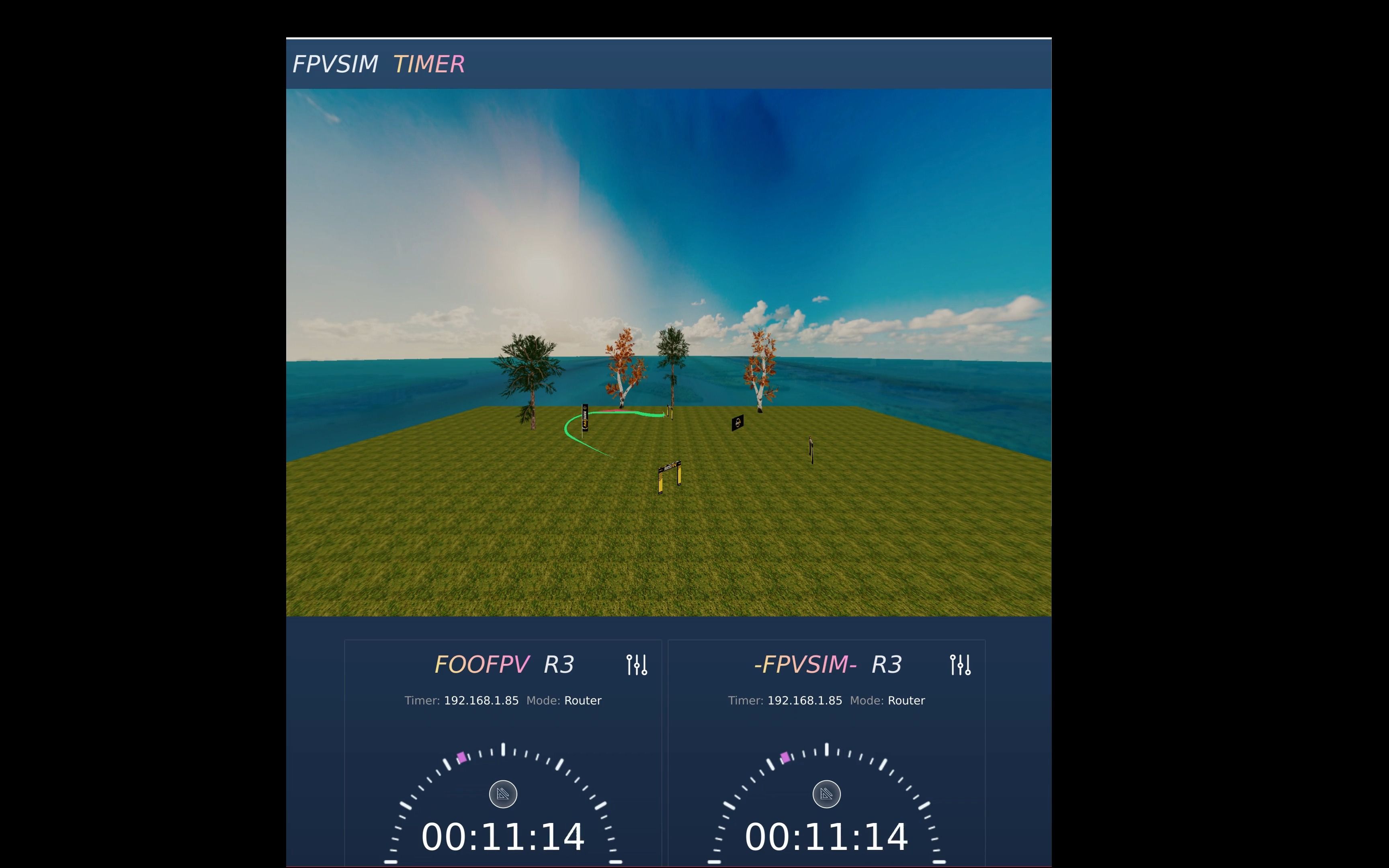
FPVSIM Track Timing System + Australian Jungle

This demonstration puts FPVSIM's track and timing system into the "Australian Jungle" scene, showing that simulated flight is not just free practice, but can also record laps and feedback progress around fixed routes. The upcoming beta version and subscription benefits were previewed when the video was released; this commercial and release date information is now out of date and should be viewed on the current FPVSIM page.

Bilibili · Chinese · FPVSIM Timer · 2:59

[FPV Racing] QuadRank Timer firmware updated to 2.1 🚀🚀🚀🚀🚀🚀

This is the update instructions page for QuadRank Timer Firmware 2.1. The official introduction clearly gives two conclusions: the new firmware enhances short track support and significantly reduces false alarms in short track timing; at the same time, it is compatible with the previous version of the App, so this update does not require a simultaneous App upgrade. The video does not have a credible tutorial narration, and the article does not fill in the flashing steps that are not shown, but explains the purpose of the update, version boundaries, and how to use controlled testing to verify the timing results after the upgrade.

Bilibili · Chinese · FPVSIM Timer · 5:39

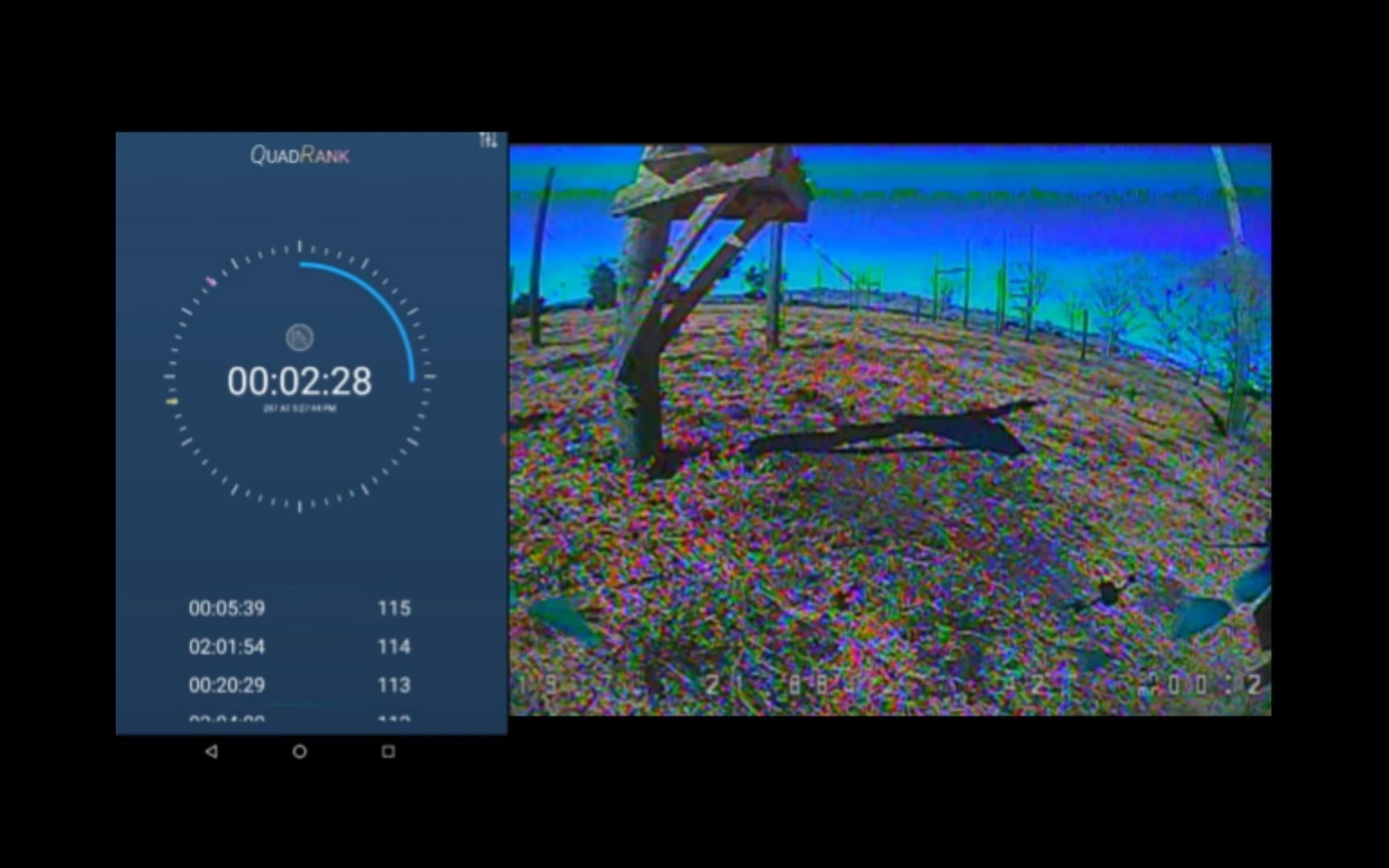
QuadRank Racing Timer 2.0 - How to use the APP

This tutorial demonstrates the basic flow of a QuadRank Timer 2.0 application: keeping the app and the timer firmware on the same version, connecting to the timer's own Wi-Fi hotspot, selecting a channel consistent with the aircraft's VTX, initiating auto-calibration and passing the timing gate multiple times. The application determines the crossing moment based on the entry threshold, exit threshold and intermediate peak value of the RSSI signal, and then uses the time difference between adjacent peaks to calculate the lap speed.

Bilibili · Chinese · FPVSIM Timer · 0:53

QuadRank Racing Timer 2.0 - Test

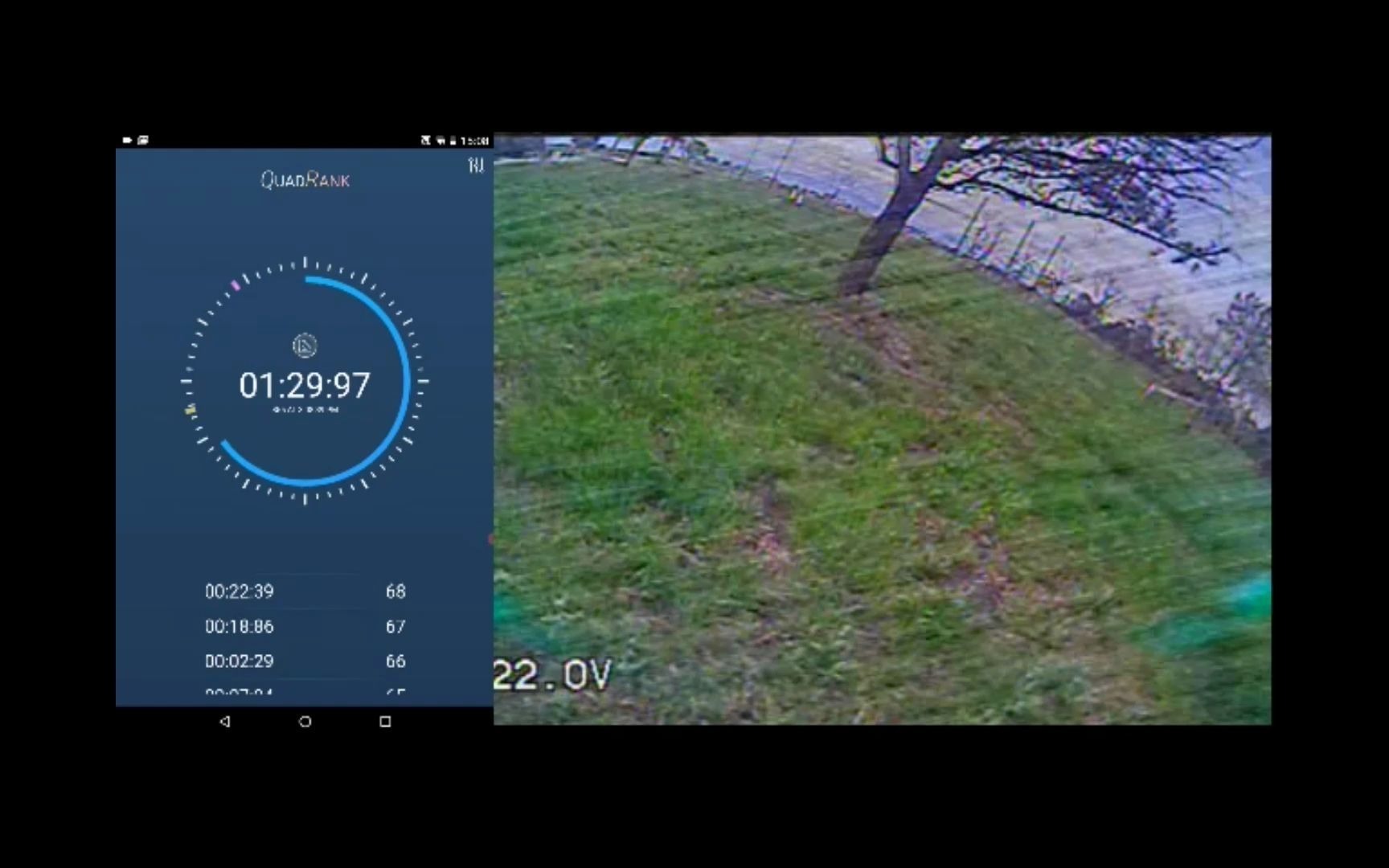
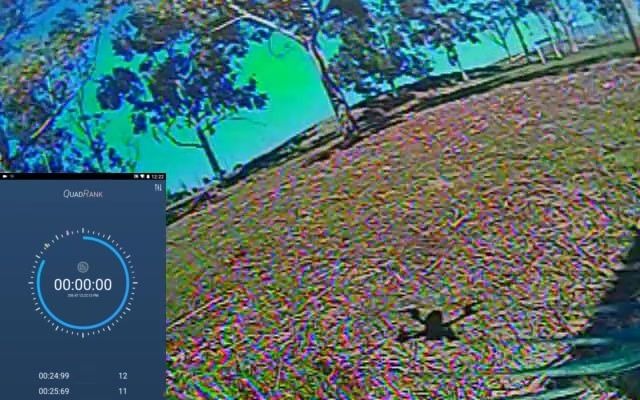
This less than one minute video is an early test record of QuadRank racing timer 2.0. The focus is to observe whether the device can capture the line and send the lap/time to the interface, rather than a complete installation or parameter adjustment tutorial. The video description clearly states that the time displayed in the center of the recorded version is not the real time, and the problem has been fixed after recording; therefore, the numbers in the screen can only be used to understand the test process and cannot be regarded as official results.

Bilibili · Chinese · FPVSIM Timer · 8:39

DIY a low-cost professional FPV RACING timer - QuadRank Timer

This video introduces the early low-cost DIY route of QuadRank Timer: ESP32/ESP8266 is responsible for running timing and interface services, RX5808 with SPI receives image transmission and outputs RSSI, and the mobile phone application is used to select channels, calibrate and set detection sensitivity. The tutorial covers materials, wiring, firmware flashing, power supply and basic calibration, but was recorded in 2021. The download address, pins, application price and platform support should be subject to the current FPVSIM Timer document.

Bilibili · Chinese · FPVSIM Timer · 2:58

QuadRank Timer-DIY FPV RACING timer calibration and test flight | Please see the next video for DIY method

This live clip shows the complete verification link of an early QuadRank DIY timer from connecting, switching to 5695 MHz (Channel 2), performing calibration, and actually flying a broadcast lap. The audio track only has application voice prompts and lap time numbers, and there is no manual explanation to rely on. Therefore, this article uses it as an example of "how to accept the timing system" instead of inferring non-existent setting instructions from the numbers. The interface, channel labels and operation entrances are subject to the current FPVSIM Timer document.

FPV knowledge

33 videos

Chinese content covering equipment, parameter adjustment, image transmission, radio and practical technology.

Bilibili · Chinese · FPV Knowledge · 9:10

Remote control joystick signal quality analysis and how to check your remote control

This tutorial uses the Blackbox log of the same four-axis machine to compare the RC command spectrum of the Jumper T15 and the modified FrSky X9 Lite, explaining how to find the high-frequency noise of a certain rocker axis. It provides a controlled comparison method, not a judgment on the merits of all remote controls of the same model.

Bilibili · Chinese · FPV Knowledge · 9:06

【Breaking news】The new king of Betaflight gyroscopes has ascended the throne! ICM42688 super MPU6000 - Comparative analysis and configuration method

This time the comparison between ICM42688 and MPU6000 focuses on Blackbox data, rather than drawing conclusions based solely on feel: after adjusting the internal filtering of the ICM42688 under test, the gyroscope noise before entering Betaflight is significantly reduced, and the D-term residual noise is also lower; however, the results only represent the body used, firmware draft and flight conditions, and cannot be directly extended to all flight controls.

Bilibili · Chinese · FPV Knowledge · 4:57

Let’s go to Hawaii FPV - Free Google Maps API setup and usage

This tutorial explains how to create and configure a personal Google Maps Platform API key for FPVSIM's world map flight functionality: create a new standalone project in Google Cloud, complete the account requirements, enable the Maps Tiles API, generate and properly constrain the key, and finally save the key to FPVSIM's world map scene. This video was recorded in 2023. Google's interface, billing, quotas, and verification requirements may have changed, so you should refer to the latest policies displayed in your console.

Bilibili · Chinese · FPV Knowledge · 1:18

Dronesitter Sim major update this week: Introducing adjustable PID controller and more

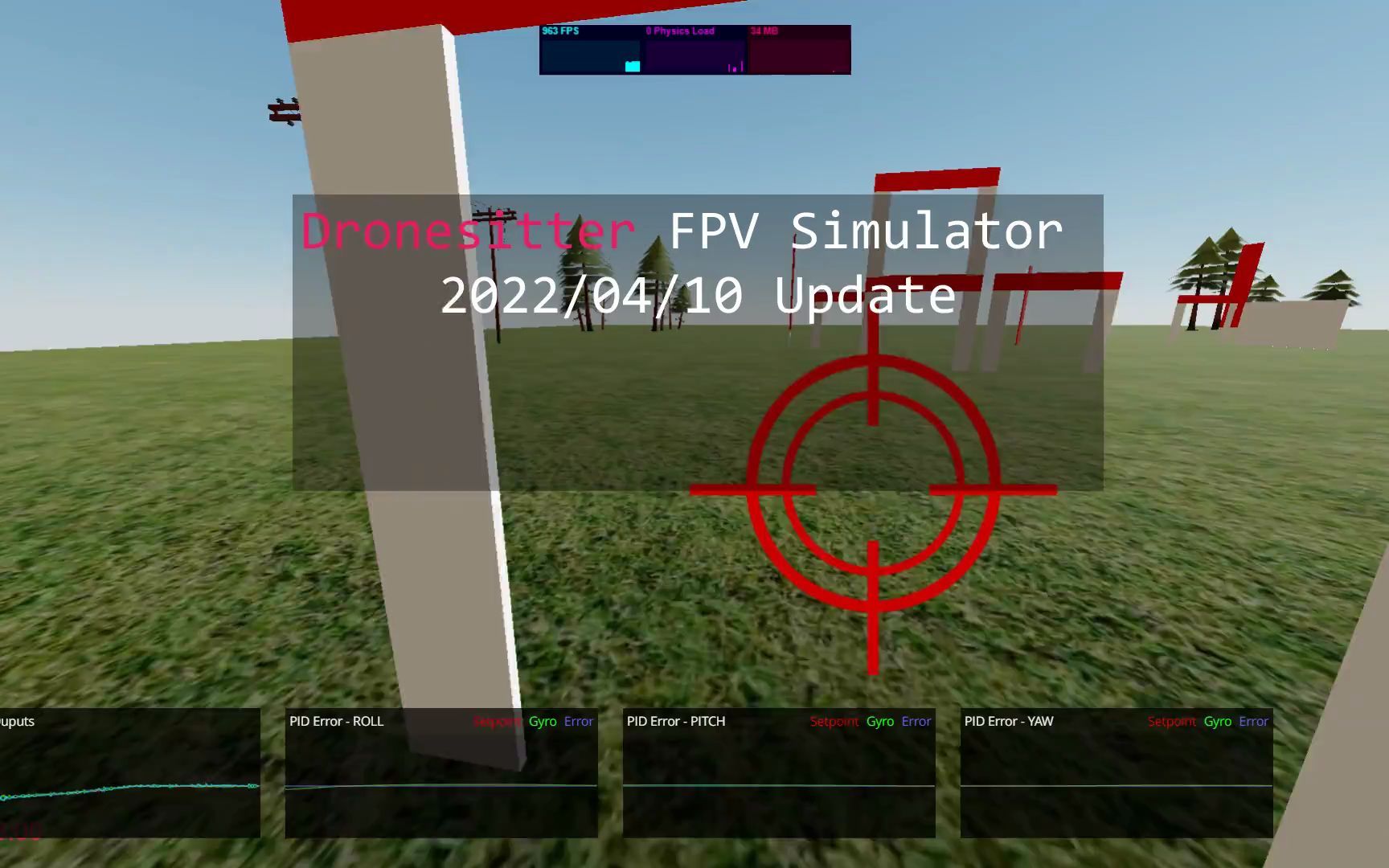
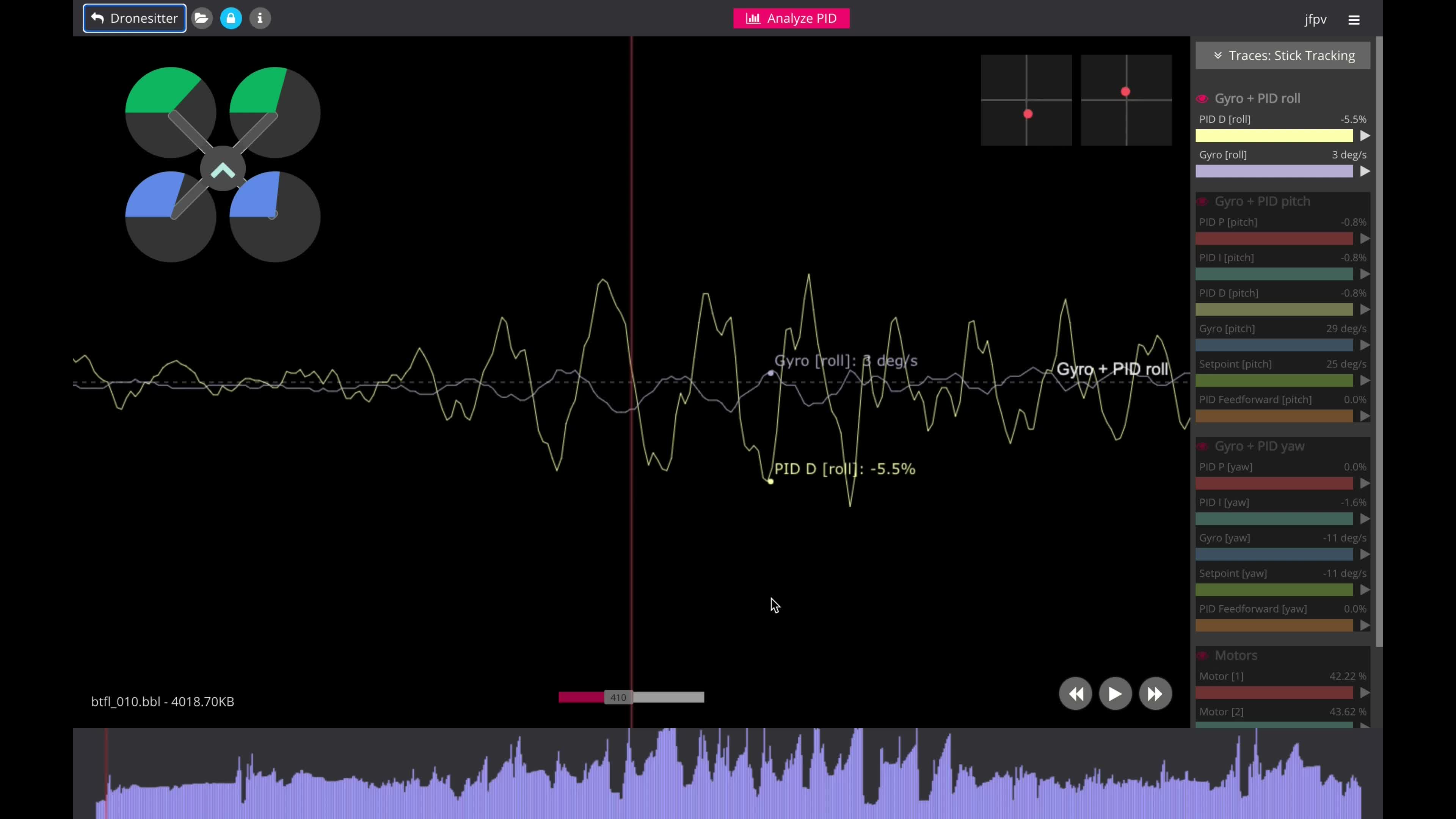
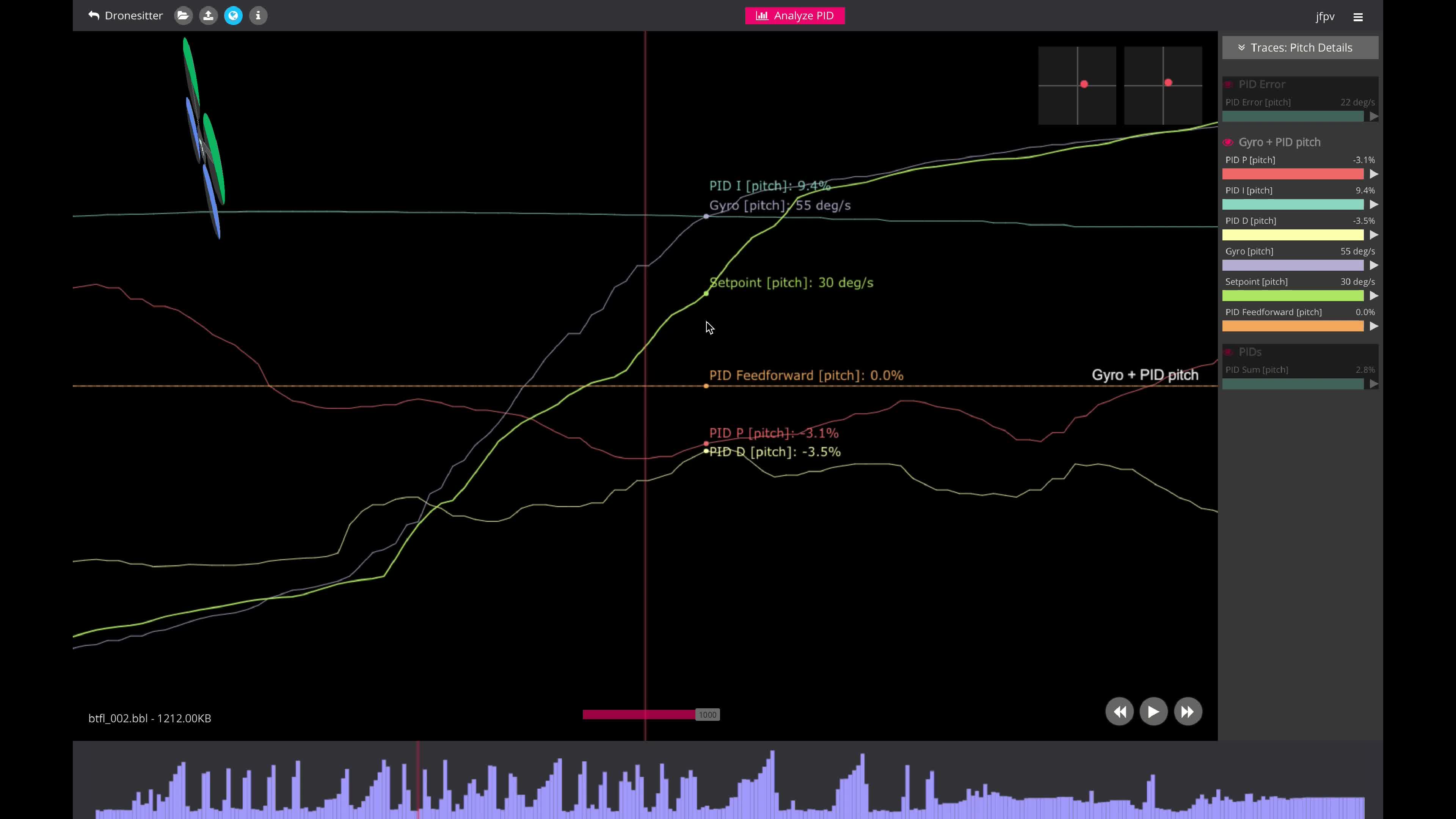
This updated preview introduces Dronesitter Sim’s adjustable PID flight control model and PID curve. It allows pilots not only to adjust the surface feel, but also to observe how proportional, integral and differential control affect attitude following, continuous deviation and damping, thereby establishing a set of repeatable simulator settings with an idea closer to real machine parameter adjustment.

Bilibili · Chinese · FPV Knowledge · 5:29

#4 Test Flight and Black Box Analysis - T-Motor Mini Racer F7 + Betaflight 4.3 + BLHeli 32.8.3 Installation and Setup

This is the fourth in a series of installations of the T-Motor Mini Racer F7, Betaflight 4.3 and BLHeli 32.8.3, focusing on evaluating the complete configuration using test flights and black box curves. The conclusion of the video is not that "the preset is perfect", but rather: the noise control of this 20×20 flight controller is generally good, and there are no obvious abnormalities in actual flight. However, the current Preset still does not fully match the aircraft, and oscillations can be seen in some control signals, so further fine-tuning of the frame, motors and blades is required.

Bilibili · Chinese · FPV Knowledge · 5:20

#2 Firmware Upgrade - T-Motor Mini Racer F7 + Betaflight 4.3 + BLHeli 32.8.3 Installation and Setup

This article is the firmware stage of the T-Motor Mini Racer F7 series: first check the flight control target in the Betaflight Configurator and flash the current Betaflight 4.3.0 RC2, apply Custom Defaults; then enable the DShot motor protocol so that ESC can be read, check the T-Motor ESC target, and then flash the BLHeli 32.8.3 test firmware selected by the author one by one. Finally configure temperature protection, Demag Compensation, low speed protection and dynamic PWM frequency. All builds and specs are specific to 2022 hardware, and targets, release status, and manufacturer instructions must be rechecked today.

Bilibili · Chinese · FPV Knowledge · 9:48

#3 Betaflight Setup - T-Motor Mini Racer F7 + Betaflight 4.3 + BLHeli 32.8.3 Installation and Setup

This article continues to complete the basic configuration of Betaflight 4.3 for T-Motor Mini Racer F7: Set up DShot Beacon, DShot600 and bidirectional DShot; use the motor wizard to confirm the number and direction of rotation when the propeller is removed; back up the configuration before applying Preset; complete the VTX Table of OpenVTX/SmartAudio; select the one that matches ExpressLRS 500 Hz Preset, and step through the filtering, RPM Harmonics, and FeedForward it modifies. Finally, restore personal Rates, OSD and mode switches to establish a traceable baseline for test flight and black box recording.

Bilibili · Chinese · FPV Knowledge · 12:48

#1 Hardware - T-Motor Mini Racer F7 + Betaflight 4.3 + BLHeli 32.8.3 Installation and Settings

This article shows the hardware installation process of T-Motor Mini Racer F7 and F45 Mini ESC: first check the appearance of the flight control interface, storage and ESC, and then complete the welding and insulation/protective coating; plan the UART, video, 5V and ground wires of the receiver, camera and VTX; pre-tin the solder pads and use the multiple 5V pads partitioned on the board to organize the wiring. The video also admits that full curing and formal fixing were omitted for continuous shooting, and the article clearly does not recommend copying these shortcuts.

Bilibili · Chinese · FPV Knowledge · 26:25

Betaflight 4.3 PID parameter adjustment record - 8S 30V 10-inch machine

This is a live parameter adjustment record of Betaflight 4.3 Nightly. The target is an 8S, 10-inch camera with about 30V. The author started from the default PID and existing filter baseline, and gradually improved the locking feeling through test flight, Blackbox spectrum, Step Response, D-first slider and P/FeedForward adjustment. The values ​​in the video only apply to this large-size machine and can never be directly copied to a 5-inch machine or other configurations.

Bilibili · Chinese · FPV Knowledge · 6:31

One-click application of PID parameters from big names in the circle and Up himself, and introduction to the Dronesitter multi-machine configuration synchronization function

This 2021 Dronesitter update introduces the synchronization of the web configuration library with multiple aircraft: After connecting to the Betaflight flight controller, you can browse PID, Rates, receivers, Race general settings and VTX Table, and apply the selected configuration to the aircraft after review; commonly used configurations can also be marked as Auto Apply, forming a to-be-processed list when a new aircraft is connected, and then the user clicks Apply All. It improves batch configuration efficiency, but should not replace backup, difference review, and model compatibility judgment.

Bilibili · Chinese · FPV Knowledge · 6:50

What? Can you change and synchronize Betaflight/iNav settings in the browser? ?

This tutorial shows how the 2021 version of Dronesitter Fleet Manager can connect to a Betaflight or iNav flight controller through a USB serial port in a browser, create an identity and configuration snapshot for each aircraft, use the CLI to modify the settings, and then view the changes with red and green differences and roll back. The author clearly states that it is not a replacement for Betaflight/iNav Configurator, but a fleet tool for synchronization, comparison, history tracking, and advanced command line operations.

Bilibili · Chinese · FPV Knowledge · 4:42

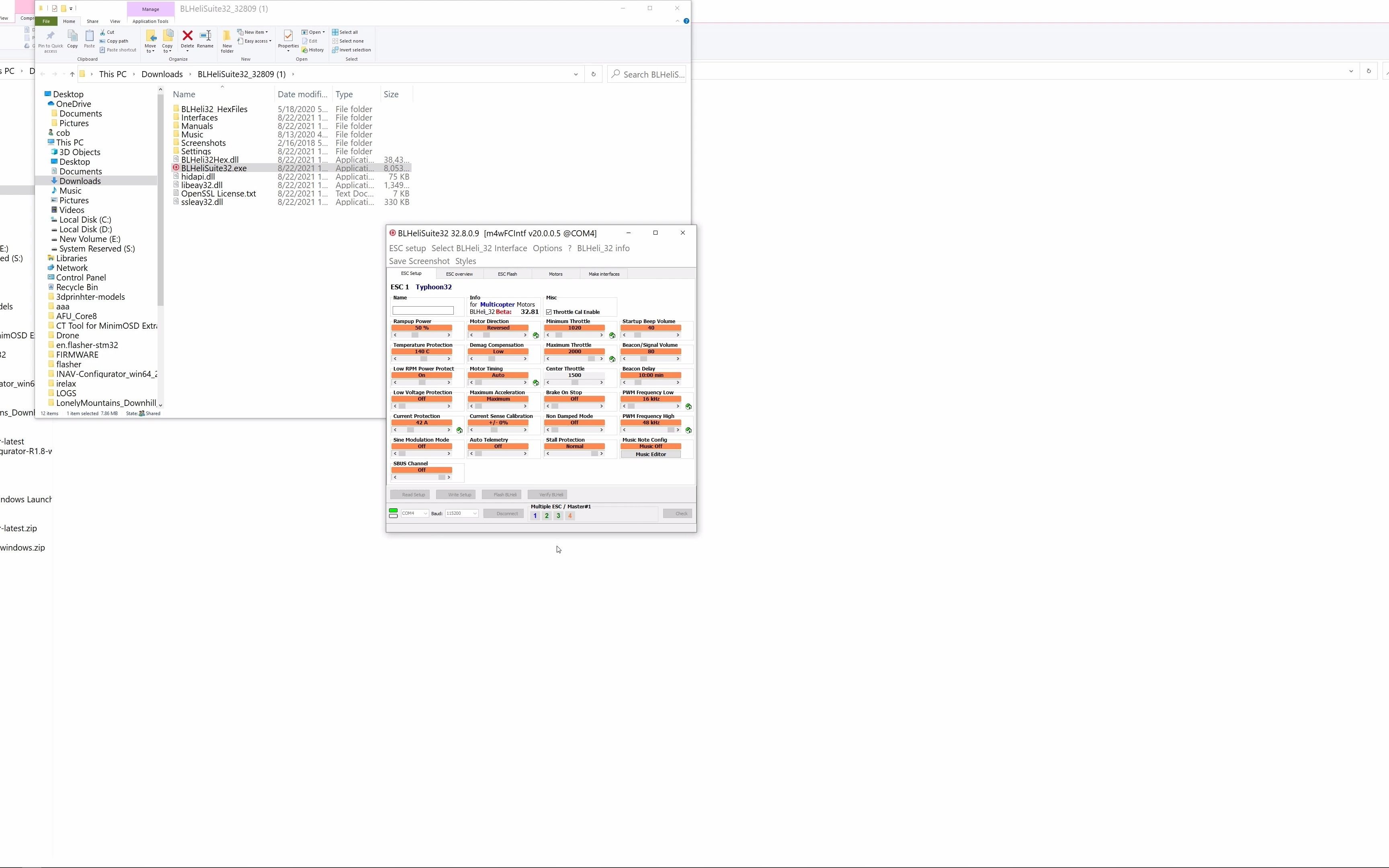
How to flash BLHeli32 32.81 firmware and custom firmware

This tutorial targets an RPM data reading bug for BLHeli32 32.80: Wrong RPMs reduce RPM Filter effectiveness and may manifest as increased noise or low throttle twitching. The video demonstration uses the latest version of BLHeliSuite32 at the time, downloads the complete ZIP from the official GitHub repository, extracts the correct HEX in the REV32.8.1 branch, and then flashes 32.81 to the ESC matching the target one by one. As this is a historical fix process for 2021, 32.81 should not be considered the default recommended version today; current ESC targets, vendor releases and recovery plans must still be checked.

Bilibili · Chinese · FPV Knowledge · 11:14

¥50 DIY ExpressLRS 2.4G TX Lone Header, Super TBS Tracer/Crossfire - ELRS 500Hz

This tutorial records a set of 2021 low-cost DIY ExpressLRS 2.4 GHz transmit module: with ESP32, SX1280-based Ebyte E28 RF module and step-down power supply as the core, connect the VMAIN, GND and S.Port/signal lines of the remote control, use an external U.FL antenna, and then flash the then DIY 2.4 GHz TX through ExpressLRS Configurator Target, finally set the external tuner protocol of the remote control to CRSF. It is suitable for learning RF link structures, but is not a modern BOM that can be copied directly; power supplies, targets, RF regulations, antennas, and firmware versions must all be rechecked against current hardware.

Bilibili · Chinese · FPV Knowledge · 7:59

[FPV knowledge] Detailed explanation of Betaflight Absolute Control - How to make your aircraft more obedient

This article uses an intuitive example to explain Betaflight’s Absolute Control: When the aircraft cannot follow the Setpoint 100%, it will leave a tracking error. After the aircraft body rotates in the three-dimensional space, this error should also be converted to the new aircraft system coordinates in order to continue to express the pilot’s original control intention. The video describes Absolute Control as performing a vector rotation on the three-axis error and helping to complete the incompletely executed action by correcting the Setpoint. It is based on the 2021 code and the author's personal understanding. Parameter names, implementations and whether they are still supported must be based on the current Betaflight source code and documentation.

Bilibili · Chinese · FPV Knowledge · 10:22

[FPV knowledge] Joystick and Betaflight Rates - and how to copy the pid rates of the masters

This article puts the remote control joystick accuracy and Betaflight Rates in the same control chain to understand: Gimbal converts finger displacement into RC Command, and Rates maps the channel value to angular velocity Setpoint. A Gimbal that is worn, non-linear or poorly calibrated will produce inconsistent instructions for the same hand movements; a Rates that is not suitable for you will make the center area too sensitive, too slow or the maximum angular velocity is insufficient. The video recommends obtaining reliable input and determining personal Rates before talking about PID; other people's Rates can only be used as a starting point and must be verified according to your own remote control, flight style and Betaflight Rate model.

Bilibili · Chinese · FPV Knowledge · 8:35

[FPV knowledge] How to judge whether there is a problem with the flight control gyroscope

This tutorial attempts to use the Betaflight Blackbox curve to determine whether the gyroscope is abnormal, but the release notes contain a critical errata: the 0.012 ms in the video is actually 12 ms, and the final acceleration result should be reduced by 1000 times. Calculated based on a change of about 170°/s in the slice, a radius of 0.08 m, and 12 ms, the tangential acceleration is about 20 m/s², about 2 g, not 2000 g; therefore this value alone does not prove that the gyroscope is damaged.

Bilibili · Chinese · FPV Knowledge · 4:17

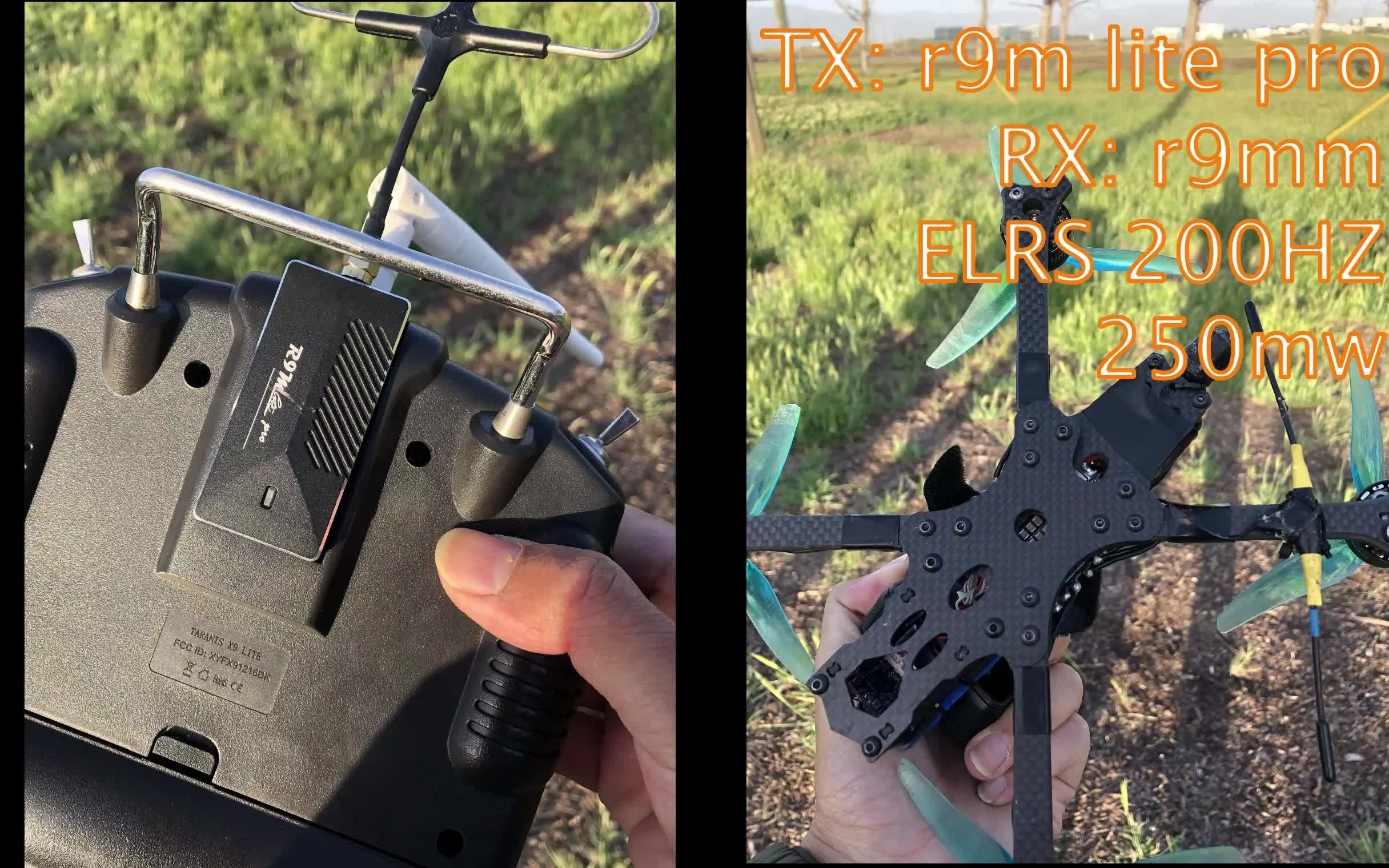
R9M Lite Pro flashing ExpressLRS test

This narration-free test shows the running effect of R9M Lite Pro after flashing the ExpressLRS develop branch at that time, and said that the experience is better than the native R9 firmware. The video does not explain the flashing steps, but only explains that the hardware support has just been merged into the development branch, and the source code can be downloaded and written through ST-Link; the 2021 development firmware should not be used directly today, but the current ExpressLRS support matrix, hardware target and regional frequency band should be checked first.

Bilibili · Chinese · FPV Knowledge · 5:31

[FPV knowledge] Betaflight TPA detailed explanation and parameter adjustment

This tutorial explains Betaflight’s TPA (Throttle PID Attenuation): when the throttle is lower than the Breakpoint, the original P/D gain is maintained. After exceeding the Breakpoint, D or P+D is linearly reduced as the throttle is increased, and the attenuation amount defined by Rate is reached at full throttle. It is used to retain low throttle control strength while reducing oscillation and noise at high throttle; recorded in 2021, parameter names and semantics must be checked against the current Betaflight version.

Bilibili · Chinese · FPV Knowledge · 9:19

[FPV knowledge] Why does the I value need to be relaxed? Are you stressed 😂😂😂😂? - Betaflight I-Term Relax principle and optimization

The function of I-Term Relax is not to simply "reduce I", but to temporarily limit the accumulation of points during large movements to prevent the I-term left in the old direction from continuing to pull the aircraft in the original direction during rapid counterattacks. The video uses the black box curve to explain the accumulation and delay of the I item, and then introduces Axis, Increase Only, Relax Type and Cutoff one by one. The values ​​in this article come from personal experience with the aircraft type at the time of recording in 2021 and must be reviewed against the current Betaflight version, rack, and flying style.

Bilibili · Chinese · FPV Knowledge · 4:45

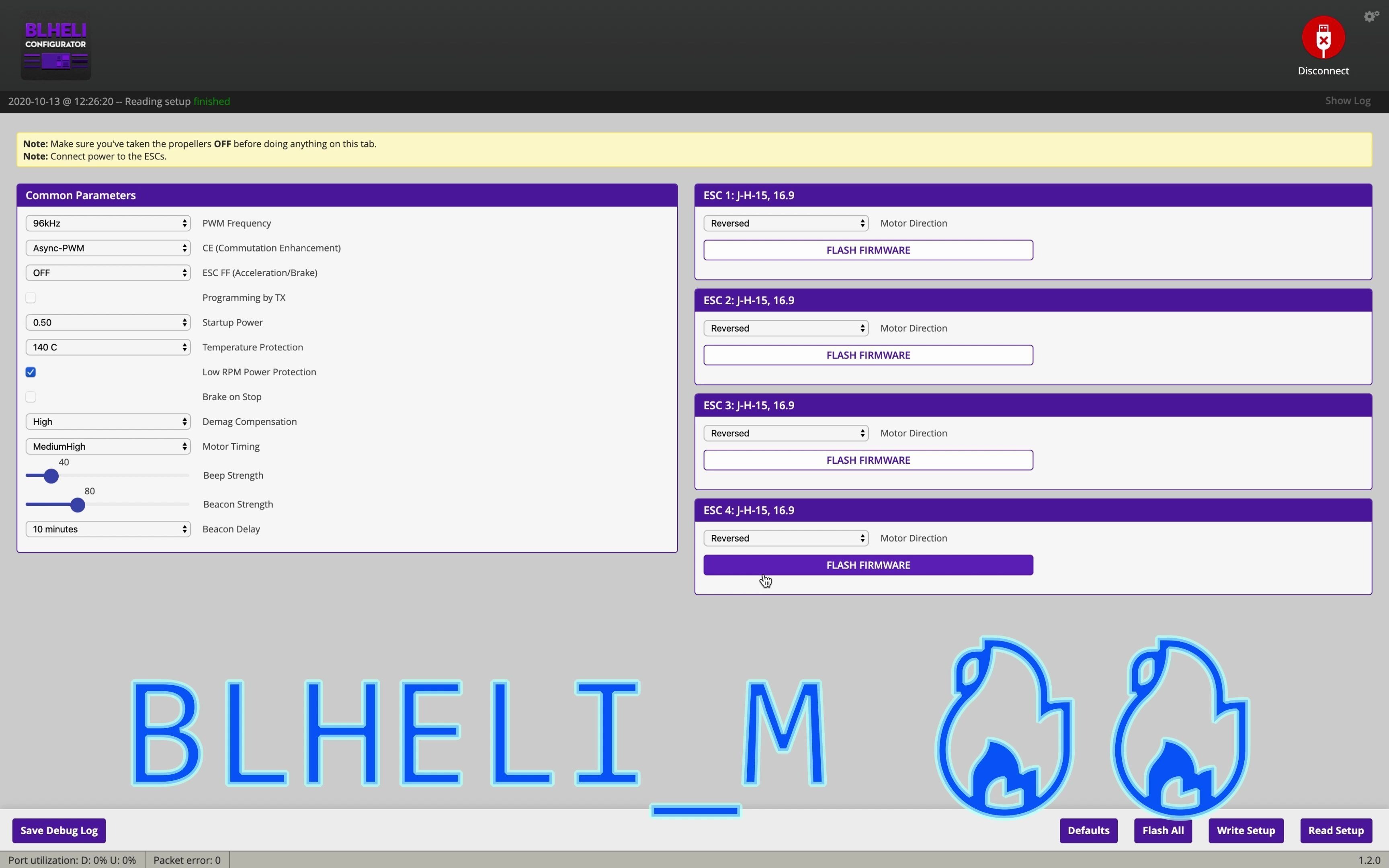
[FPV knowledge] How to make FPV home-cooked dish "Black pepper fried motor" – Understand the three BLHeli settings and say goodbye to burning the motor

The video uses the reverse demonstration of "fried motor with black pepper" to remind pilots: turning off Low RPM Power Protection, maxing out Startup Power, and setting BLHeli_M's ESC Feedforward acceleration and deceleration to extremes will cause low-speed or stalled motors to withstand huge instantaneous currents. The real parameter adjustment goal is to find a balance between reliable startup, response speed and thermal safety, rather than pursuing the bigger the better for all parameters. Any verification must be done with the propellers disassembled and performed to current ESC, firmware and motor specifications.

Bilibili · Chinese · FPV Knowledge · 3:28

[FPV knowledge] Why D is sensitive to noise, an intuitive understanding

This short tutorial uses curves to intuitively explain why Betaflight’s D-term is particularly afraid of high-frequency gyroscope noise. D calculates the rate of change of the gyro signal and negates it: when the amplitude is constant, the higher the frequency, the steeper the slope of the curve, the greater the D output; P mainly changes with the error amplitude, while I allows rapid positive and negative fluctuations to cancel each other within the integration window, so it will not amplify with frequency like D.

Bilibili · Chinese · FPV Knowledge · 3:29

[FPV knowledge] Why does the PD need to be as large as possible when adjusting PID parameters

"P is for acceleration, D is for braking" is just a simplified way of saying it to get started. The D term usually resists gyro changes, while the P term depends on the instantaneous error between setpoint and gyro: when the body falls behind the command, P pushes it to catch up, and when the body rushes past the command, P also brakes in reverse. The video uses clips with the same number of P and D in the black box to illustrate that the two can jointly pull the body back to the target during overshoot and external disturbance; however, the so-called "as large as possible" is always limited by vibration, noise, motor temperature and frame conditions.

Bilibili · Chinese · FPV Knowledge · 9:30

[FPV knowledge] 9 minutes to get to know D’s wife - FeedForward and D_MIN - Betaflight black box BlackBox in-depth series #7

The video puts FeedForward and D_MIN back into the historical context of the Betaflight controller to explain: When the D item was changed to mainly differentiate the gyro, it focused more on damping and no longer helped the body start up in the early stages of the stroke like the old error derivative. FeedForward drives the response in advance based on the setpoint's rate of change, while D_MIN allows lower D to be used in the stationary phase and then increased when damping is needed. Both adjust "response" and "dynamic damping" and cannot replace mechanical noise reduction, appropriate basic PD, or current version documentation.

Bilibili · Chinese · FPV Knowledge · 20:39

[FPV knowledge] Find your best PID parameters with two batteries - Betaflight BlackBox BlackBox in-depth series #6 Parameter adjustment practice

This is a set of practical procedures with black box Step Response as the core: first temporarily reduce the influence of I, FeedForward and dynamic D that will interfere with the observation, and use the first set of flight data to find the P:D balance of Roll/Pitch; then maintain the ratio while increasing P and D until it approaches the oscillation, noise or temperature boundary and then retreat; finally restore and adjust I to allow the response to converge and stably lock on the target. The so-called "two pieces of electricity" describe an efficient process, not a guarantee. Any aircraft must be gradually verified according to its own weight, rigidity, filtering and safety boundaries.

Bilibili · Chinese · FPV Knowledge · 7:51

[FPV knowledge] Quantitative analysis of PID parameter adjustment - Betaflight black box BlackBox in-depth series #5 Step response curve

Step Response turns "whether the aircraft follows the hand" into a comparable curve: the horizontal axis is the time after the command, the vertical axis is the response ratio of the gyro relative to the setpoint, and the ideal steady state is close to 1. Rise time, overshoot, oscillation, and convergence allow you to quantify P:D balance, overall control effort, steady-state locking of I, and FeedForward's startup response. The 18 ms, 1.5x overshoot, and 160 ms oscillation in the video are just a log example and are not numbers that all aircraft should aim for.

Bilibili · Chinese · FPV Knowledge · 9:42

[FPV knowledge] Shizuka, Nobita, PID - 9 minutes to thoroughly understand PID - Betaflight black box BlackBox in-depth series #4 PID working principle and characteristics

The video uses "Nobita chasing Shizuka" to explain PID: Shizuka's position represents the target Setpoint, and Nobita's position represents the actual Gyro; the controller wants Nobita to catch up as quickly as possible with less overshoot, and to not drift away slowly due to continuous disturbances such as wind after catching up. The P term immediately outputs the current error, the I term accumulates errors over a period of time to eliminate long-term deviations, and the D term mainly provides reverse damping for the Gyro change rate after Betaflight 3.5. Understanding the shapes of the three in a black box is more important than reciting a set of PID numbers.

Bilibili · Chinese · FPV Knowledge · 15:46

[FPV knowledge] Betaflight BlackBox BlackBox in-depth explanation series - #3 Filtering principle and parameter adjustment

Betaflight filtering is a trade-off between noise and delay: motors, blades, frames and electrical interference will enter the Gyro and be amplified after passing through the PID, especially the D term; filtering too hard will cause the controller to see the real movement a few milliseconds later. The video uses Blackbox's GYRO_SCALED, filtered Gyro, spectrum and throttle heatmap to determine the source of the noise, and emphasizes solving the mechanical problem first, starting with the default filter, subtracting the filter in small steps, and checking the black box and motor temperature round by round. All cutoff frequencies and switches are only applicable to the corresponding rack and log.

Bilibili · Chinese · FPV Knowledge · 4:55

[FPV knowledge] Betaflight black box BlackBox in-depth series - #2 How to interpret the black box curve

Blackbox curve is essentially flight control data sampled by time. Betaflight reads the gyro, receiver and other states in the continuously running PID loop and calculates the PID and motor output; Blackbox then records every few loops at the set frequency. When reading the graph, first look at the time on the horizontal axis, and then look at the real unit and scaling of each trace. You cannot directly compare the values ​​just because the two normalized curves are at the same height on the screen.

Bilibili · Chinese · FPV Knowledge · 3:18

[FPV knowledge] Betaflight black box BlackBox in-depth series - #1 What is the use of the black box? How to access

Betaflight Blackbox is the flight data record of the flight controller: it saves information such as attitude, gyro, receiver target, PID and motor output, helping to review what the aircraft actually performed, instead of just relying on subjective feel. The first episode of this series explains how to enter the Blackbox page from Betaflight Configurator, enable Mass Storage Device mode, copy the log file, and open it with a browser analysis tool.

Bilibili · Chinese · FPV Knowledge · 4:21

[FPV knowledge sharing] Hello BLHELI_M, goodbye BLHELI_S - BLHELI_M introduction 96kHz PWM, ESC FF

This 2020 video introduces the BLHeli_M firmware for JazzMaverick from the BLHeli_S fork. It targets ESCs natively supporting BLHeli_S, not BLHeli_32 hardware; key selling points include the option of up to 96 kHz PWM, Commutation Enhancement, and experimental ESC FeedForward in a dedicated Configurator. ESC FeedForward is immature at the time of recording and the author recommends turning it off.

Bilibili · Chinese · FPV Knowledge · 8:59

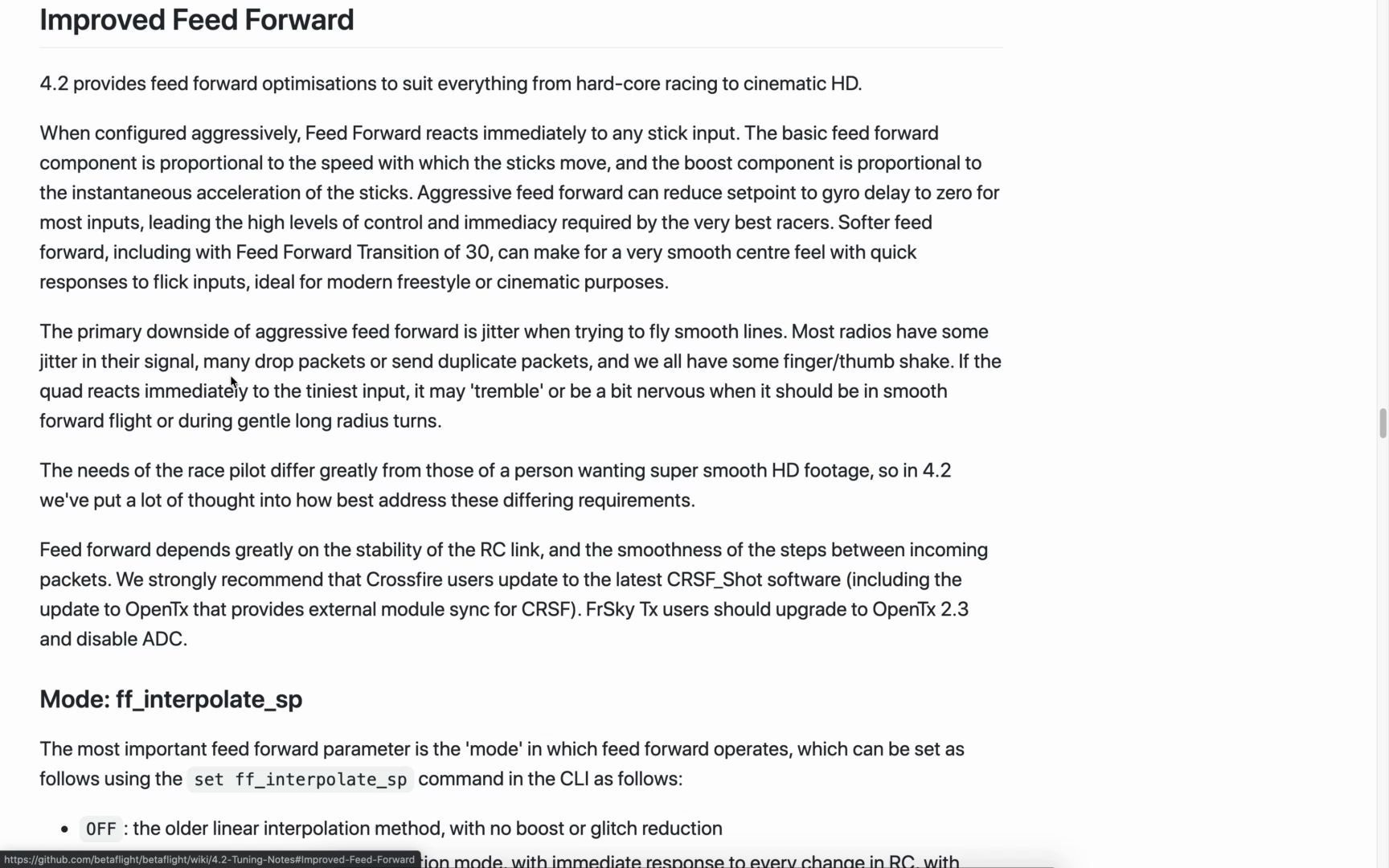
[FPV Knowledge Sharing] Vernacular Betaflight 4.2 - Part 2 - FeedForward Feedforward Improvement

This video explains the FeedForward improvements in Betaflight 4.2. FeedForward pushes the motor in advance according to the change of the joystick setpoint. It does not have to wait for the error between the actual gyro and the target before the P term responds, so it can improve the chirality; however, the jitter of the receiver data packet will turn the input that should be smooth into a sudden jump, causing a FeedForward spike. 4.2 Mitigated by setpoint interpolation, averaging, smoothing and spike limiting.

Bilibili · Chinese · FPV Knowledge · 5:13

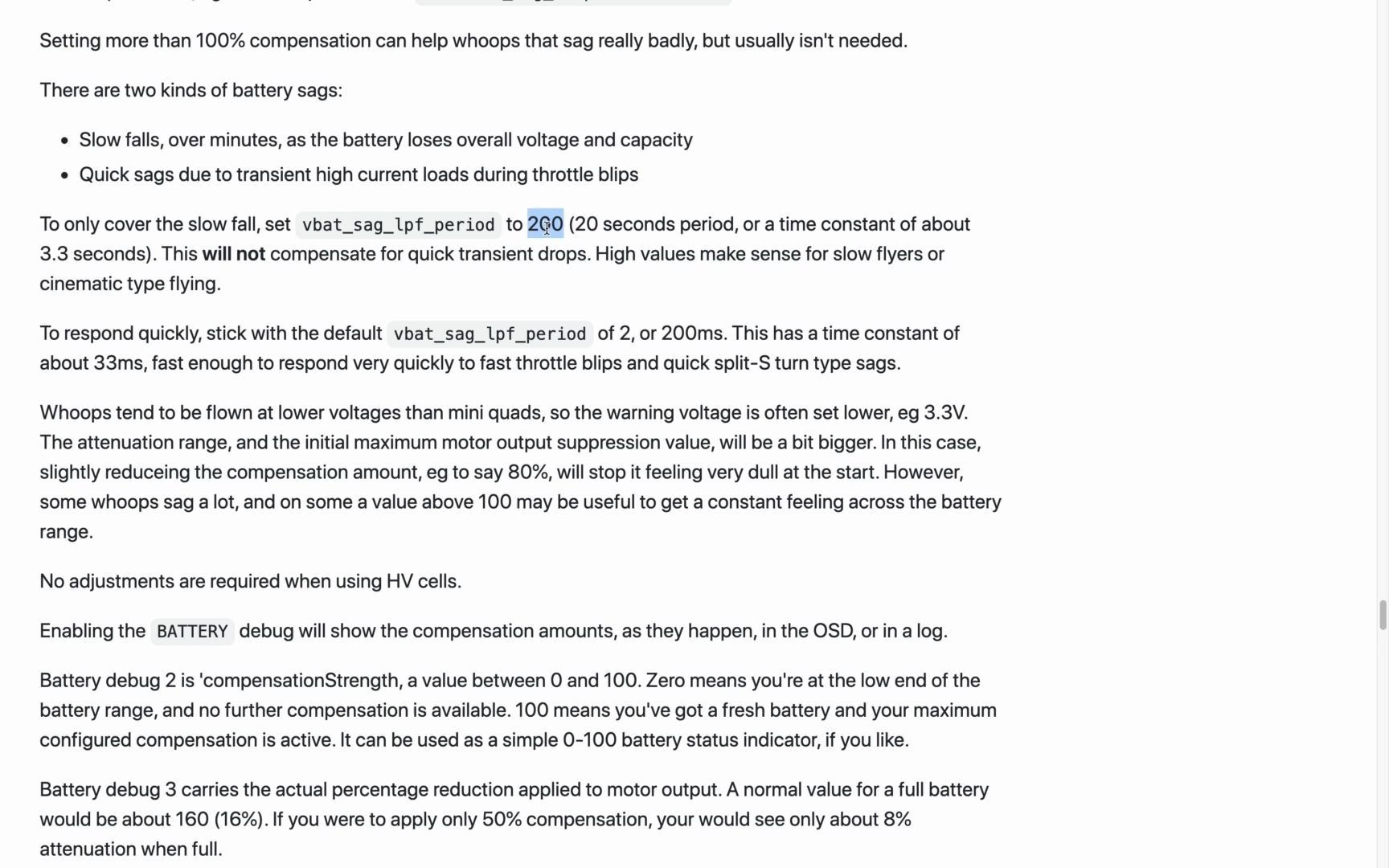
[FPV knowledge sharing] Vernacular Betaflight 4.2 - Part 1 - Dynamic voltage drop compensation

This tutorial explains Betaflight 4.2’s Dynamic Battery Sag Compensation. It adjusts the available motor output according to the battery voltage measured by the flight controller: a certain margin is reserved when the battery is fully charged, and the compensation is gradually increased when the voltage drops, making the power feel of a battery more consistent from the front to the rear. It cannot restore LiPo capacity or be a reason to fly to depletion; individual cell voltages must be monitored and drop margin maintained.

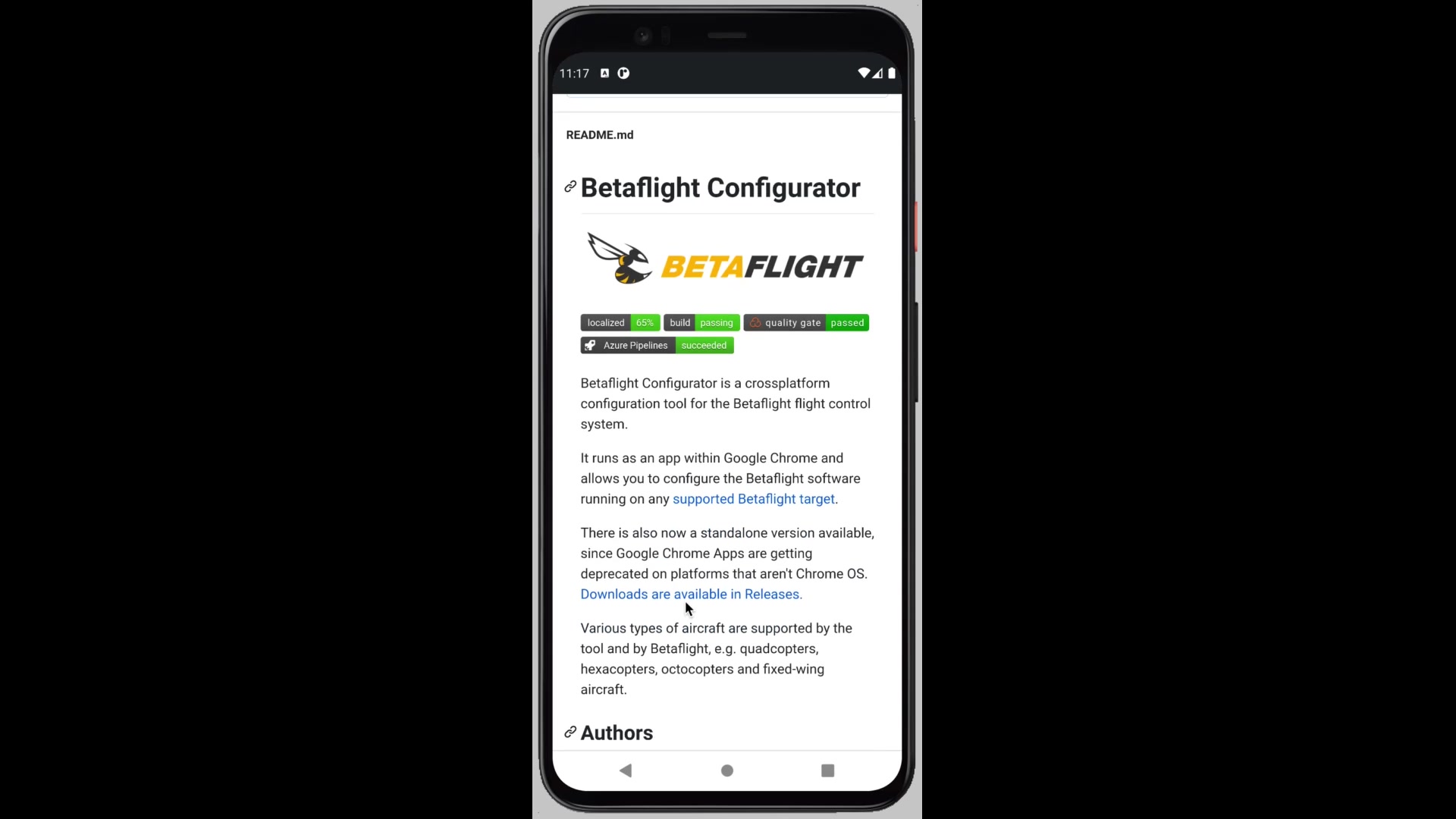
Bilibili · Chinese · FPV Knowledge · 4:25

[FPV knowledge sharing] Off-site parameter adjustment tool - Betaflight official Android App

This 2020 video introduces the Android preview version of Betaflight Configurator: The Betaflight team used Cordova to package the desktop configurator into an APK, so that mobile phones that support USB OTG/Host can connect to the flight controller through a data cable to view and modify the configuration in the field. It is suitable for diagnosis and small-scale adjustment, but before connecting, you must remove the propellers, keep the disarm, and confirm that the current Configurator is compatible with the flight control firmware.