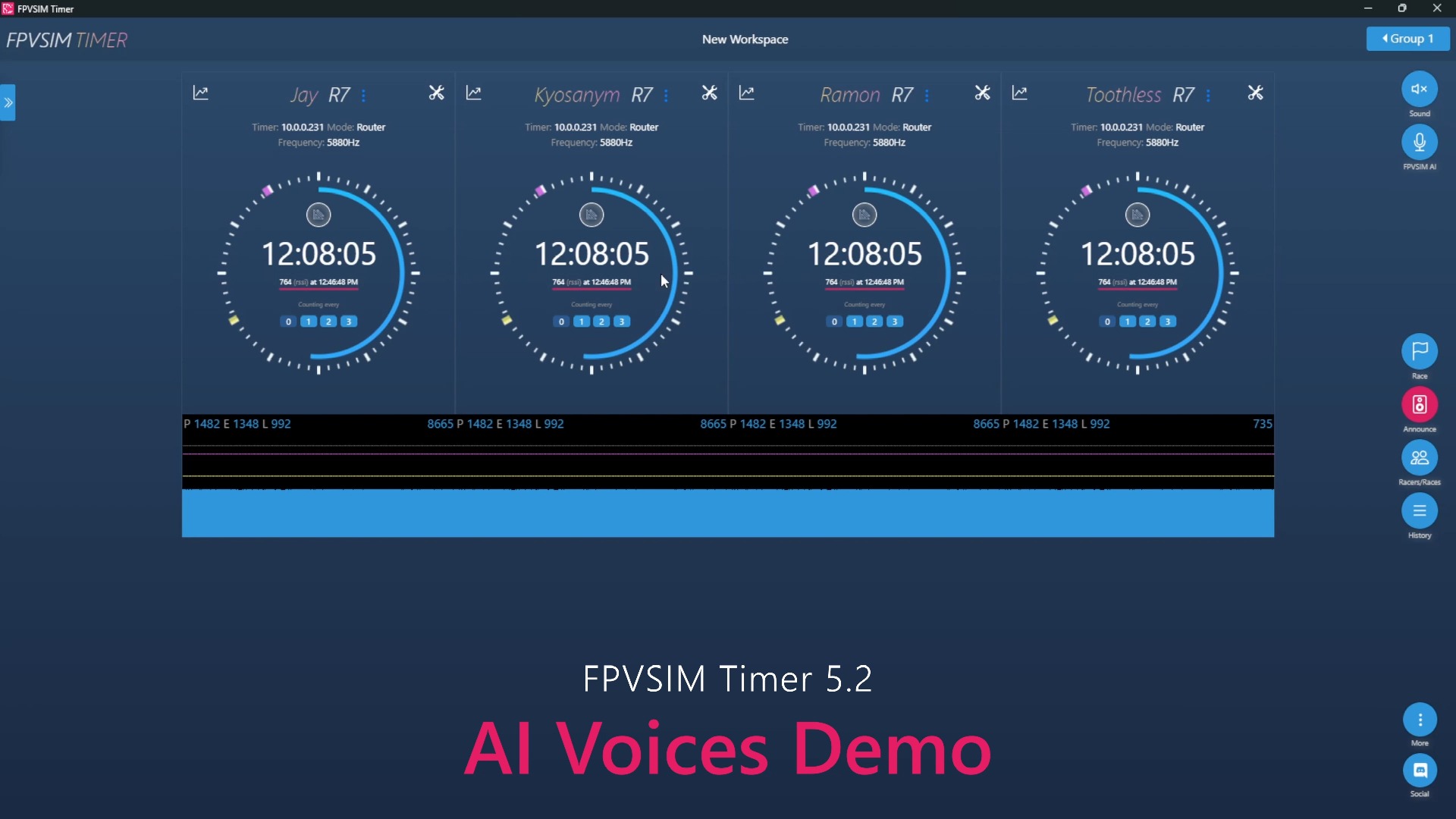
This demonstration puts FPVSIM's track and timing system into the "Australian Jungle" scene, showing that simulated flight is not just free practice, but can also record laps and feedback progress around fixed routes. The upcoming beta version and subscription benefits were previewed when the video was released; this commercial and release date information is now out of date and should be viewed on the current FPVSIM page.
Turn the scene into a repeatable training track
Free flight can practice basic control, but it is difficult to quantify whether a route is faster and more stable. After adding clear start and end points, gate positions and timing, the same scene can be run repeatedly on the same route, and the practice effect can be tested using lap times, effective laps and error positions. The visual environment of the Australian jungle allows pilots to maintain route judgment based on terrain and occlusion reference.
When using a timed track, you should first walk around slowly to confirm the door sequence, direction and reset logic before starting to pursue speed. If missed laps, reverse directions or deviations from the line are still recorded as valid laps, it means that the track is triggered or the rules need to be re-examined, rather than treating abnormal results directly as personal improvement.
How to evaluate whether a timing system is reliable
A usable timing system must not only display numbers, but be consistent across repeated starts, crash resets, scene switches, and multiple laps in a row. When testing, you can first run a few deliberately slow standard laps, and then add leaky doors and reset situations to observe whether the system can clearly distinguish between valid and invalid records.
Also pay attention to frame rate and control latency. If complex scenes cause lag, the difference in lap times may come from equipment performance rather than flight skills. Only by fixing the image quality, physical settings, model, and input device before comparing lines can the training data be comparable.
About the beta and subscription instructions in the video
Release text says the beta is expected to launch in the coming weeks and describes how paying users will be acquired at that time. These are plans as of the time of recording in 2022 and do not represent current download, pricing, or licensing policies. If you want to use similar features, you should check today's official product page and release notes.
FAQ
Why take a slow walk first?
Slow inspection can confirm the door sequence, direction, start and end points, and reset logic to avoid mistaking track configuration problems for flight errors.
How to make different lap times comparable?
Fixed scene version, model, Rates, image quality and input device, and used multi-lap results instead of single best lap judgment.
Are the video promised beta and subscription benefits still valid?
Cannot judge based on this. These are the release notes for 2022. The current version and benefits should be based on the FPVSIM official page.
Transcript description
There is no timeline transcript available for publication for this video.
Auto-transcription did not detect credible and understandable speech; this article is only compiled based on video footage and official introduction.