This short video is a feature preview of the new version of FPVSIM Timer, which highlights the introduction of an independent router, allowing event computers to connect to the LAN through 5 GHz Wi-Fi or network cables, enhanced disconnection and reconnection, and preparation of multi-machine timing for multi-player events. It documents development direction as of late 2022, and feature or platform plans still in development at that time should not be considered as current release commitments.
Why add a router to the system?
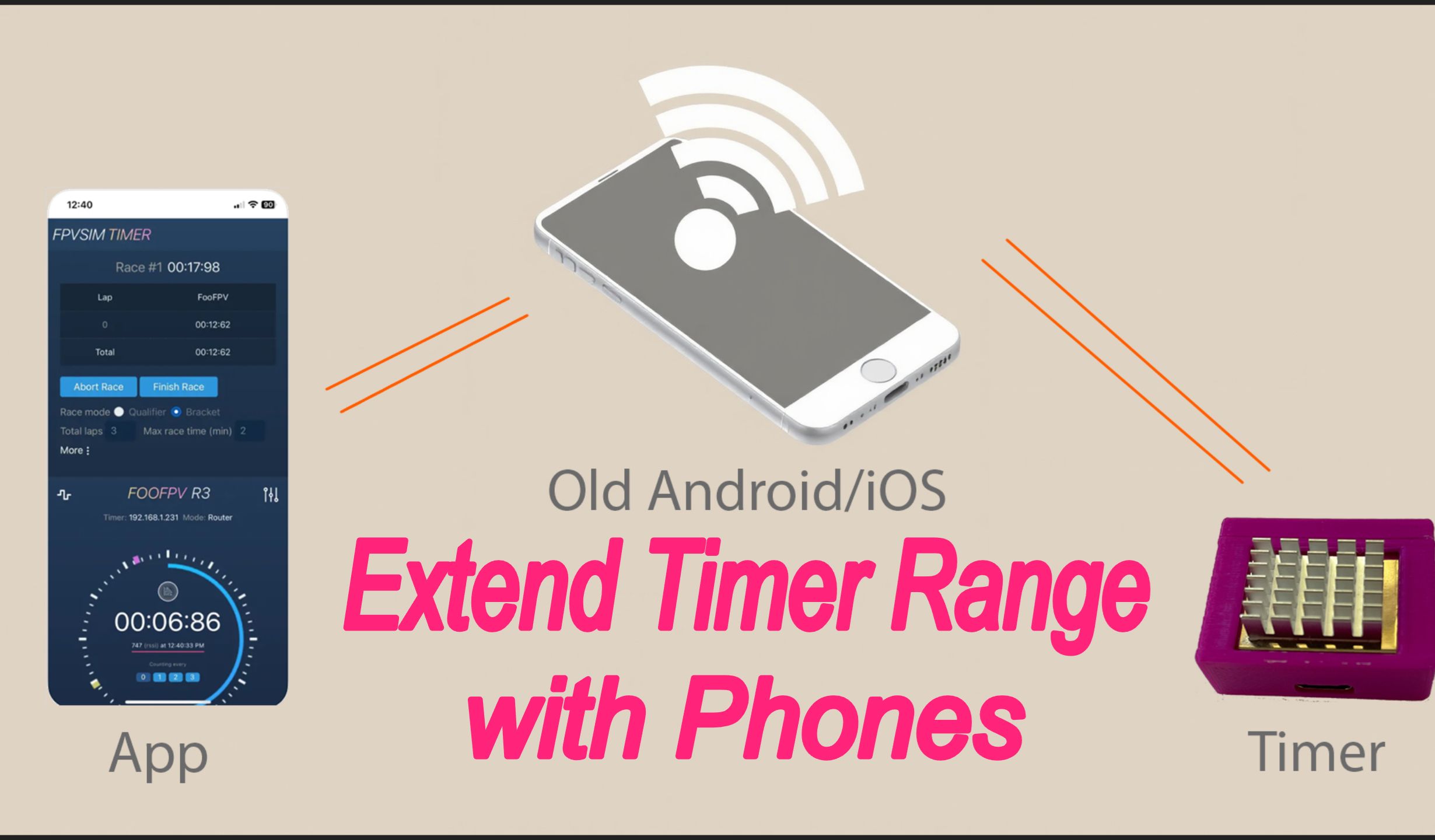
Connecting the timer, computer, and mobile devices to the same router turns an improvised race hotspot into a more manageable local network. The release notes specifically emphasize that the host can use 5 GHz Wi-Fi or a wired connection to avoid congestion from 2.4 GHz RC links. The bands supported by each timing node still depend on its hardware; do not assume that every node uses 5 GHz just because the computer does.
Before deploying the setup, separately test the connections from each timing node to the router, from the race computer to the router, and from the software to the nodes. If the computer stays in one place, a network cable is generally easier to troubleshoot than wireless. If wireless is necessary, confirm that the router bridges both bands onto the same local network, and record the address of every node.
What connection recovery and multi-pilot timing mean
An improved reconnection mechanism aims to recover automatically after brief packet loss or a node going offline, rather than requiring staff to restart it manually every time. During testing, do more than check that the online status returns: verify how laps during the outage are handled, whether events are reported twice after recovery, and whether the history remains continuous.
Timing multiple aircraft is fundamental to race support: multiple timing units need to be identified reliably, configured consistently, and send their events into the same race workflow. This capability was still marked as under development when the video was published, so this article describes the design direction only. Whether the current version is suitable for an official multi-pilot event must be determined from the current documentation and on-site stress testing.
Treat this historical preview as version background
The description mentions plans for Android, Windows, macOS, and other platforms, and explains the status of iOS at the time in terms of development costs. That information reflects the time of recording; app distribution, account rules, and supported platforms may change. Before downloading or purchasing, consult the current official pages instead of using this preview to judge compatibility today.
FAQ
Does every device have to connect to 5 GHz when using a router?
Not necessarily. The release notes emphasize that the host can use 5 GHz or a network cable to avoid 2.4 GHz interference, but each timing node’s supported bands depend on its hardware. What matters is that the devices ultimately share a local network on which they can communicate.
Does automatic reconnection mean no laps are lost during a network outage?
You cannot assume that. You must actually test event handling during outages, duplicate reports after recovery, and continuity of the history.
Is the platform support list in the video still current?
This is a preview from late 2022. Consult the official release page and in-app documentation for the operating systems and versions currently supported.
Transcript description
There is no timeline transcript available for publication for this video.
Auto-transcription did not detect credible and understandable speech; this article is only compiled based on video footage and official introduction.