This is a narration-free short film updating the physics engine of the Dronesitter simulator. The "40K FPS" in the title describes the high-frequency running capability of the reconstructed physical loop, not the display's ability to render 40,000 frames per second. The official introduction confirms that this update separates the physical loop performance settings from the screen rendering, allowing users to adjust simulation calculations and display refresh separately according to device performance. It is a version update record for 2022, and the specific values and setting locations may have changed.
40K refers to the physical cycle, not the frame rate
The flight simulator handles two types of loops simultaneously: the physics loop that calculates attitude, forces, and motion, and the rendering loop that draws the current state to the screen. The high FPS in the title is a performance demonstration of physics engine updates and cannot be equated to monitor refresh rates, nor does it directly deduce actual input lag or that all computers will achieve the same numbers.
To judge whether a physics engine upgrade is valuable, you should look at whether it can run stably at the target frequency, whether it reduces calculation jitter, whether the control response is continuous, and whether the game time is still consistent with the real time after increasing the frequency. The single peak number is just a clue, not a complete conclusion of the experience.
The significance of setting up physics and rendering independently
The official introduction states that the physical cycle performance can be set independently after the update. This allows low-end devices to maintain a moderate physical frequency and reduce the frame rate, and also allows high-performance devices to use more resources for simulation calculations while display refresh remains unchanged. After the two are separated, the tuning goal is no longer to fill all sliders together.
When actually adjusting, you should first find the physical frequency that the device can sustain continuously, and then match the rendering frequency to the display and GPU capabilities. If the value is too high and causes lag, world slowdown, temperature or fan abnormality, you should return to the stable gear. Feel improvements should be compared before and after with consistent controllers, maps, and settings.
How to correctly read this historical update
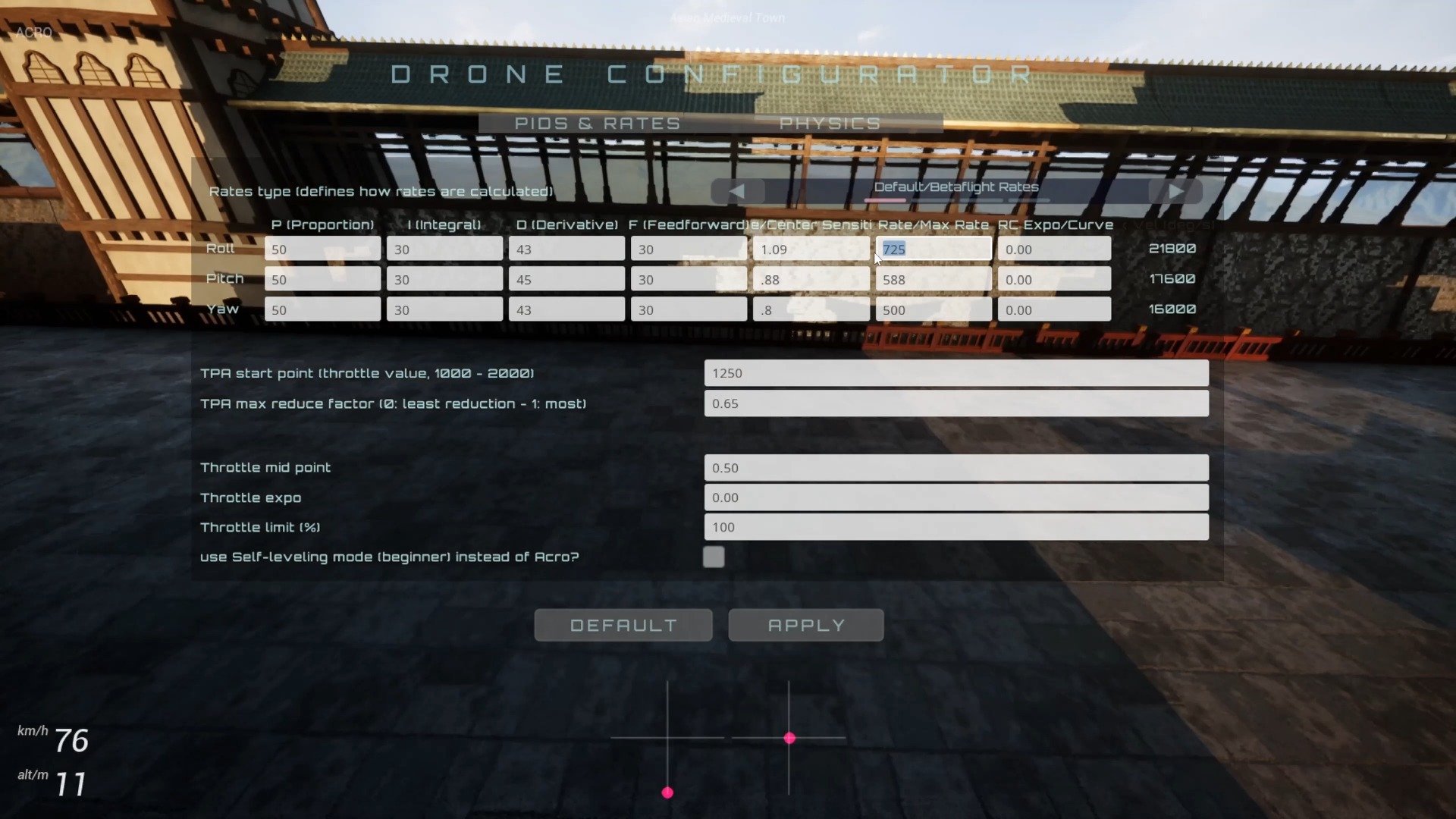
The short video does not have credible and identifiable voice, and there are no complete operation steps, so the article does not fill in the menu paths, default values or hardware test conditions. There are only three core points that it can confirm: the physics engine has been reconstructed, the physics cycle has independent performance settings, and the author's subjective evaluation of the hand feel has been significantly improved in the version at that time.
The video was released in 2022, and the name, interface and engine implementation of Dronesitter may change in the future. When troubleshooting the performance of FPVSIM or related simulators today, you should refer to the current version notes, while retaining the still useful analysis framework of "separate debugging of physical frequency and rendering frequency".
FAQ
Does 40K FPS mean you need a 40,000 Hz monitor?
No. The title highlights the performance numbers for the physics calculation loop, with display frame rates still limited by the GPU, browser, and monitor refresh rates.
Is higher physics FPS better?
Only meaningful if the device can continue to complete calculations and the time flow rate is normal. Settings that are too high may cause stuttering, throttling, or slow simulation.
Why should the physical loop and rendering be set up separately?
Because the loads of CPU physics calculation and GPU picture rendering are different, after separation, you can choose according to the device bottleneck, without having to let both items increase or decrease at the same time.
Does the video provide complete parameter adjustment steps?
No. There is no credible narration in this video. The introduction only explains the engine reconstruction and independent physical loop settings. Please check the current version for specific menus and values.
Transcript description
There is no timeline transcript available for publication for this video.
Auto-transcription did not detect credible and understandable speech; this article is only compiled based on video footage and official introduction.