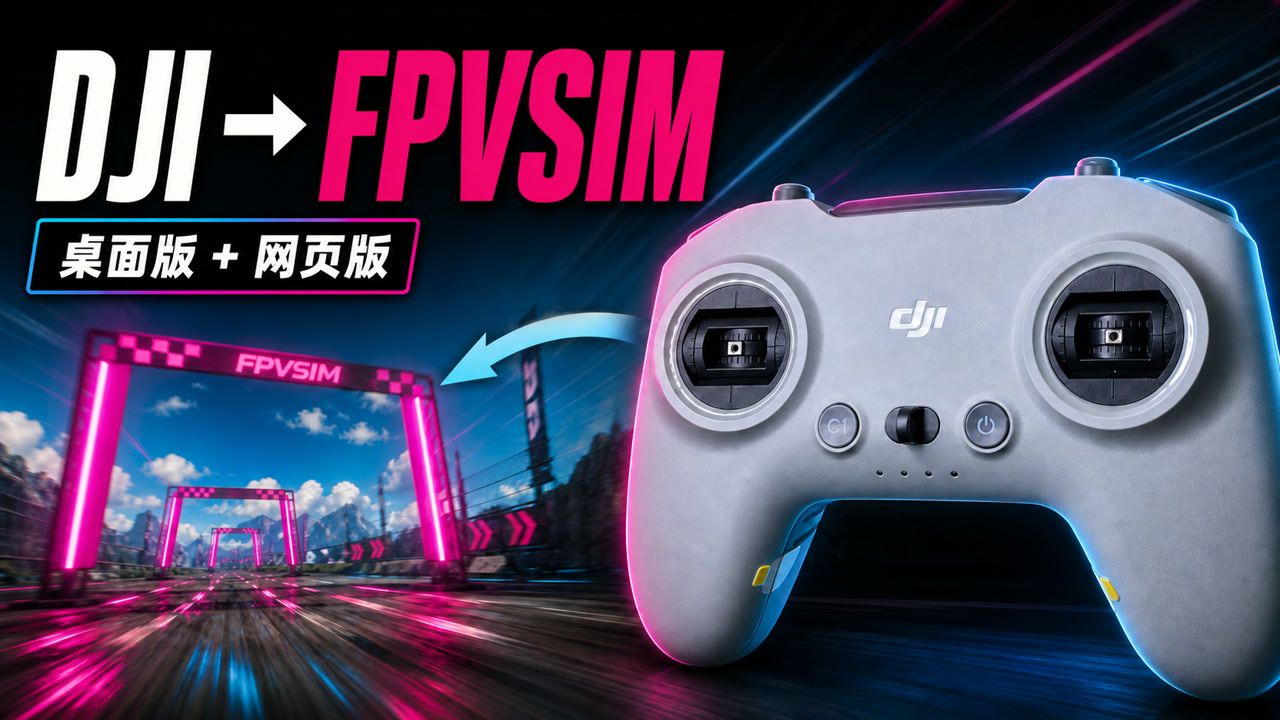
FPVSIM 2’s launch showcase focuses on new quad-axis dynamics, 6 new maps, and a set of practice tools: more Rates types, stick overlays, throttle limits, angle modes, and an improved HUD. The video itself is a short release video with music and pictures. The content of this article is organized based on the pictures and official version description.
The new flight dynamics are more than a visual update
The core update in FPVSIM 2 is a redesigned quadcopter dynamics simulation with more detailed propeller and motor modeling. Its purpose is not simply to improve graphics, but to make throttle changes, aircraft response, and flight momentum behave more like a real FPV drone. Do not assume that settings will feel exactly the same after upgrading. Test in a familiar map first, then adjust Rates, throttle limits, and radio input gradually.
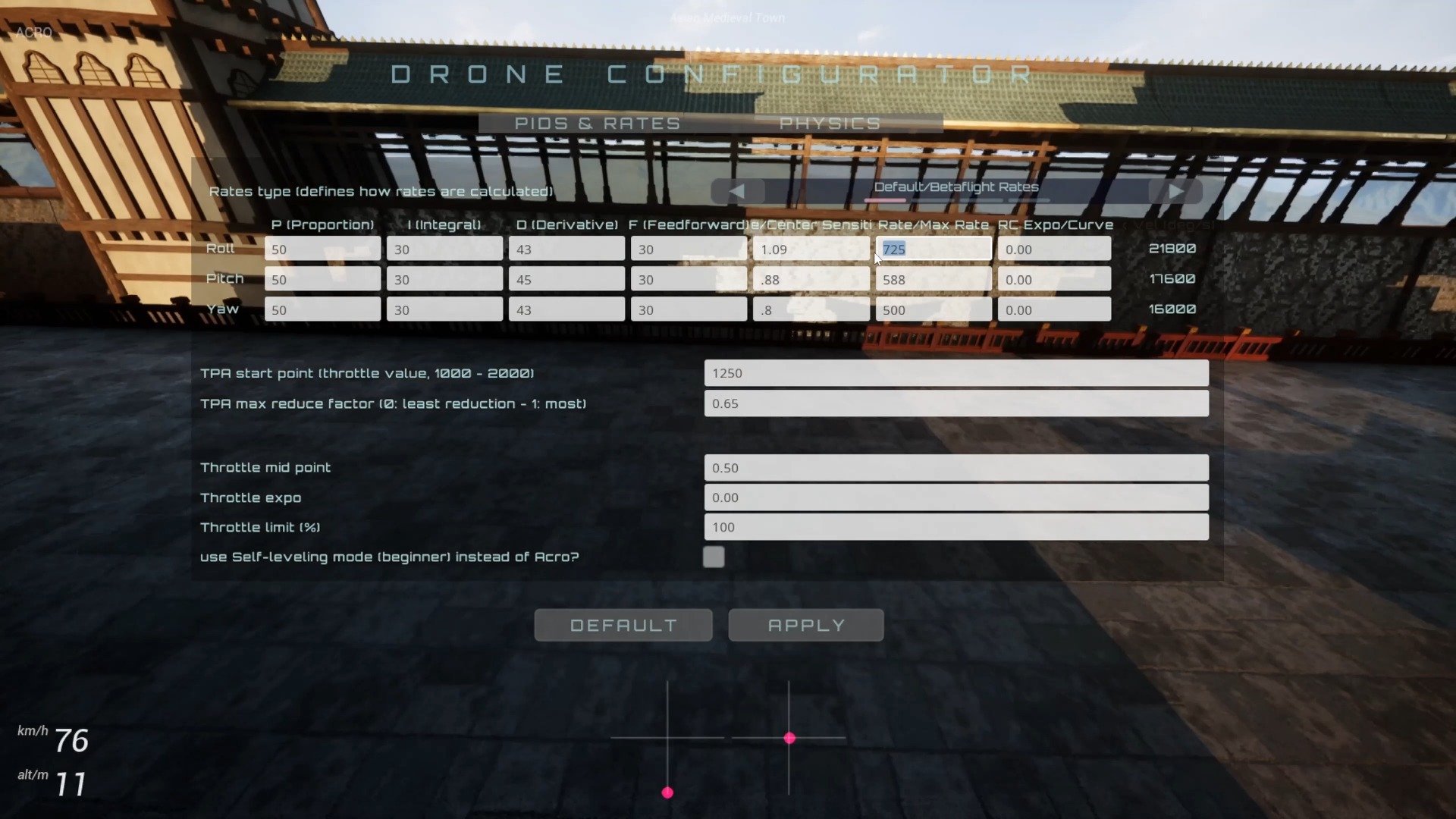
This version supports Actual, Quick, and KISS Rates, and displays maximum angular velocity in degrees per second in the Rates configuration screen. This makes it easier to check rotation speed when migrating from Betaflight or another familiar configuration, rather than guessing from the shape of a curve. The live stick overlay connects your inputs to the aircraft response, making it useful for reviewing the timing of stick movements or explaining maneuvers to beginners.
Six new maps offer different practice environments
The maps added at release include Asian Old Town, a drifting scene, City Park, Harbor Party, Desert Track, and Secret Base, bringing the total at the time to 15 maps. Their differences extend beyond appearance: open terrain suits basic turning and speed control, while dense built-up areas better suit anticipating lines, flying through gaps, and flying close to obstacles. Some scenes are also optimized for computers with lower or midrange specifications.
Choose a training goal before selecting a map. Beginners can start in scenes with open sight lines and clear reference points. Once you can fly steadily, move on to maps with more gates, buildings, and narrow passages. Change only one variable at a time: for example, keep the same aircraft and Rates settings while comparing how different maps affect your judgment of flight lines.
Control tools for beginners and training
In addition to Acro mode, FPVSIM 2 adds a level / angle mode with behavior similar to Betaflight Angle mode. This can help first-time FPV users understand the basic relationships between throttle, roll, and pitch. A throttle limit reduces the available power range, helping prevent sudden climbs or acceleration while learning the space. Before practicing Acro, understand that Angle mode levels the aircraft automatically, whereas Acro primarily controls rotational rates. Returning the sticks to center does not have the same effect in the two modes.
The HUD adds altitude and flight-mode information, and floating buttons and the cursor appear or disappear automatically in response to mouse activity. Loading screens, propeller sounds, and scene descriptions have also been updated. These changes mainly improve information visibility and usability; they do not replace proper radio calibration. If upgrading leaves the neutral position offset or prevents full stick travel from registering, complete input calibration before judging how the aircraft feels.
Pricing and version details reflect the time of release
The $7.19 price and 20% discount in the title were promotional details for the FPVSIM 2 release, not a promise about the current price. Check the actual store page before purchasing. The official notes also stated that existing users could receive this update free of charge; that likewise describes the upgrade policy at the time.
This video consists almost entirely of music and footage of the release. Its automatic transcript detected only “Thanks for watching” at the beginning. This article therefore does not present the footage as a spoken tutorial or invent narration. The feature list comes from the official release notes, while the usage advice is based on the announced features.
FAQ
Which maps were added when FPVSIM 2 launched?
Asian Old Town, a drifting scene, City Park, Harbor Party, Desert Track, and Secret Base: 6 maps in total. The official notes stated that there were 15 maps overall at the time.
What are Actual, Quick, and KISS Rates used for?
They let users configure rotational response using familiar Rates conventions, and use the maximum degrees-per-second display to check the actual angular-velocity range. After migrating settings, test them in flight rather than simply copying the numbers.
Is the $7.19 price in the title still valid?
Not necessarily. That price and the 20% discount were release-period information. Refer to the store page for the current price and regional pricing.
Why does this article not explain the video passage by passage from its narration?
Because this is a release video combining music and footage, with almost no substantive narration. The article explicitly draws on the official release notes and visible features, avoiding the mistake of presenting release footage as spoken content.
Transcript description
There is no timeline transcript available for publication for this video.
Auto-transcription did not detect credible and understandable speech; this article is only compiled based on video footage and official introduction.