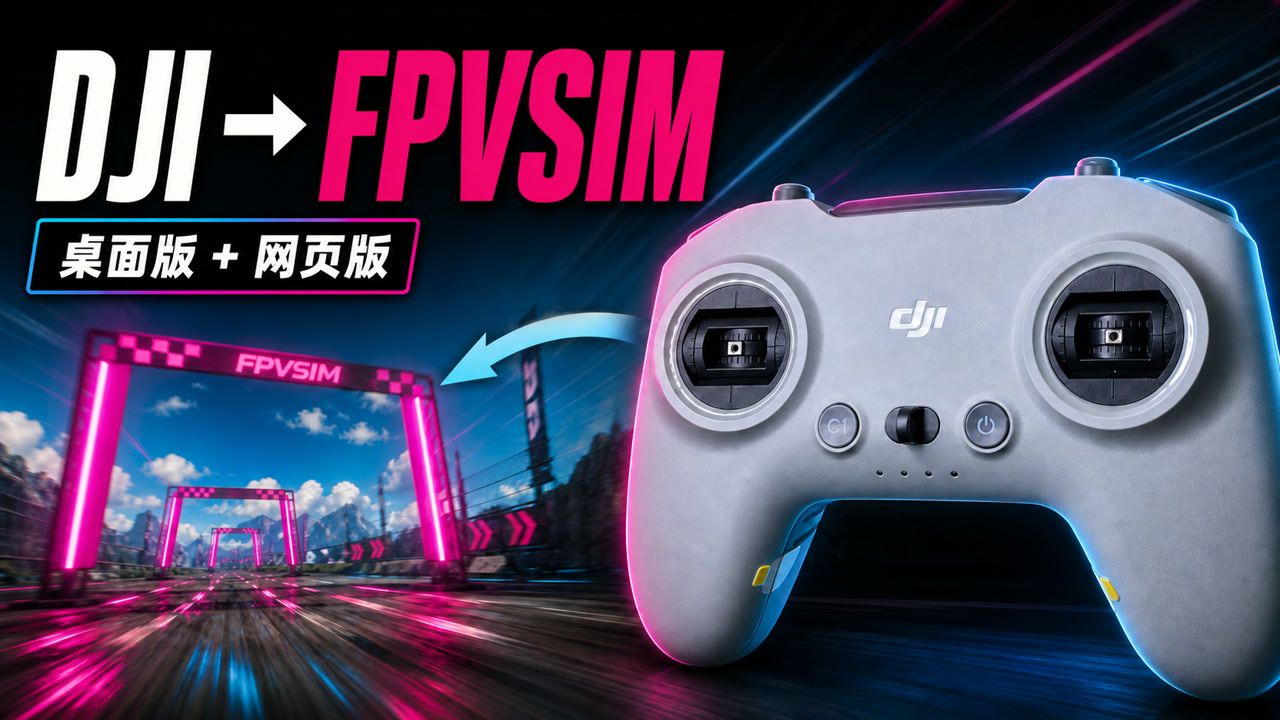
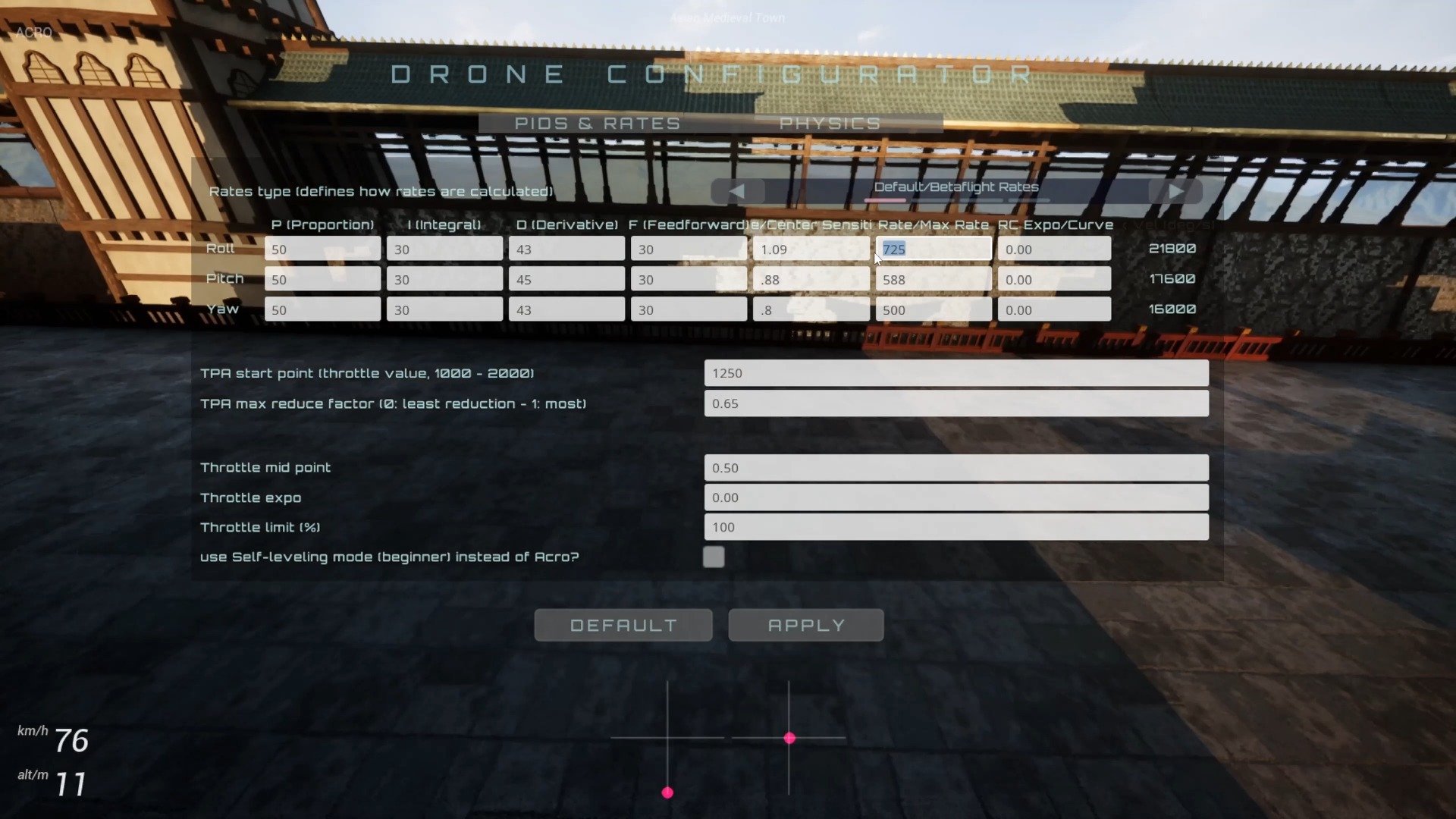
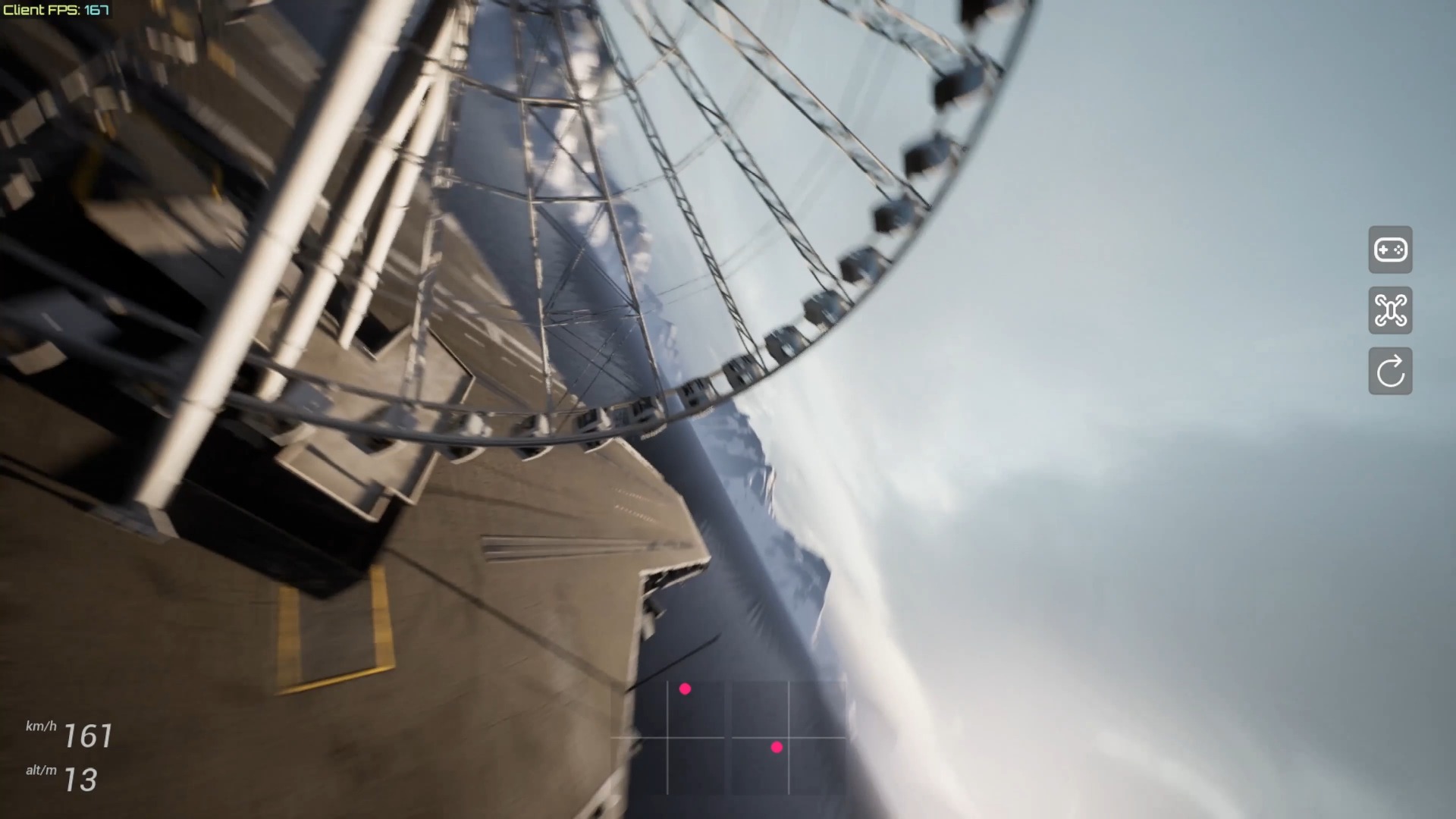
This 2021 preview shows off an FPV flight simulator that works by opening a web page. The title uses Dronesitter, and the release notes give fpvsim.com/sim as the trial entrance, and explain that there will be a beta update later. The video has no tutorial narration, and the automatic transcription recognizes only background music lyrics. Therefore, this article only explains the positioning and testing methods of the web version of the simulator based on verified product information.
The core value of the web version simulator
The web portal eliminates the traditional installation process and is suitable for quick experience, cross-device trials and sending test links to other pilots. Users still need to download scenes, scripts and texture resources, and the browser must also provide sufficient graphics capabilities and input device access rights. Therefore, "open and play" describes the entry method and does not mean that any device can immediately achieve a stable high frame rate.
This video is in the preview stage and mainly proves that the flight screen and basic interaction can be completed in the browser. Scenarios, physics, accounts, caching, and controller support may have changed in the current version; when judging today's features, the existing web page and official tutorials should be used as the guideline, rather than looking at early footage as a complete feature list.
What to check for your first trial
Make sure the browser enables hardware acceleration and completes scene loading before connecting the remote control or handle. Before entering flight, check whether the four axes of throttle, roll, pitch, and yaw change continuously, are in the correct direction, and can return to center; if abnormalities are found, recalibrate first, and do not forcefully practice under incorrect mapping.
Then open performance statistics, fly in open and complex areas for a few minutes each, and observe FPS, frame time, input delay and device heat. If it stutters, gradually lower the resolution, quality, or maximum FPS, and only change one setting at a time. Only bugs or performance feedback submitted in this way include reproducible browser, system, device and configuration conditions.
How to read this historical preview
The release notes mention that major updates have been added to the beta version, and link to another demo explaining that the film itself is not the final version of the instructions. The juxtaposition of Dronesitter with fpvsim.com/sim also reflects the product stage at the time. Access points, supported platforms, and feature status should all be rechecked, and download or compatibility conclusions in old comment areas may not necessarily apply to the current version.
If feedback is needed, the reproduction steps, browser version, operating system, GPU, controller and scene should be stated, and the first load failure, low running frame rate, unrecognized input and physical feel issues should be distinguished. A clear classification is more helpful for positioning than just saying "doesn't work."
FAQ
Are there audio explanations in the video that can be used for tutorials?
No. The automatically transcribed content comes from background songs, not product narration, so this article does not treat the lyrics as operating instructions.
Does "open and play" mean no need to download resources?
No. It eliminates the need for a separate installation package, but the browser still needs to download and cache web pages, scenes, scripts, and textures.
Why is the title Dronesitter but the link is fpvsim.com/sim?
This is the naming and entry record from the 2021 Early Preview. The current brand and functions should be subject to the existing official page.
What is the most important thing to provide when submitting a performance issue?
Provide repeatable steps, as well as browser, system, GPU, controller, scene and quality settings; also indicate whether the problem is loading, frame rate, input or physical feel.
Transcript description
There is no timeline transcript available for publication for this video.
The video does not have a postable tutorial narration; it was automatically recognized as background music or audio unrelated to the tutorial, so it was not displayed as a transcript.