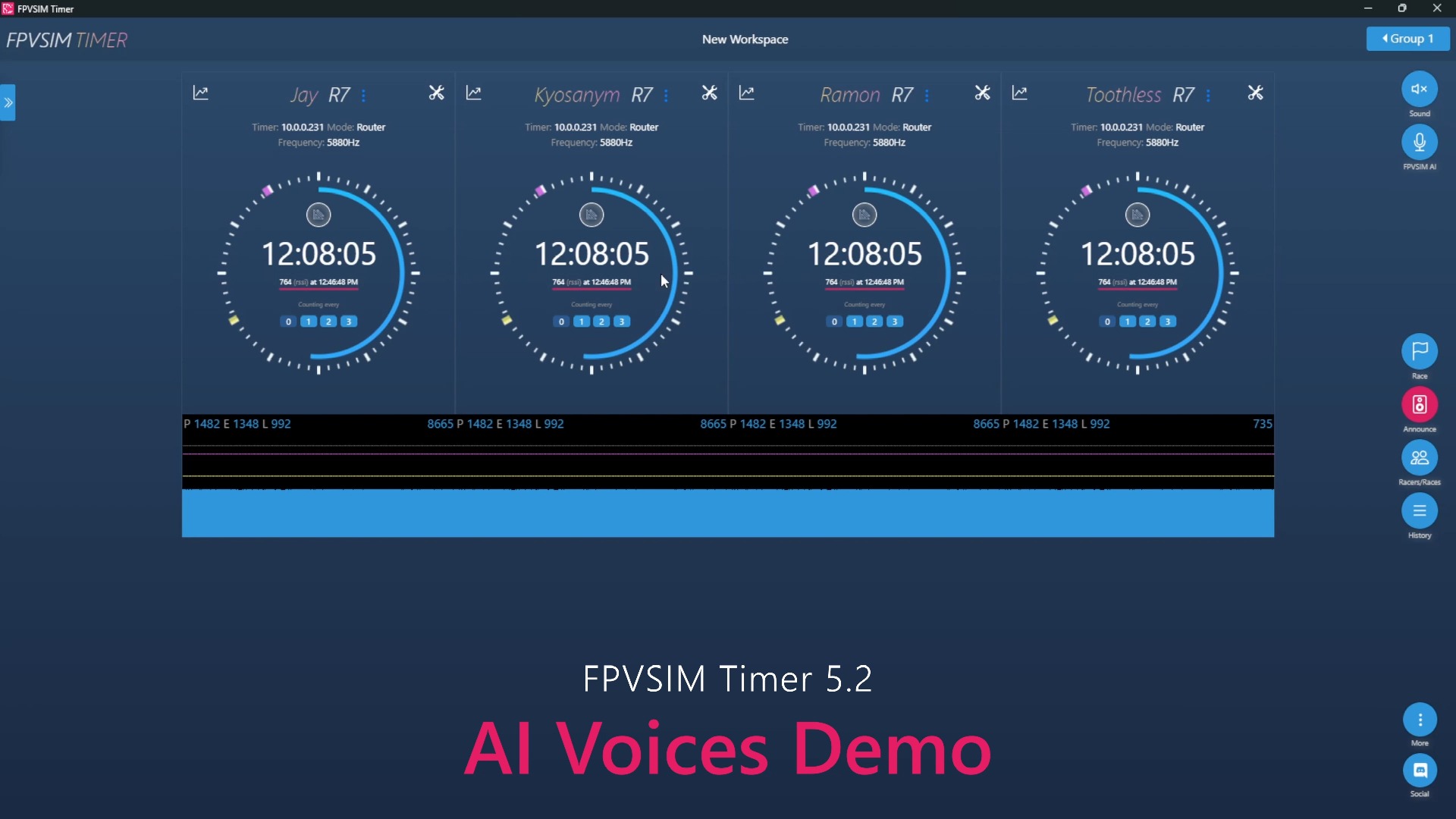
This live clip shows the complete verification link of an early QuadRank DIY timer from connecting, switching to 5695 MHz (Channel 2), performing calibration, and actually flying a broadcast lap. The audio track only has application voice prompts and lap time numbers, and there is no manual explanation to rely on. Therefore, this article uses it as an example of "how to accept the timing system" instead of inferring non-existent setting instructions from the numbers. The interface, channel labels and operation entrances are subject to the current FPVSIM Timer document.
Connect first, then let the timer listen to the correct channel
The application in the film first reports connecting and successful connection, and then switches to channel 2, 5695 MHz. This order is very important: connecting the timer to the management end can only indicate that the communication link is available; only when the receiving end is consistent with the aircraft VTX channel, can the RSSI reflect the true approach and departure. Different band tables, module firmware and regional settings may use different channel names, you cannot just remember the number in the video.
Before the formal test, the actual VTX frequency, transmit power and antenna status should be checked, and the timer should be fixed at the planned start and end points. If the channel, power, antenna or timer position is changed, it should be regarded as a new radio frequency environment and the calibration should be recalibrated instead of using the previous threshold.
The goal of calibration is to separate "through" and "outside" signals
The application continuously broadcasts Calibrating, indicating that the system is collecting the signal range of the current site. A reliable method is to let the aircraft pass through the door multiple times according to the competition route, while observing the background signals outside the door, next to the door and in the waiting area. The threshold value should allow the real transition to trigger stably without identifying nearby circling, return field or other image-transmitted noise as a circle.
Calibration is not about sticking the aircraft next to the receiving antenna once. Distance, flight altitude, aircraft attitude, occlusion, and other VTXs in the same field will all change the RSSI. At least the actual competition power must be used to complete multiple normal gate passes, rapid consecutive gate passes and out-of-gate flights, and missed laps, double counts and false triggers shall be recorded respectively.
Complete end-to-end acceptance when using flying circles
When the system audio track in the second half broadcasts multiple groups of circles, it means that the detection event has been transmitted from the receiving module to the application and triggered voice output. What should be concerned here is whether each actual line crossing corresponds to exactly one broadcast, rather than comparing numbers such as 25 seconds or 22 seconds in the film; these numbers belong to the current test flight and are not artificial tutorial narration.
Application records should also be cross-validated against independent references before competition, and shortest lap filtering, unusual repeat events, saves and history lists should be checked. Complete a single machine and a single channel first, then gradually increase channels and consecutive rounds. If there is a missed circle, first check the signal peak value, antenna position and threshold; if there is a double count, check the departure threshold and the shortest circle instead of directly deleting the score. Video was released in 2021, current firmware and interface may have changed.
Operation steps
- Confirm application and timer connection
Wait for the successful connection prompt before continuing to set the channel; successful connection does not mean that the lap detection has been calibrated.
- Switch to the actual video transmission frequency of the aircraft
Video example is channel 2/5695 MHz; actual operation must check your own VTX and current band table.
- Perform multiple calibration passes at the true start and end points
Let the aircraft pass through the detection area according to the planned route, and collect the background outside the door at the same time to establish sufficient RSSI trigger margin.
- Use the circle time broadcast to check one in and one out
During actual flight, it is confirmed that only one record is generated for each gate pass, and the application saved value and independent reference are checked.
FAQ
Can the channel 2/5695 MHz in the video be used directly?
No. It is only the channel for the current demo; you must keep the timer consistent with the actual frequency of your VTX and check against the current band table.
Why is the ring still missing after the connection is successful?
The connection only verifies communication from the phone to the timer. Missing circles may also come from channel errors, RSSI thresholds that are too high, antenna position, power or flight path, and need to be calibrated in a real field.
Are the numbers in auto-transcription tutorial parameters?
No. What the audio track recognizes is the application lap time broadcast and calibration prompts, without manual teaching narration; these numbers only belong to the current test flight.
How to judge whether the calibration is reliable?
The real door crossing should be stable one circle per circle, flight outside the door should not be triggered, and rapid consecutive circles should not miss the count; the time should also be checked with an independent reference and the saved results should be verified.
Transcript description
There is no timeline transcript available for publication for this video.
The video does not have a postable tutorial narration; it was automatically recognized as background music or audio unrelated to the tutorial, so it was not displayed as a transcript.