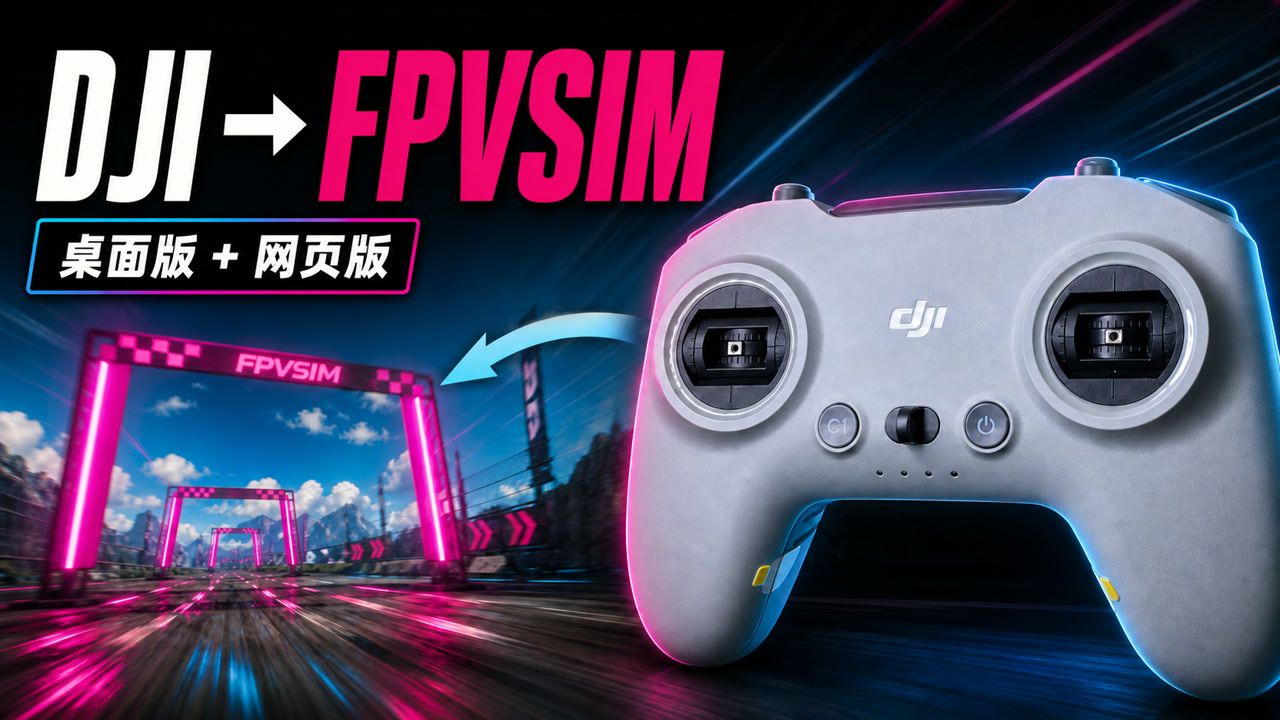
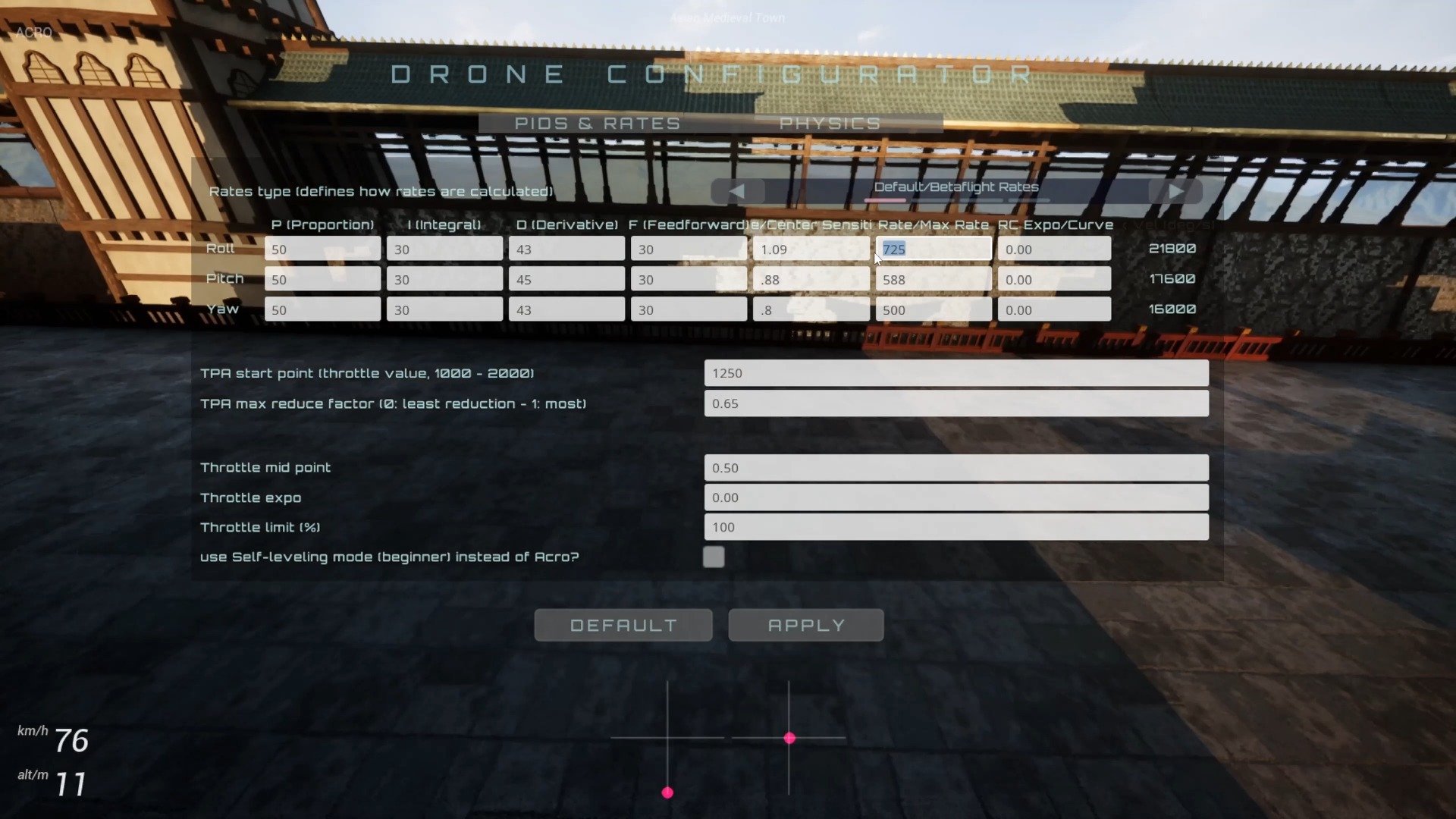
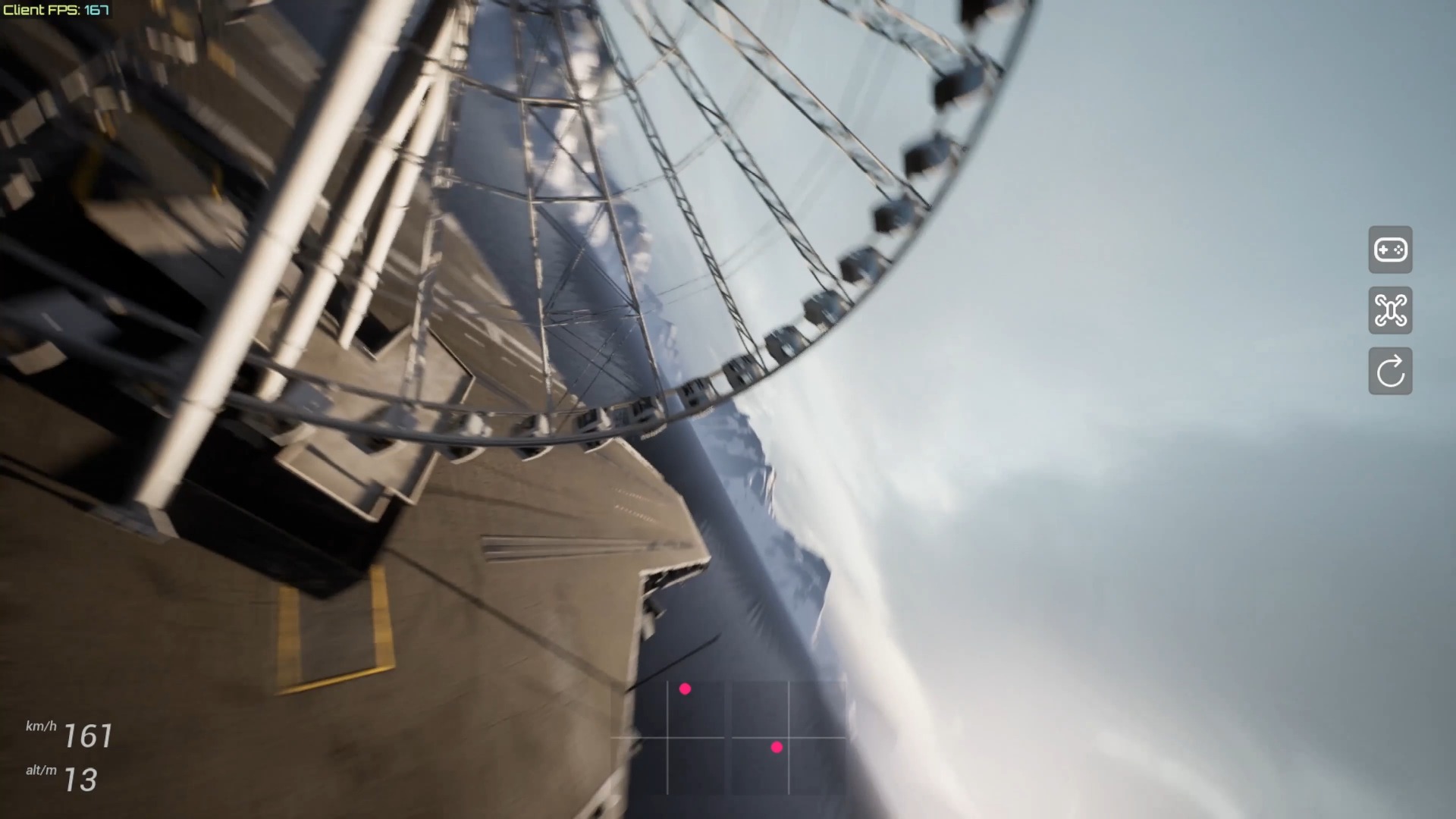
The “5K FPS” video shows extreme frame rate readings from Dronesitter Sim’s new render scheduler, illustrating how low scheduling and rendering overhead can be under certain light load conditions. This number does not equal the actual frame rate of an average player in a complete scenario, nor does it represent the monitor's ability to render 5,000 individual frames; a true training experience still depends on stable frame times, input links, physics updates, and device temperature.
How to correctly understand 5K FPS
The FPS count represents how many rendering loops a program completes per second, and the monitor can only display a portion of these at its own refresh rate. Extremely high readings usually occur under very light load, uncapped frame rates, or special test paths. They are suitable for observing scheduler overhead and performance margins and should not be taken as a commitment for all maps, resolutions, and devices.
For FPV simulators, stability is more important than peaking. The instantaneous number of 5000 FPS doesn't answer whether the picture is even, how long it takes for controller input to take effect, whether physics is updated at the correct step size, or whether the device is downclocked as it continues to run. When evaluating updates, you should also look at the average frame rate, low-quantile frame rate, and frame time curve.
What the new render scheduler might improve
The scheduler is responsible for deciding when to request the next frame and how to coordinate input, physics, and drawing. If it reduces unnecessary waiting or distributes work more efficiently, low-load scenarios will show higher throughput and constrained devices may get smoother frame times. But it’s impossible to determine the benefits of each optimization in all browsers from demo screens alone.
The actual test should use the complex track that you often fly, fix the browser, window size, image quality and controller, and compare the same route before and after the update. Pay attention to whether there are periodic freezes, recovery after the page is switched to the background, window defocus, and the impact of the maximum FPS setting on power consumption and temperature.
Why you don’t have to blindly pursue unlimited frame rates
Rendering well above the monitor refresh rate consumes more power and increases heat, sometimes crowding out other system tasks. If the device has reached the goal of stability and low latency, setting a reasonable Max FPS is often more practical than continuing to run to the limit. Competition training should select configurations that can be maintained for a long time, rather than peaks that only appear in short videos.
FAQ
Does 5K FPS mean a 60 Hz monitor will see 5000 frames?
No. Monitors are still refresh rate limited; very high FPS primarily reflects render loop throughput and performance headroom.
Does the higher the peak FPS, the lower the control latency?
Not necessarily. Input sampling, physical updates, browser scheduling, controller links, and frame time stability all impact end-to-end latency.
Should Max FPS be set to infinite forever?
No need. A reasonable upper limit can reduce power consumption and heat; it should be based on the settings that the device can maintain stably for a long time and control smoothly.
Transcript description
There is no timeline transcript available for publication for this video.
Auto-transcription did not detect credible and understandable speech; this article is only compiled based on video footage and official introduction.