This narration-free short captures a major 2022 update to the Dronesitter Sim web beta. The official introduction lists four key points: upgrading the physics engine and feel, adding an online track editor, supporting multiple maps, and providing a racing mode. It is more like a version guide than an operation tutorial; the "open and play" Beta link, function entrance and free policy at that time may have expired. When using it today, you must check the current entrance and version instructions of FPVSIM.
What problem the browser Beta aimed to solve
The main value of the browser version is reducing the installation barrier: users can follow a link and try the simulator without first downloading a standalone installer. During testing, this also makes it easier for developers to release iterations quickly and collect bug reports and feedback on flight feel. The official description labels this release as a free-to-try Beta, so it remains a public test, not a promise of a stable release.
The short video has no reliably intelligible narration, so its audio cannot establish browser requirements, account rules, save behavior, or minimum hardware specifications. An old link failing to open does not mean the user has made a mistake. Look for the current official FPVSIM entry point rather than continuing to rely on a page from 2022.
What the four updates mean
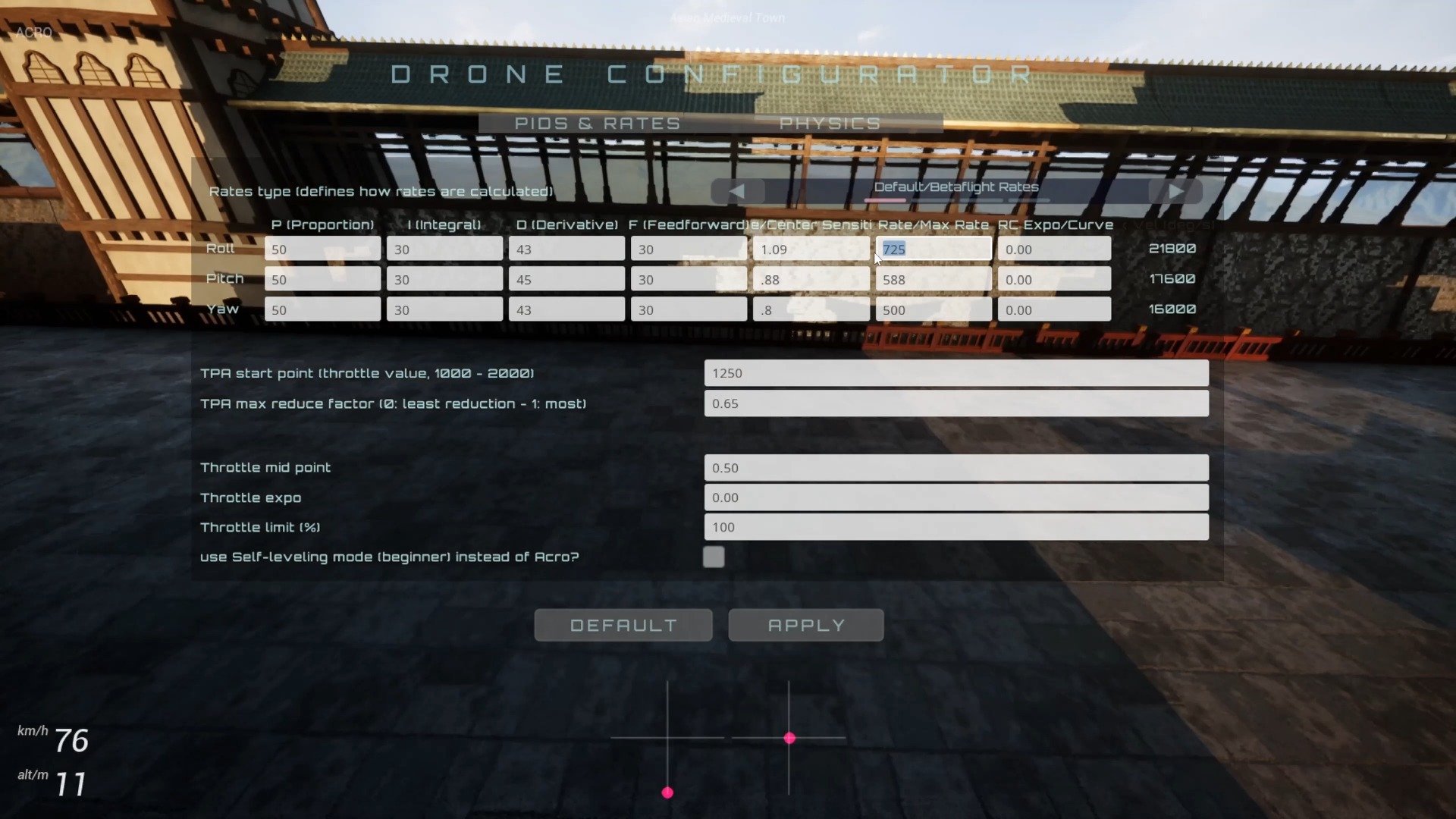
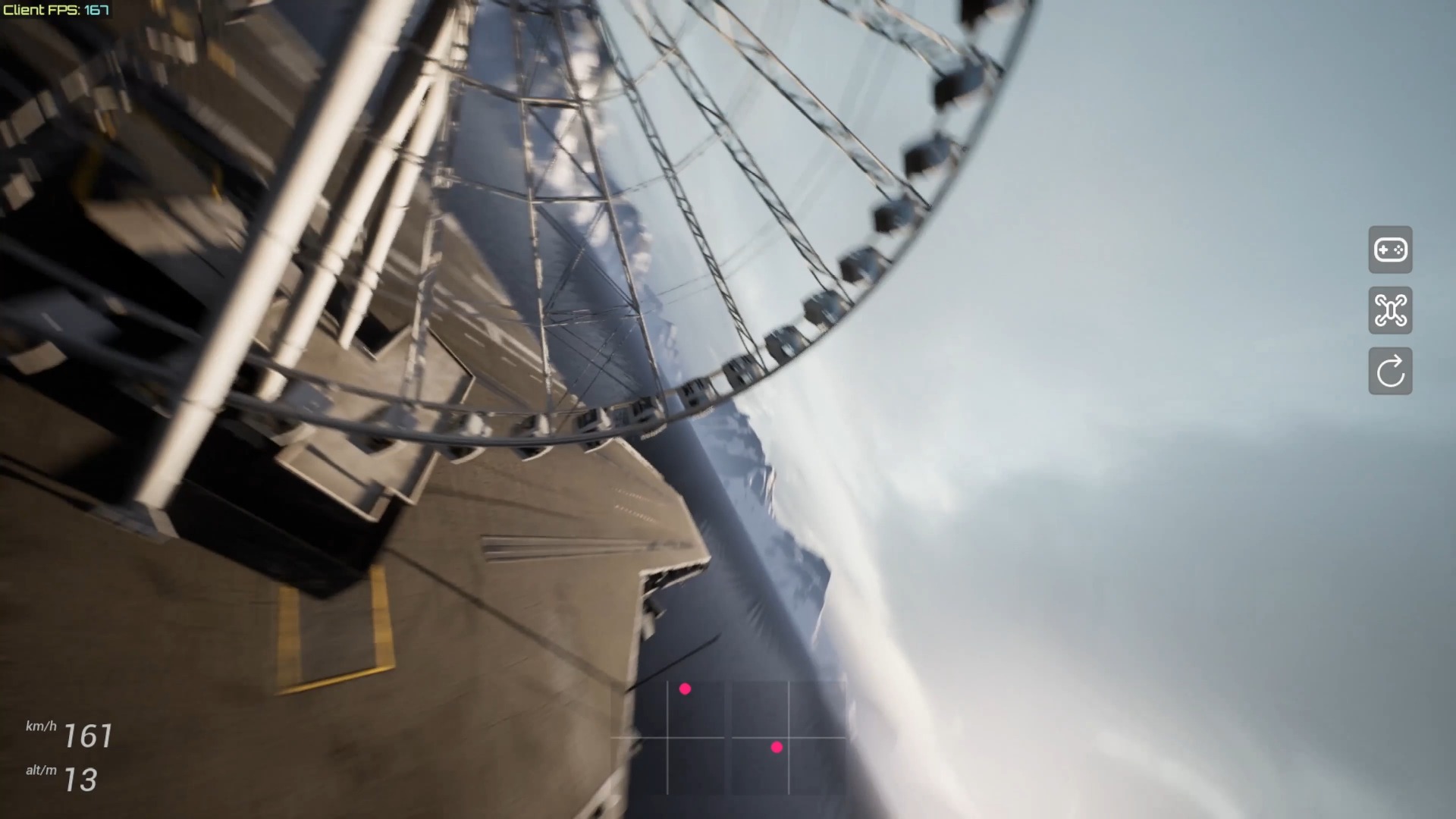
An upgraded physics engine and flight feel mean that the developers changed flight calculations and responses, but a claim of better feel still needs to be compared using the same RC transmitter, Rates, map, and frame rate. The online track editor moves track creation from a local-file workflow into browser interaction. Support for multiple maps expands the practice environment beyond a single scene.
Racing mode indicates that the Beta was starting to support timing or track challenges, but the description does not provide race rules, connection methods, or leaderboard details. A feature name alone does not establish a complete event system. For each feature, verify save, sharing, and compatibility behavior separately in the current version.
Treat older updates as a record of product development
This video is most useful for understanding the product direction during FPVSIM’s earlier stage: first lower the barrier to trying it through the browser, then progressively add maps, an editor, and modes. It explains why later tutorials cover physics and rendering performance settings, track creation, and selecting multiple scenes.
To verify these capabilities today, make a checklist using the current version: can it launch, can the controller be calibrated, can maps load, can edits be saved, and is the mode entry point present? Do not treat the old Beta’s free access, URL, or interface as a current promise. When reporting an issue, include the current version number, browser, and reproduction steps.
FAQ
Is the Beta link in the video still the official entry point?
This video from 2022 cannot establish that. The product name and entry point may have moved; use the current official FPVSIM page.
Does this short video include a track editor tutorial?
No. The description lists the online track editor as an update but does not provide complete steps for creating, saving, or sharing tracks.
How should the improved flight feel be evaluated?
Compare before and after using the same controller, Rates, frame rate, and map, and confirm that the physics loop runs consistently rather than relying only on promotional descriptions.
Does this video prove that the current version is still free?
No. The description refers to free Beta access at that time. Consult the latest official information for current pricing and conditions of use.
Transcript description
There is no timeline transcript available for publication for this video.
Auto-transcription did not detect credible and understandable speech; this article is only compiled based on video footage and official introduction.