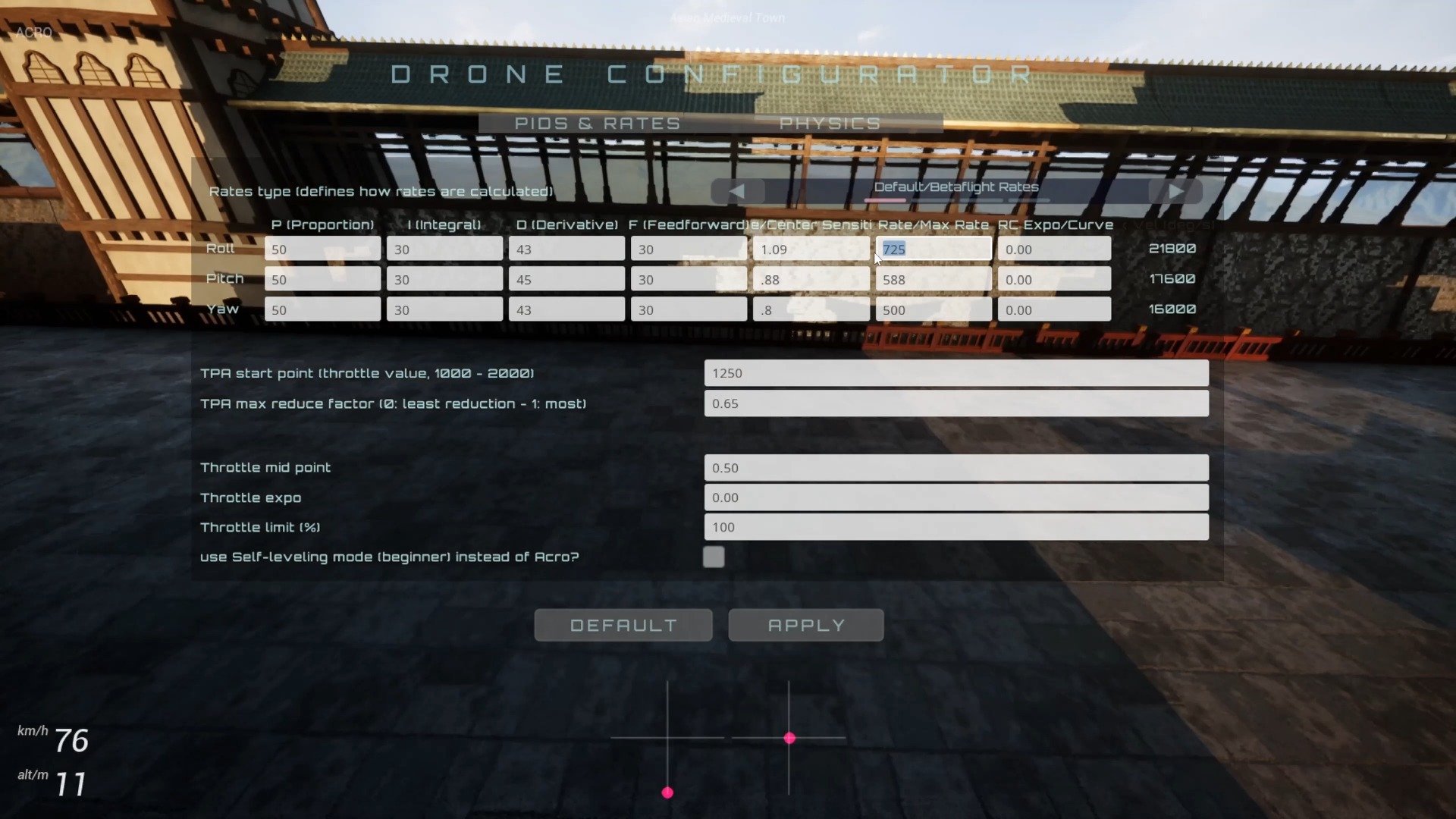
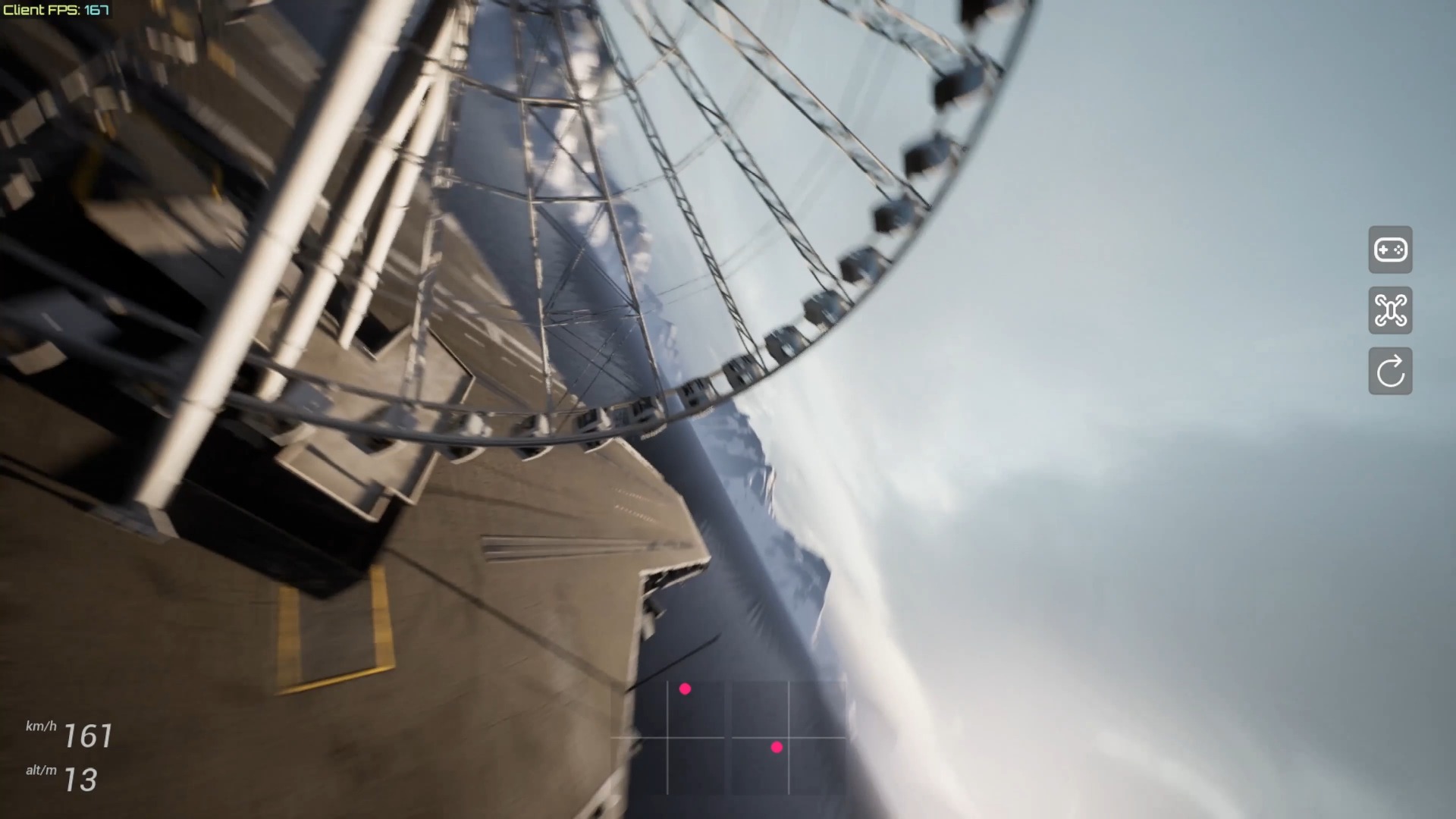
This short video demonstrates that after the first download of FPVSIM resources is completed, subsequent startups can use the local cache to quickly enter the simulator. The goal is to reduce the waiting progress bar to close to one second. It emphasizes the "second and subsequent loading" experience, and does not mean that downloading is not required after the first visit, version update, or clearing the cache.
Why subsequent loads are much faster
The simulator needs to obtain scenes, scripts, textures, and other resources the first time it runs. Once the browser or app has saved these files locally, later launches can read the cache instead of downloading everything again. Fewer network round trips and less data transfer allow the loading screen to disappear sooner.
This optimization is particularly useful for pilots who regularly practice on the same device. As long as the cache remains valid, frequently used scenes and core resources can be reused quickly. It improves repeat startup times; it does not directly increase the frame rate during flight or reduce controller input latency.
When you may need to wait for downloads again
A first visit, a new scene, a major app update, an expired cache, or changes to resource validation can all trigger another download. Browser private mode, manually clearing site data, automatic storage reclamation by the system, or switching to another device can also remove access to previously cached files.
Do not treat the one-second loading time in the demo as a fixed SLA. Before a race, launch the simulator once on the computer, browser, and network you plan to use, and confirm that the required resources are ready. Also leave enough disk space on the device to prevent the cache from being cleared frequently.
Troubleshooting loading problems
If subsequent loads suddenly become slow, first check whether you have just updated the app, switched browser profiles, or cleared site data. Then check that the network and storage are working normally. Do not keep a corrupted cache indefinitely just to pursue faster startup. For a persistent blank screen or resource errors, follow the current official instructions to clear the relevant site cache and perform a fresh full load; this is generally more reliable than repeatedly refreshing.
FAQ
Does it also load in one second the first time?
You cannot draw that conclusion from this demo. The release notes explicitly refer to subsequent loads after the initial download is complete.
Why does the progress bar reappear after an update?
A new version may replace scripts, textures, or scene resources. If the old cache cannot be reused directly, those resources must be downloaded again.
Does faster loading increase game FPS?
Not directly. Cache optimization mainly reduces startup download time; the frame rate while running still depends on device performance, graphics settings, and scene workload.
Transcript description
There is no timeline transcript available for publication for this video.
Auto-transcription did not detect credible and understandable speech; this article is only compiled based on video footage and official introduction.