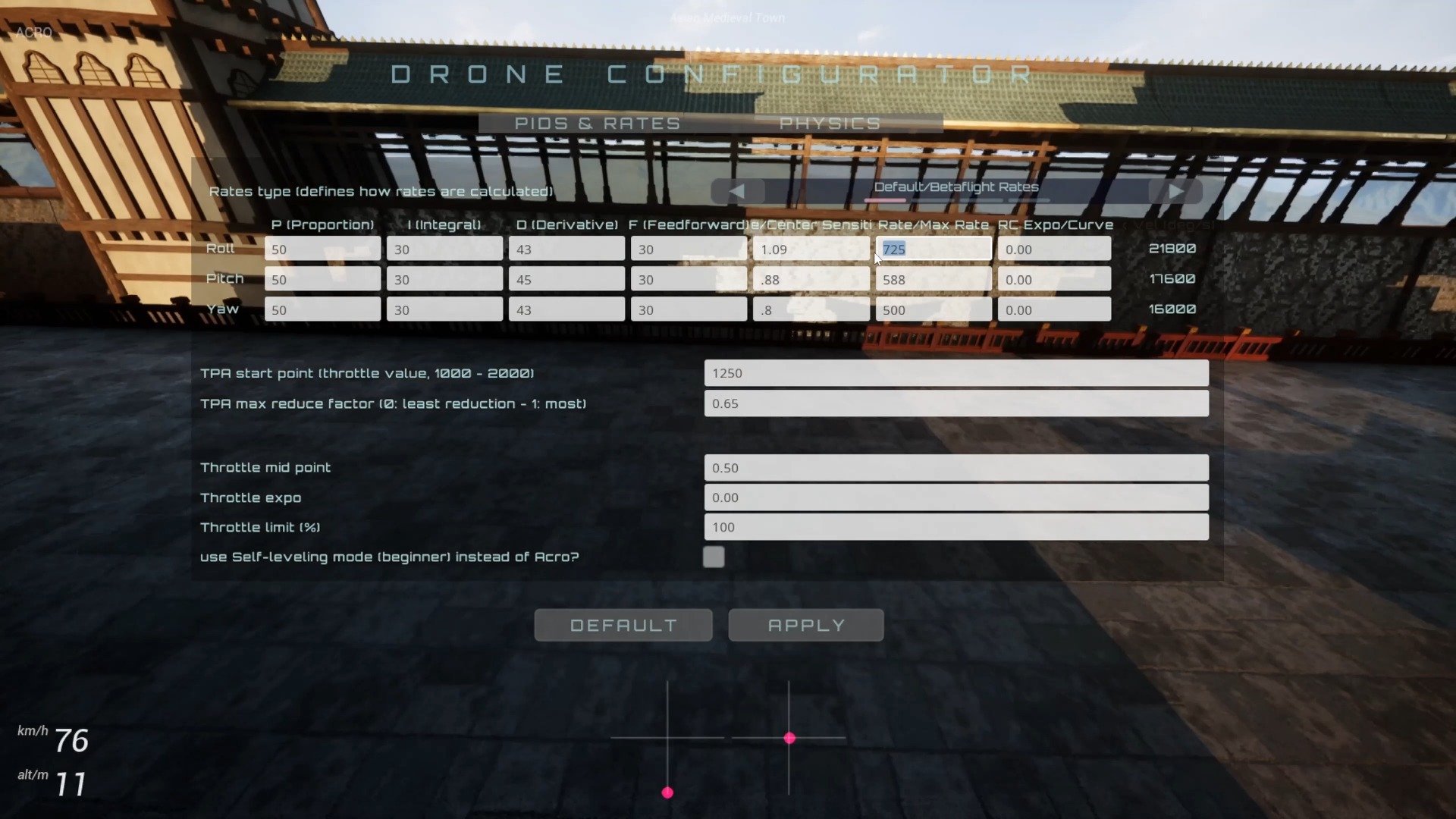
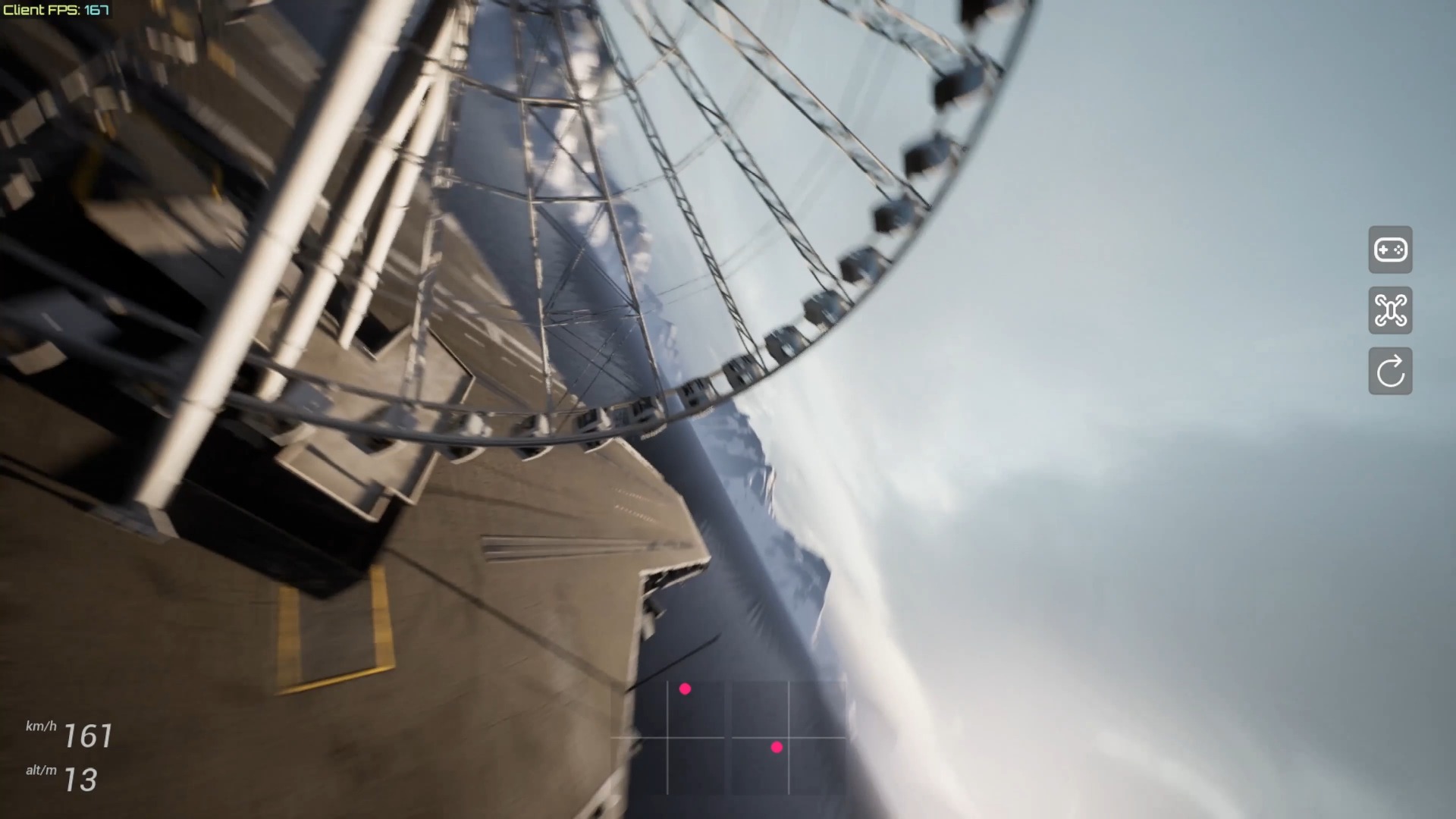
This is a short preview of the FPVSIM multiplayer online battle mode released in 2023, rather than a complete tutorial including operation explanations. The video has no identifiable narration; the confirmable information comes from the title, official introduction and screen display: the team was previewing the functional direction of multiplayer online battles at the time, and planned to release a new version through the Epic Games Store to simplify downloads and subsequent patch updates. Room creation, maximum occupancy, network requirements, and current availability are not covered in this short video.
Treat this as a feature preview, not a setup guide
The short video quickly shows viewers that online multiplayer combat has reached the visual-preview stage. Its audio contains no reliably intelligible speech, so it does not provide step-by-step instructions for signing in, creating a room, inviting players, selecting a track, or starting a race. It also does not explain matchmaking rules or server coverage. Treat the footage as a demonstration of the feature in that version; do not fill in unseen steps and present them as a tutorial.
The title confirms that the subject is FPVSIM’s online multiplayer combat mode, but a 48-second preview cannot establish the supported player count, cross-platform compatibility, specific account requirements, availability of public matchmaking, or achievable latency. Consult the menus, release notes, or official support information for the current version to answer those questions.
Historical context for the Epic Games Store release plan
The official description says that the new version was planned for release through the Epic Games Store to eliminate file-hosting downloads and make patching more convenient. The video therefore also previewed a change in distribution: moving from manually obtaining installers to having a store client manage installation and updates.
That text uses the future tense as of the video’s publication. It is historical information from 2023, not a guarantee about today’s store availability, pricing, account requirements, or update schedule. When checking the current version, directly verify FPVSIM’s current store page and in-app version number instead of relying only on an old video description.
What to check when watching this preview today
First check whether your installed FPVSIM version has a multiplayer entry point, then check the account, region, room, and network conditions it requires. If the menu structure differs from the video, follow the current interface. Multiplayer also depends on participants using compatible versions, so have every player finish updating before connecting.
Also distinguish between a feature appearing in footage and that feature being officially available in every environment. A preview can explain the product direction but cannot replace connection testing. Before organizing an event, run a small connection trial to check the host workflow, player synchronization, track selection, latency, and recovery from disconnections. Then decide whether to use it for formal practice or racing.
FAQ
Does this video teach me how to create a multiplayer room?
No. This is a short feature preview without narration. It does not provide complete steps for creating rooms, inviting players, matchmaking, or race setup.
Does the video state the maximum number of players?
No. The title and description only identify the online multiplayer combat preview; they do not state a player limit, server regions, or matchmaking rules.
Is the multiplayer mode shown necessarily the same as the current version?
Not necessarily. The video was published in 2023, and the menus and connection workflow may have changed. Refer to the currently installed version and official release notes.
Why does the description emphasize the Epic Games Store?
The description presents store distribution as a plan to avoid file-hosting downloads and make patch updates easier. That is version context from the time of recording, not a guarantee about the store’s current status or policies.
Transcript description
There is no timeline transcript available for publication for this video.
Auto-transcription did not detect credible and understandable speech; this article is only compiled based on video footage and official introduction.