The August update of FPVSIM adds an optional "low-latency input" mode, and reports that input latency is reduced by about 30% and simulation loop fluctuations are reduced by about 40% in this version test. The two indicators have different meanings: the former focuses on the wait from operation to response, and the latter focuses on whether each simulation step is stable; the percentage is a release measurement, not a guarantee that every computer can reproduce it.
Low latency and simulation consistency are different measurements
Input latency is the delay between a radio input passing through the system and its effect appearing in the simulator. The optional “low-latency input” mode aims to shorten that chain; the official tests for this version reported an improvement of about 30%. Simulation-loop consistency measures variation in the physics-update time step. An improvement of about 40% means the loop intervals are more stable. It does not mean a 40% increase in frame rate, nor that the controls will feel proportionally better on every computer.
These figures depend on the controller, USB polling, operating system, browser or desktop version, frame rate, and hardware load. The video is a short feature showcase without narration. This article uses only the official release figures and does not turn those percentages into end-to-end guarantees that the tests did not establish. Consider input feel, frame time, and simulation stability together.
Test low-latency mode by changing one variable at a time
First fly a baseline run on a familiar map with a fixed aircraft and the same Rates. Then enable only low-latency input and repeat the route. Do not simultaneously change the controller, graphics settings, browser, and physics settings, or you will not know which change caused the difference. As well as the overall feel, watch for input jumps, abnormal axis values, stuttering, or system instability.
If response improves and flight remains stable, you can keep it enabled. If problems occur, restore the original settings and record your environment before consulting the current release notes. The mode was marked optional at release, recognizing that different devices may call for different choices. Its current menu location and implementation may have changed; do not guess the current option name from old footage.
Physics and tool improvements in the same update
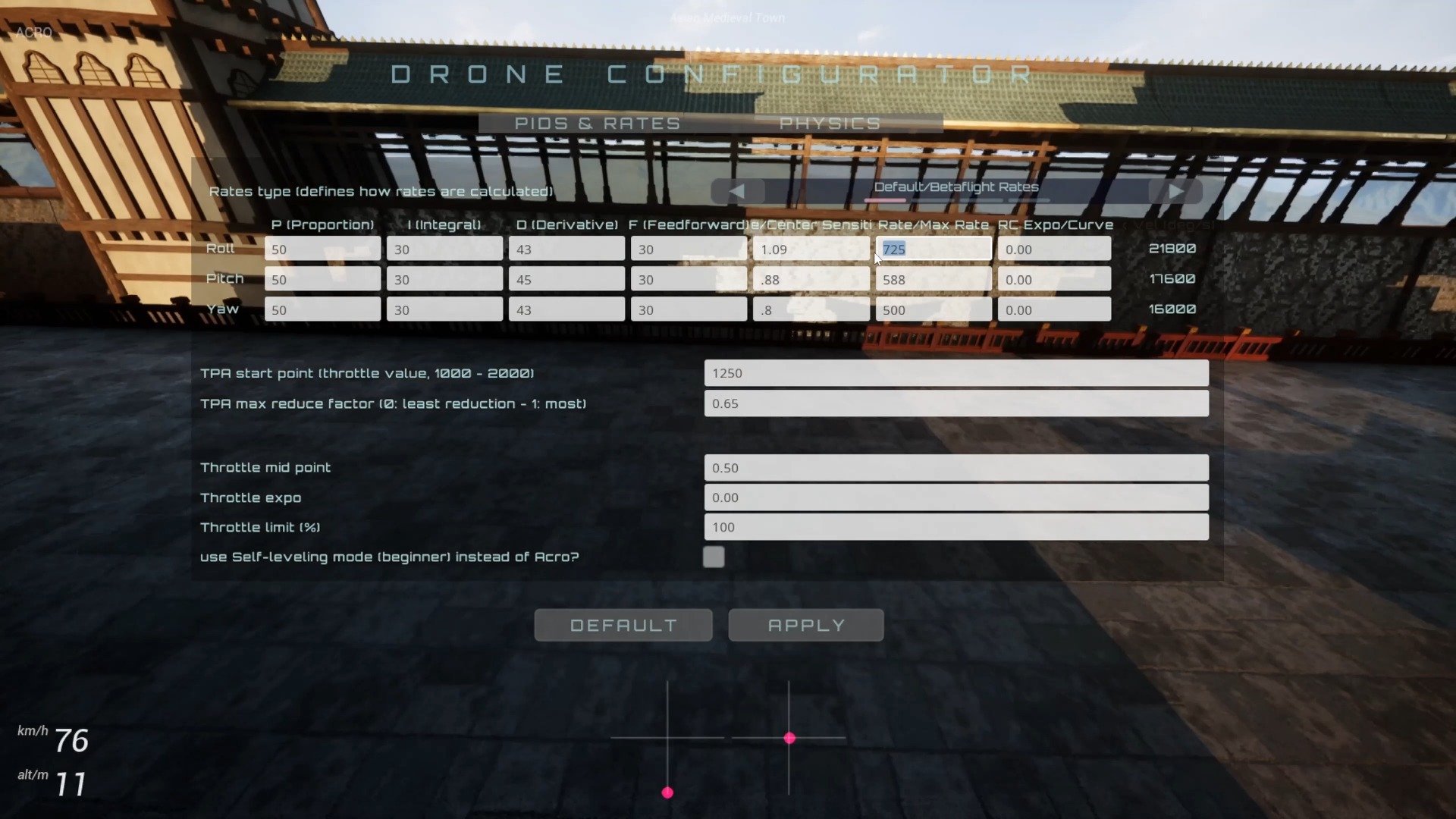
The release notes also mention physics adjustments at low throttle. Low-throttle response affects descents, low passes, and corrections during turns, so after upgrading, relearn the lowest controllable throttle in a safe, open scene. Do not judge the new physics as wrong solely from muscle memory developed in the old version. Google Maps scenes gained a time-of-day selection for changing the lighting. This is a visual and scene feature and should not be confused with input-latency measurements.
The gamepad calibrator was moved to the first page at the time to make input calibration easier to find and complete. The web attitude and stick overlays were still listed as “coming soon” in those release notes, not as features delivered by this update. When reading older notes, distinguish released features, optional features, and previews so you do not mistake a historical roadmap for the current state.
Interpret update channels and results in their version context
At release, Epic installations updated automatically, while other installation options were available from fpvsim.com. That describes the distribution process at the time. Today, check the version number and update method for the store or installation channel you actually use. Before testing, record the current version, controller connection, and key settings so you can restore them if a problem occurs.
The latency and loop-consistency percentages describe the direction of the improvements; they are not acceptance thresholds for every device. What matters is whether you can repeat the same inputs reliably on your own controller and computer after enabling the mode, without introducing new jitter or crashes. Even if you cannot reproduce the advertised figures, a stable improvement may still be useful. If stability worsens, revert and report the specific environment.
Operation steps
- Record the baseline environment
Note the FPVSIM version, installation channel, controller, connection method, map, Rates, resolution, and graphics settings, then complete a set of baseline flights on a familiar route.
- Enable only low-latency input
Confirm the relevant option in the current version and change only that setting, keeping all other conditions fixed. Do not guess the current menu from historical footage.
- Repeat the route and observe stability
Compare control response, frame time, axis values, and simulation stability. Focus on jumps, stutters, and abnormalities rather than insisting on reproducing a fixed percentage.
- Revert if problems occur and save environment details
If response worsens or operation becomes unstable, restore the original settings, save the version and hardware information, then consult the current documentation or submit a reproducible issue report.
FAQ
Does 30% lower input latency mean a 30% higher frame rate?
No. Input latency measures the wait from an action to its response, while frame rate measures visual output. They are related but different metrics.
What does a 40% improvement in simulation consistency mean?
The official description refers to about 40% less variation in the simulation-loop time step, meaning a more stable physics-update cadence. It does not claim a 40% increase in speed or FPS.
Should everyone enable low-latency mode?
Not necessarily. It was optional at release and should be tested under fixed conditions. If it introduces problems or instability, revert first and troubleshoot using the documentation for the current version.
Were the web attitude and stick overlays included in this update?
The release notes listed them as upcoming features at the time, not as features already delivered in that update. Check the latest release notes for their current status.
Transcript description
There is no timeline transcript available for publication for this video.
Auto-transcription did not detect credible and understandable speech; this article is only compiled based on video footage and official introduction.