The video uses a Huawei Nexus 6P released around 2015 to demonstrate the operability of FPVSIM on older Android devices. The author connected an Xbox 360-compatible controller via OTG transfer, turned down the hardware gear, changed the resolution from highest to normal, and turned on performance statistics; roughly 30 to 40 FPS can be seen in complex scenes, but the latency and wireless controller experience cannot be compared with modern devices or model airplane remote controls.
What connections are needed to reuse old equipment?
The demo device is a Huawei Nexus 6P. The author first started the installed FPVSIM, and then connected an Xbox 360 compatible game controller through the OTG cable and receiver. Whether old phones can copy this solution depends on the system version, USB OTG support, power supply capability, and whether the handle receiver is recognized by the system.
Do not take off immediately after connecting. First, confirm in the setting or input test that the four axes of throttle, roll, pitch, and yaw change continuously, and that they can return to the expected position after letting go. If the receiver consumes a lot of power, the phone disconnects frequently, or the input jumps, you should first check the OTG cable, power supply, and compatibility.
Trade low image quality for usable frame rate
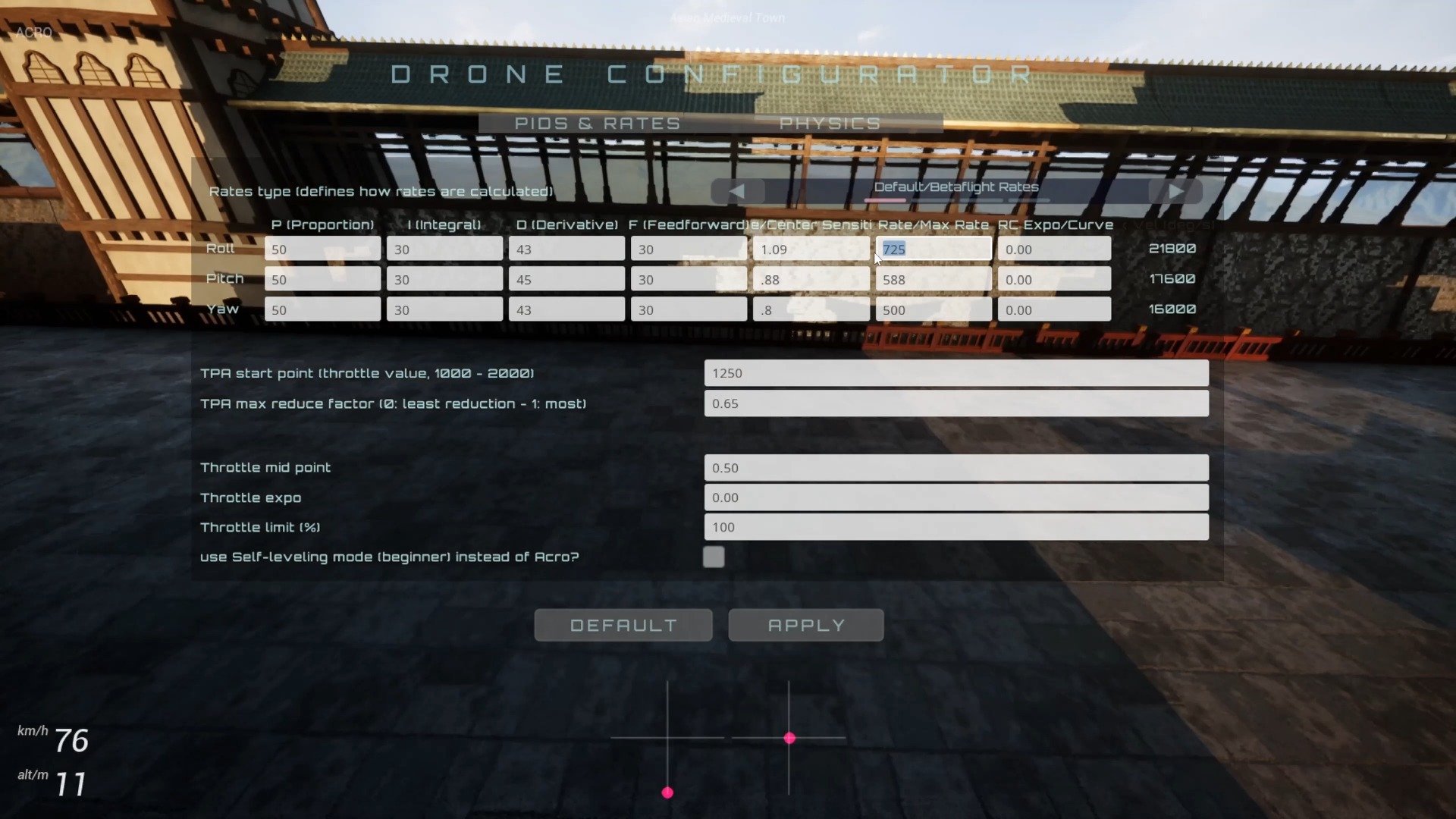
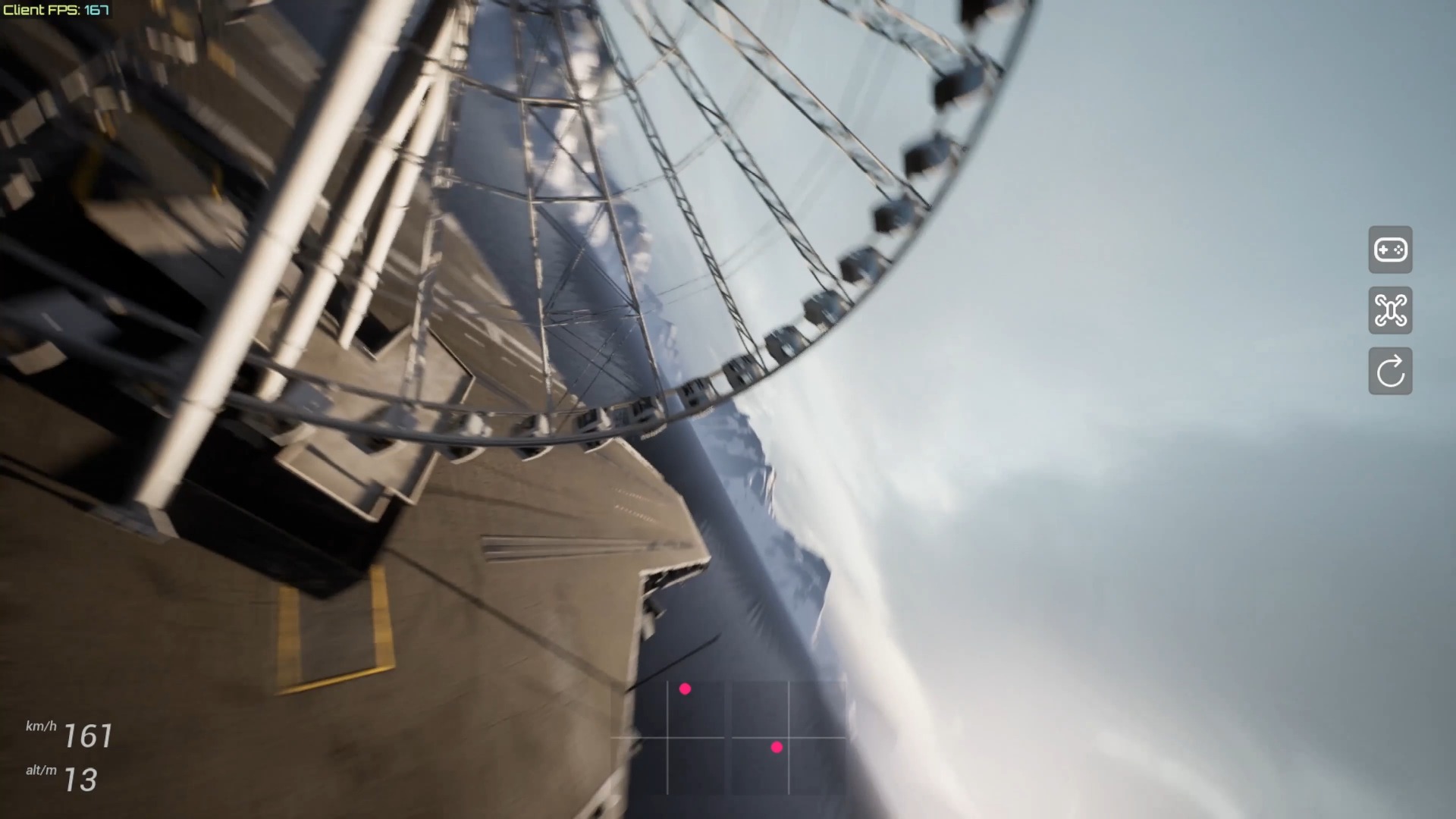
The author sets the hardware specs to low, sets the graphics resolution to Normal instead of Best, and then turns on performance statistics. The goal is not to pursue picture details, but to prioritize the limited GPU and cooling budget to ensure a stable frame rate. Complex scenes in the video exceed 30 FPS at one point and occasionally reach around 40 FPS, indicating that the device can run, but not all tracks will maintain the same results.
When debugging, first reduce the resolution and special effects, and observe the frame rate after a few minutes, instead of just looking at the peak value just after entering the scene. Older phones are prone to throttling due to rising temperatures; if the frame time fluctuates significantly, the control will feel unstable even if the average FPS does not appear to be low.
Correctly understand delays and their uses
The author explicitly cautions against expecting ultra-low latency. The inherent rendering lag of older devices, coupled with wireless gamepad links, will be slower than proper model remote controls and modern consoles. Therefore, this combination is more suitable for casual experience, familiarity with basic circuits, or letting idle hardware work again, and is not suitable for judging the ultimate control feel.
If your training goal is competition-level muscle memory, prioritize wired inputs, stable high frame rates, and low-latency devices. The value of the old mobile phone solution lies in "it can fly", rather than proving that all electronic old things can achieve the same performance.
Operation steps
- Start FPVSIM on the old device
Confirm that the system can open the application and enter the simulator, and then connect the peripherals.
- Connect compatible controller via OTG
Connect an Xbox 360 compatible controller using an OTG cable and receiver, and check the four-axis input.
- Reduce hardware gear and resolution
Select low specification settings, adjust the graphics resolution to Normal, and prioritize frame rate.
- Turn on performance statistics and observe complex scenarios
Look at sustained frame rate and frame time, don't just rely on brief spikes.
- Use delay boundary to determine usage
If the input and screen delays are obvious, use the device for experience and basic exercises, not for extreme control judgment.
FAQ
Can any old Android phone run FPVSIM?
Not guaranteed. System, GPU, memory, cooling, OTG support and controller compatibility will all affect results and need to be tested on specific devices.
Why adjust the resolution from Best to Normal?
Reducing rendering load can leave headroom for older GPUs, which is often more conducive to stable control than retaining high image quality.
Is the 30 to 40 FPS in the video a performance guarantee?
No. These are Nexus 6P demonstration results in specific settings and scenarios, other devices, temperatures and tracks may vary.
Are wireless gamepads suitable for competition-level training?
The video clearly states that it increases latency. There is no problem for experience, but when pursuing low latency and realistic feel, you should use a stable wired link or a suitable model aircraft remote control.
Full timeline transcript
Transcripts are arranged according to video time, making it easy to quickly locate the explanation content. Transcript language: English.
All right, here's a Huawei Nexus 6P, which was released in, I think, 2015. So, essentially a 7-year-old E-Waste. Let's see if we can run FPVSIM on this device. All right, so here I already installed the FPVSIM on my desktop, so I just press the icon. All right, and then let's click into Access SIM. Here I'm connecting this with using an OTG line to a
To a gamepad, essentially. So that this gamepad connects to this little dango here and then that connects to the gamepad I have on my hand. It was an Xbox 360 compatible gamepad. Basically this gamepad connects to this little dango here and then connects to the sim. So here what I did mostly was basically just setting setting the hardware spec to low spec and setting the graphics resolution to normal instead of best.
Just to make it work better on these low spec devices. And then I'm turning the performance stats on just to see what FPS we get. All right, so here is actually a pretty complex scene. I was pretty amazed that even on this scene, it can go even get like over 30, sometimes even 40 FPS. So I'm not quite used to controlling on the gamepad yet.
Which, also understandably, on this low spec device, you cannot expect too much in the performance. Don't expect super low latency. There will be some latency. And because this gamepad is connecting wirelessly, the latency is also going to be higher than the normal radio controller. But as you can see, I can actually fly around even with this seven-year-old eWaste device. So, yeah, just a simple demo.